St Joseph’s College, Margaret Rice Place | Audio Visual Case Study

Revitalising a 1970s Building into a Modern Purpose-Built Learning Space

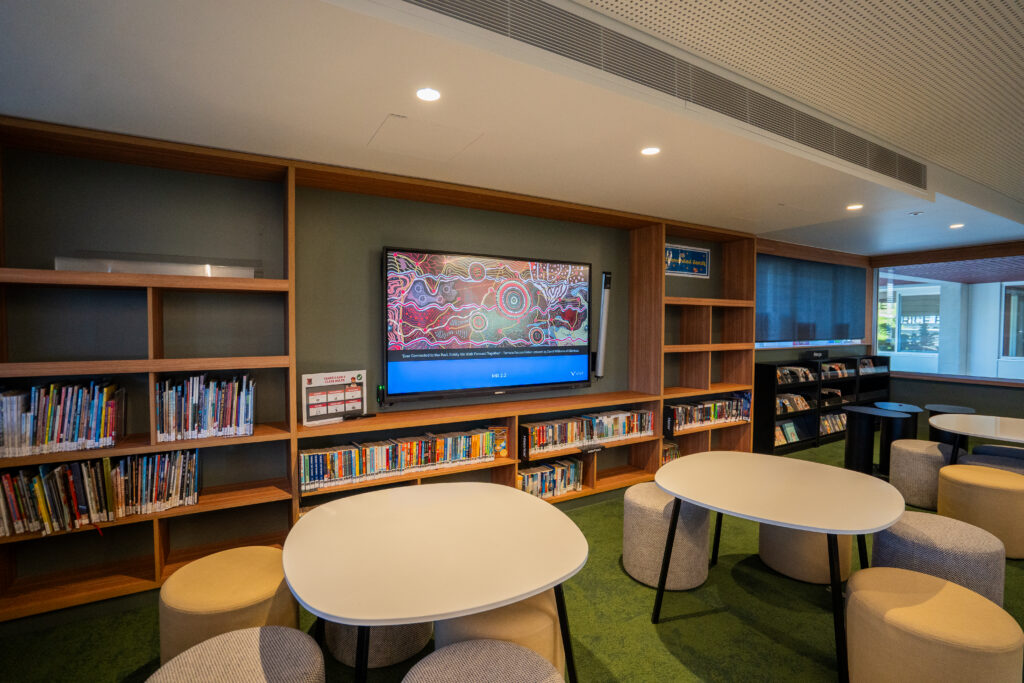
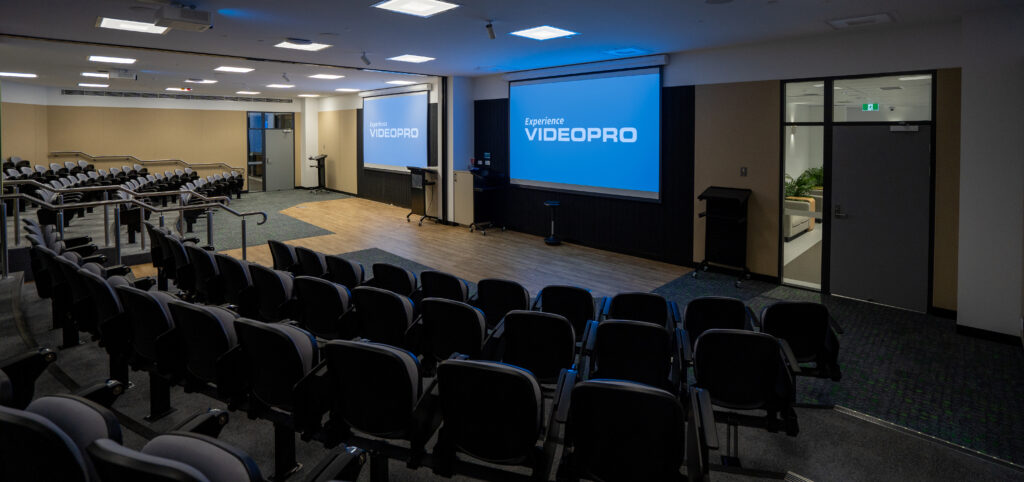
St Joseph’s College has reimagined a 1970s-era hostel into a contemporary, vertically integrated learning environment for Year 5 and 6 students. The newly renovated Margaret Rice Place brings together teaching, creative arts and student amenities into a single, self-contained facility designed to support modern educational needs.

While the original building shell was retained, the internal transformation is extensive. The space now accommodates general learning areas (GLAs), specialist teaching zones, breakout spaces, a resource centre and dedicated facilities including art, science and a tuckshop, ensuring students have everything they need within one cohesive environment.


Videopro named finalist in 2026 AVIA Awards
Videopro named finalist in Inavate APAC Awards 2026

A Complete Audio Visual Transformation

The project required a complete AV transformation to match the building’s ambitious redesign. Key challenges included:

  • Retrofitting modern AV technology within an existing structure.
  • Delivering consistent, easy-to-use systems across diverse learning spaces.
  • Supporting specialised environments such as music, drama and collaborative learning areas.
  • Meeting tight project timelines within a fast-moving construction program.

Following the successful delivery of a large-scale PA system at the College’s Tennyson playing fields, Videopro was engaged to deliver the AV solution for Margaret Rice Place.
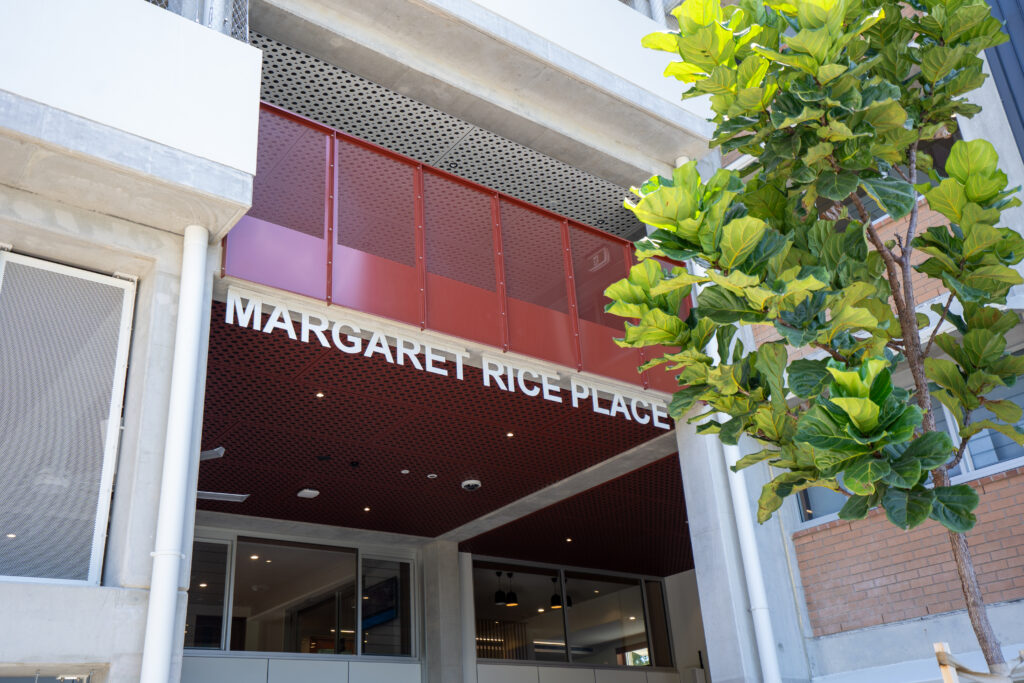
Margaret Rice Place

A Comprehensive Integrated AV Solution

Videopro delivered a comprehensive, integrated AV solution tailored to each learning environment, while maintaining a consistent user experience across the building.

Flexible Learning Spaces (GLAs)

  • Standardised CommBox interactive flat panels across all general learning areas.
  • Systems installed both wall-mounted and on mobile trolleys for flexibility.
  • Integrated Phonak hearing augmentation and voice uplift to improve accessibility.
  • Custom-designed enclosures for assistive technology, enhancing both functionality and aesthetics.
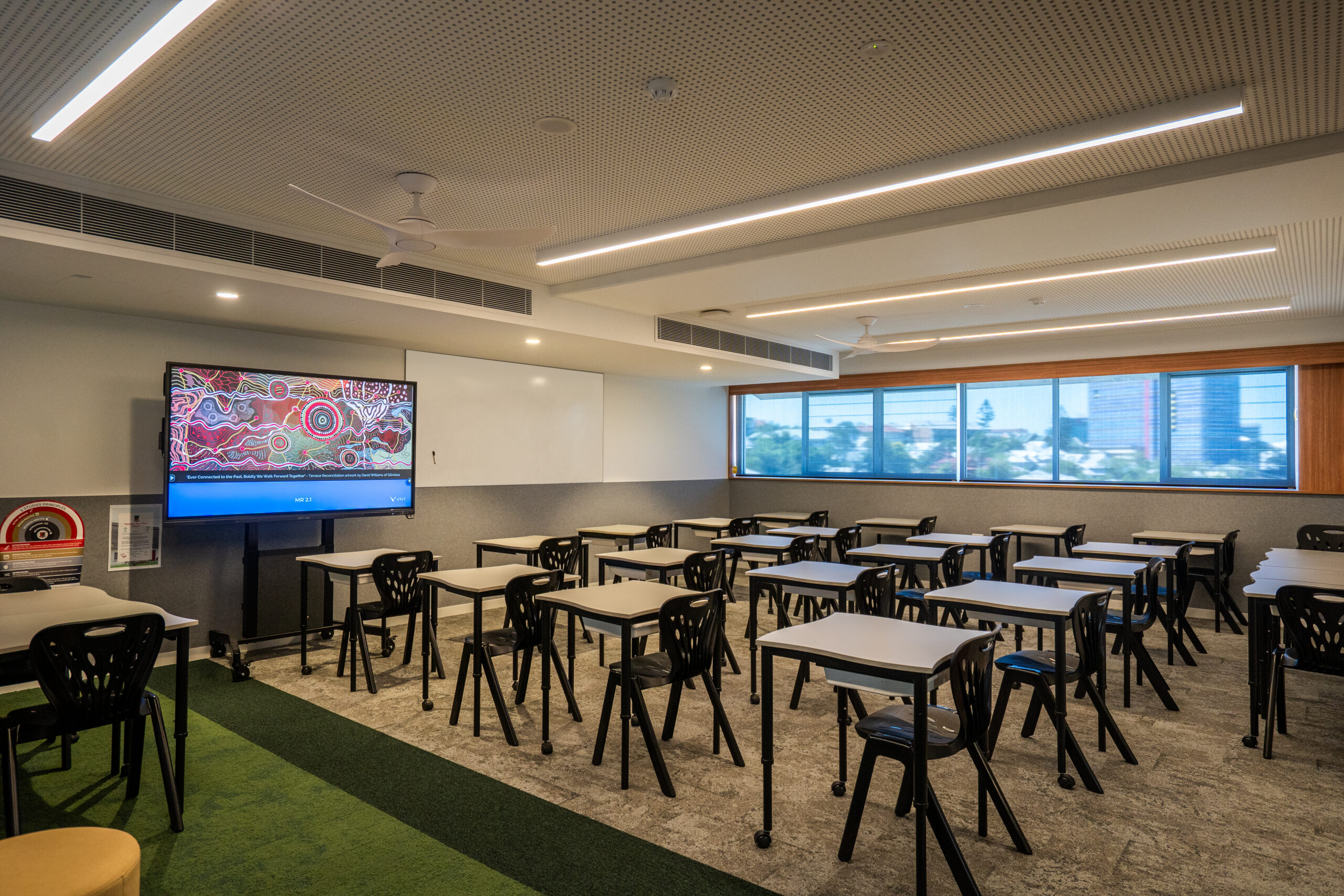
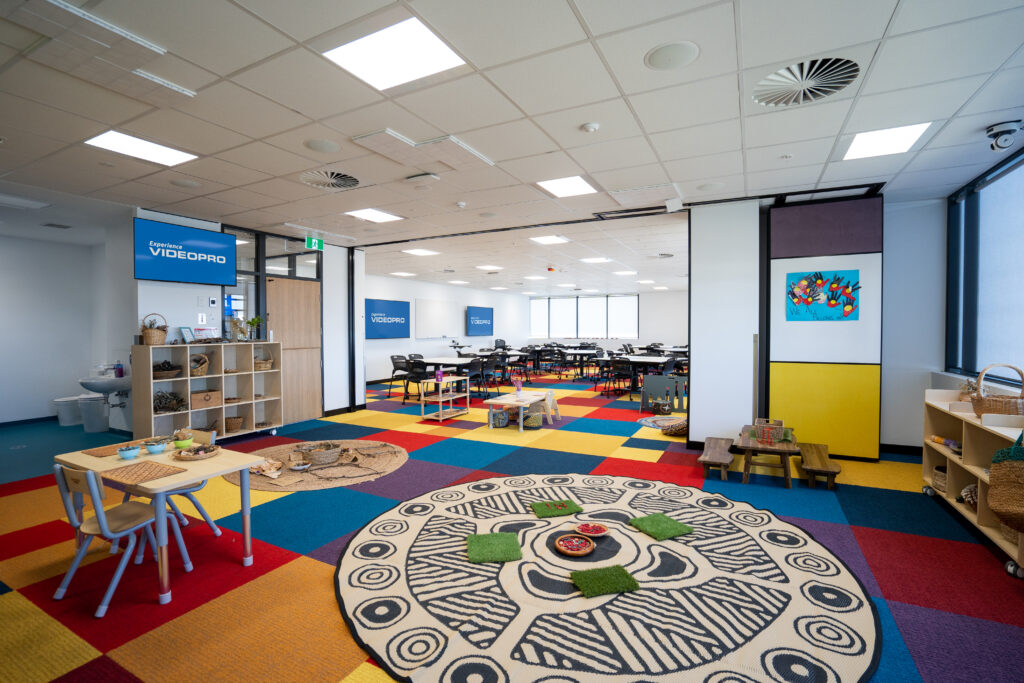
Flexible Learning Space

Specialist Music & Drama Facilities

The upper levels house a range of high-performance creative spaces, including:

  • Individual rehearsal studios equipped with KRK studio monitor speakers and mixing desks.
  • A large band rehearsal room featuring KV2 professional-grade audio systems and Allen & Heath mixing desks.
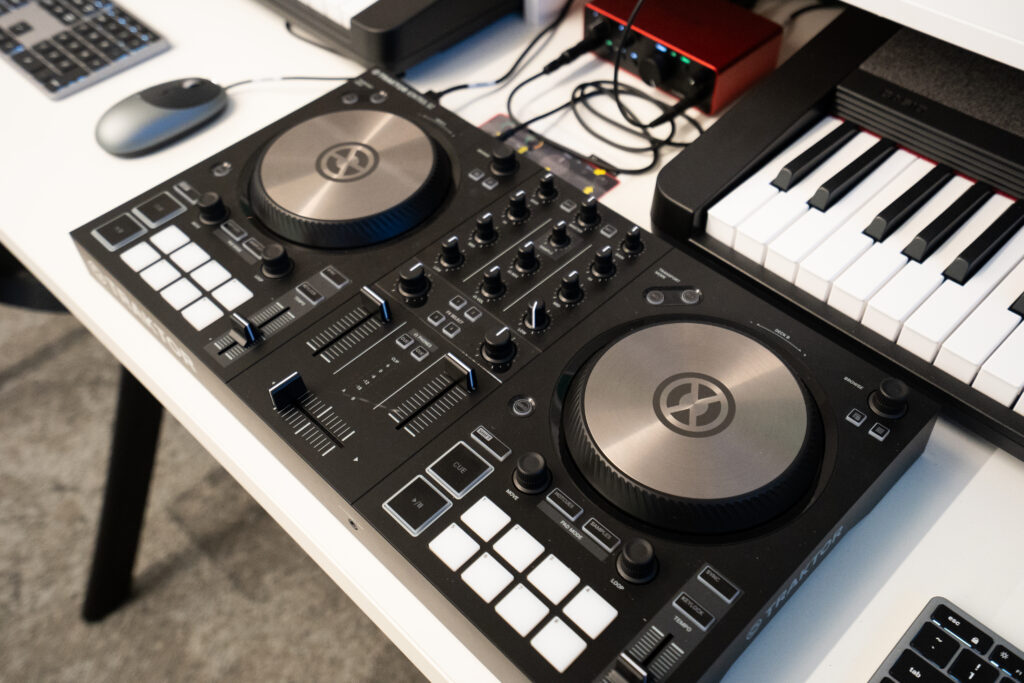
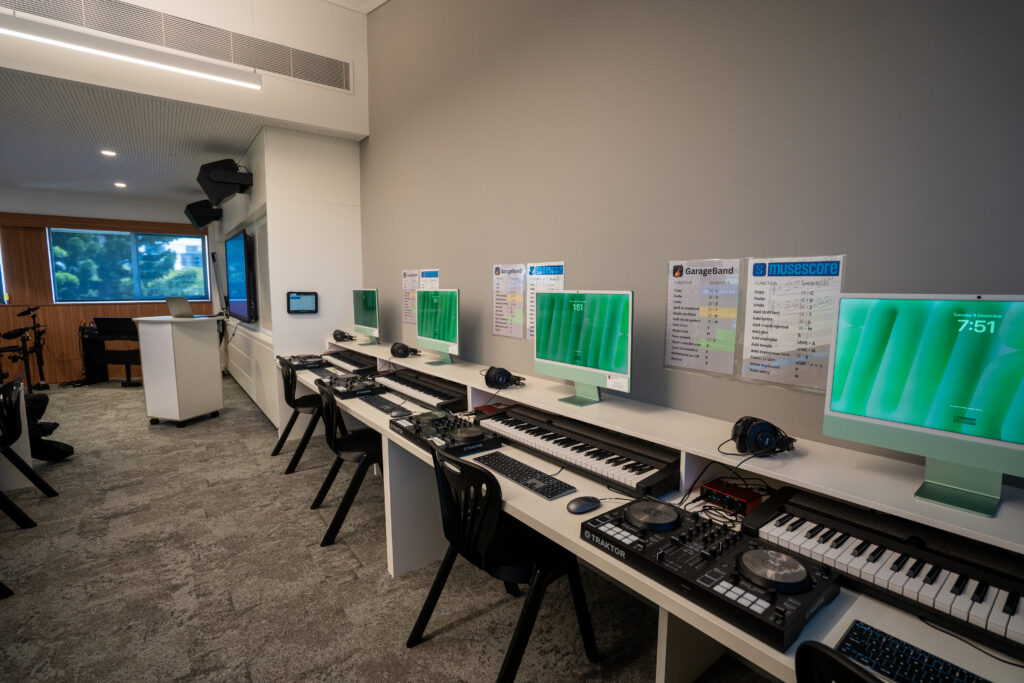
  • A dedicated music lab with iMac computer workstations, keyboards and audio production tools. This room also has the capability for the teacher to route students’ audio to the room’s speaker system, supporting collaborative and performance-based learning.
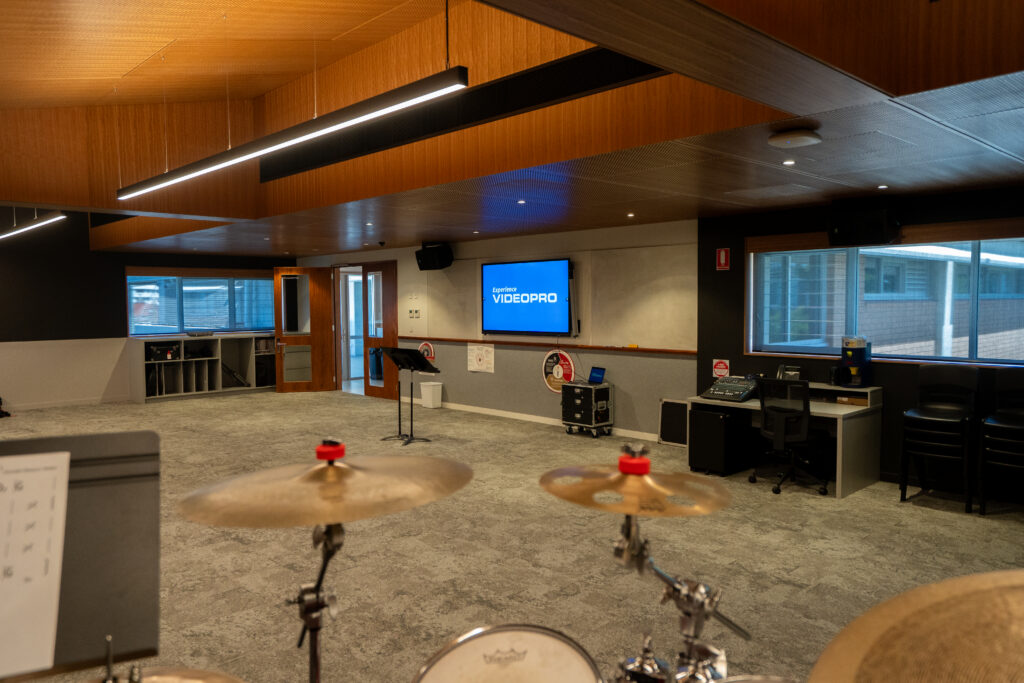
Large band room with professional-grade audio systems
Music room with mixing desks and audio production tools

Collaboration & Meeting Spaces

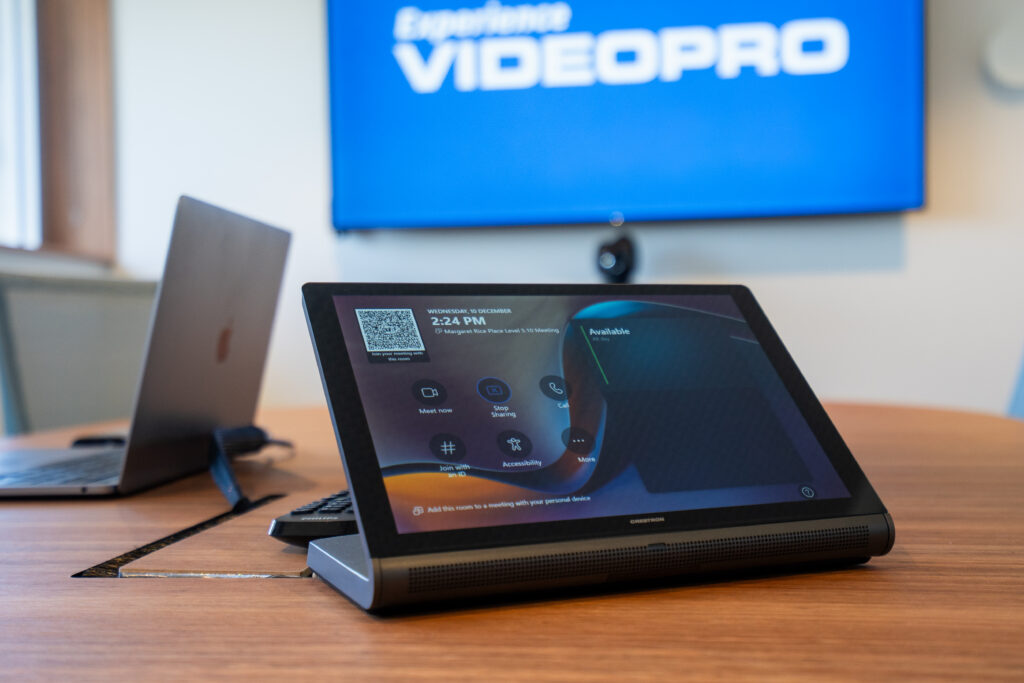
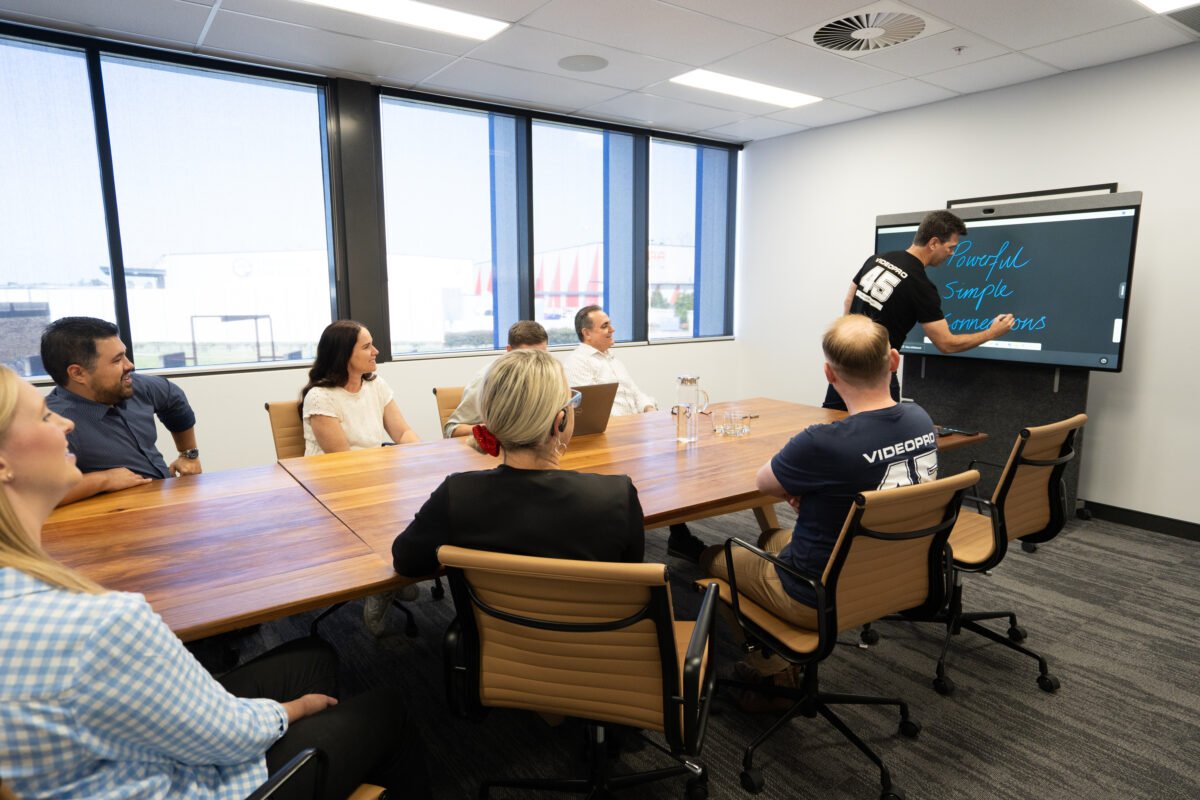
  • A fully equipped boardroom featuring a Crestron Flex Microsoft Teams Room system.
  • BYOM (Bring Your Own Meeting) capability for flexible collaboration.
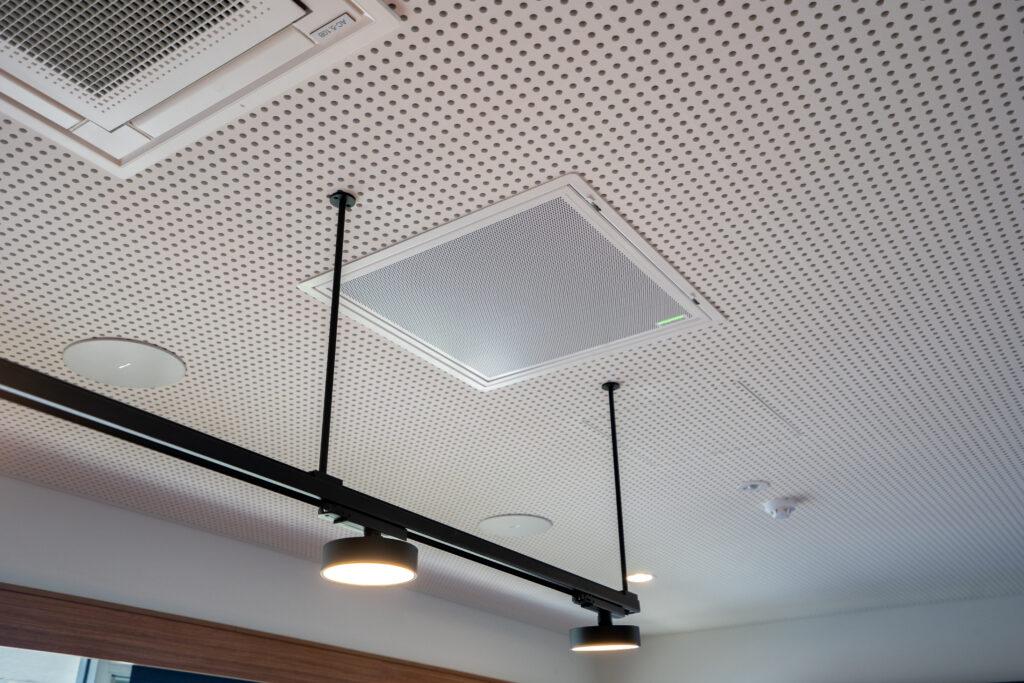
  • Crestron ceiling speakers, Shure ceiling-mounted microphones and AVer PTZ camera for seamless hybrid meetings.
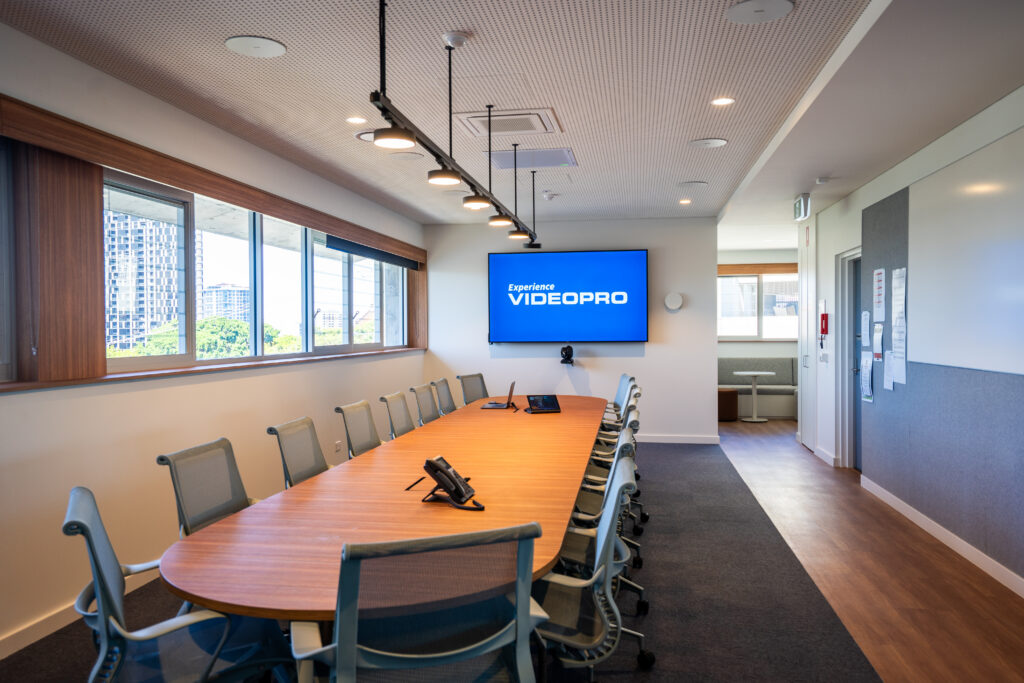
Meeting Space
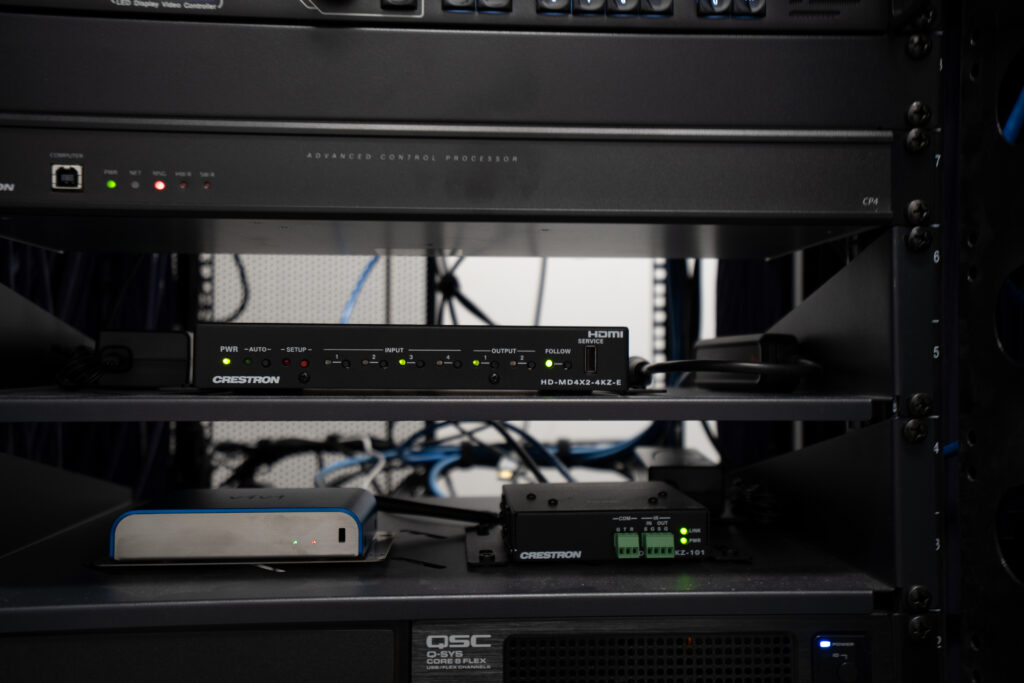
Crestron Flex
Ceiling mounted speakers and microphones

Outdoor Assembly Space

  • Tiered seating outdoor assembly area designed for large gatherings.
  • Pixon Technology LED display for presentations and events.
  • QSC integrated audio system for clear, even coverage.
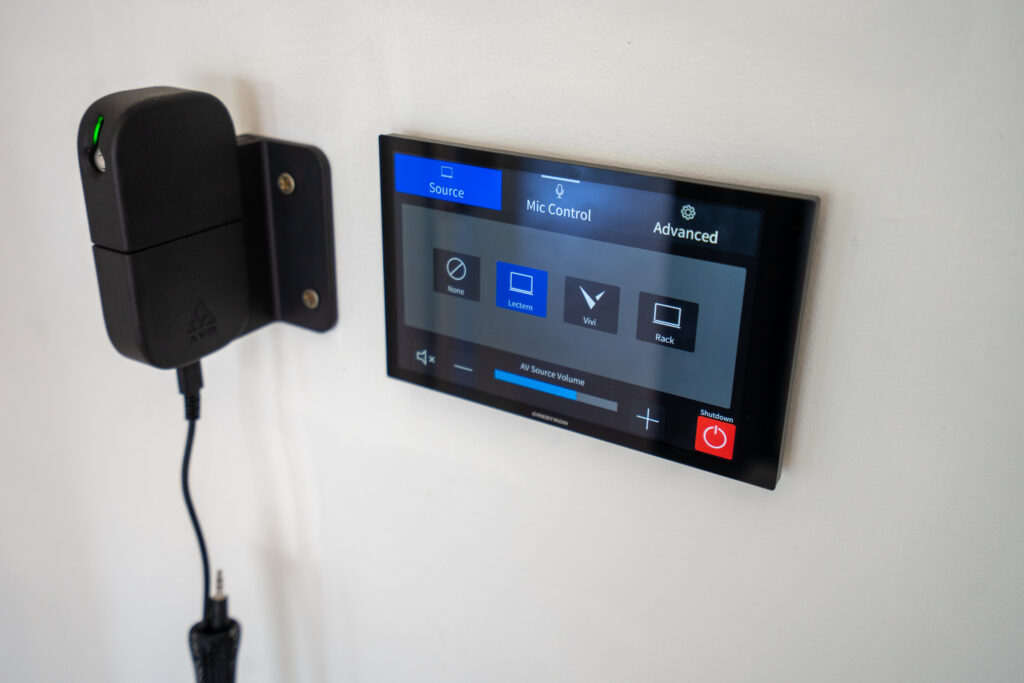
  • Centralised Crestron control system enabling simple operation for staff.
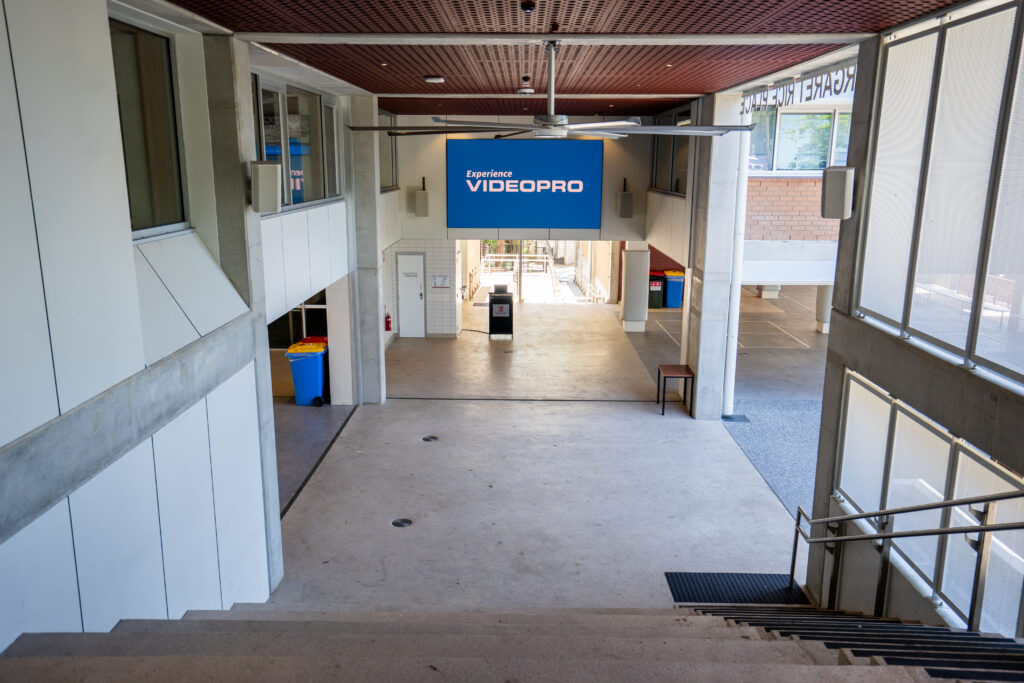
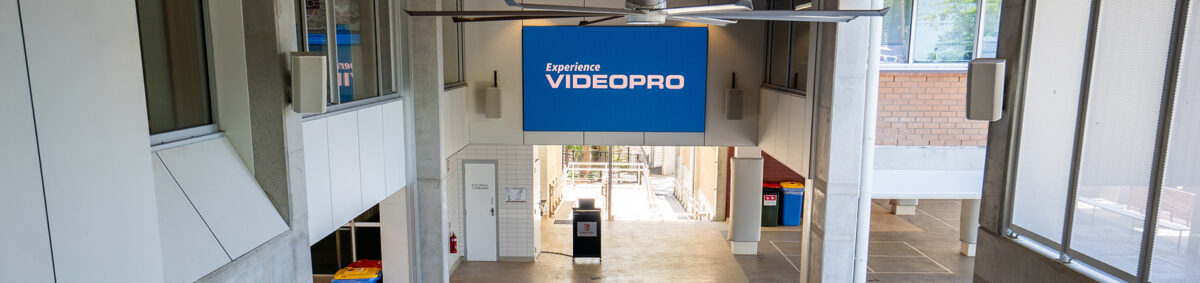
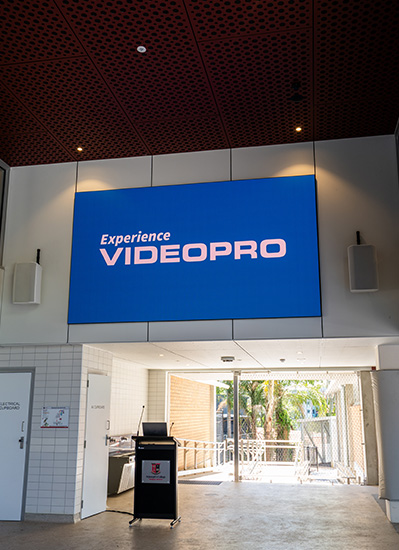
Pixon Technology LED Screen in an outdoor assembly space

Ease of Use by Design

A key priority was ensuring technology enhanced teaching, not complicated it. All the technology and systems that have been used in this project, from intuitive Crestron Control systems to the standardised CommBox interactive flat panels, allow the staff to:

  • Plug in their device and begin instantly.
  • Control displays and AV systems with a single touch.
  • Operate complex environments without technical expertise.

This simplicity has resulted in strong user adoption and a seamless experience.
Videopro Proud

Despite a highly dynamic and fast-paced build, Videopro successfully delivered a fully operational AV solution on time for the start of term.

The result is a future-ready learning environment that:

  • Supports diverse teaching and learning styles
  • Enhances accessibility and inclusivity
  • Enables high-quality creative and performing arts education
  • Delivers reliable, easy-to-use technology across every space

“Videopro were fantastic. Everything was supplied, it was up and running on the day we needed it to, and it all worked.” Nick Jeffery, Property & Facilities Manager, St Joseph’s College Gregory Terrace.

Let’s Chat

For more information or to speak to our expert team about an Audio Visual solution for your workplace or educational space, contact us on 07 3250 0000 or via the website.


Surface Hub Technology Announcement

Important Update: Surface Hub v1 and 2S devices running Windows 10 Team Edition – Support Ends October 14, 2025

Microsoft has announced, that on October 14, 2025, Surface Hub v1 and 2S devices running Windows 10 Team edition will reach end of support. This means Surface Hub v1 and 2S devices running this version will no longer receive security updates or technical support from Microsoft and Microsoft Teams functionality will also be affected.

If your organisation continues using these Surface Hub devices on Windows 10 Team edition, you risk operating on an unsecure, unsupported system. This could disrupt collaboration, compromise security, and limit access to Microsoft Teams.

To stay secure and fully supported, organisations need to transition these Surface Hub devices to a Windows 11-based platform such as Microsoft Teams Rooms on Windows.

For Surface Hub v1: After October 14, 2025, Surface Hub v1 devices will no longer be supported. Microsoft recommends planning for a hardware refresh. Videopro can help identify a suitable replacement.

For Surface Hub 2S: After October 14, 2025, Surface Hub 2S devices must be on a Windows 11-based platform, such as Microsoft Teams Rooms on Windows, to continue receiving updates and support. There are three upgrade paths:

  • Hardware upgrade
    Install the Surface Hub 3 Compute.
  • Software migration (available until October 14, 2025)
    Transition Surface Hub 2S devices to Microsoft Teams Rooms platform.
  • Windows 11 image install
    Unlock the device and install a supported Windows 11 image.

For more information, please read the announcement from Microsoft.

Keep your teams connected and your technology future-ready.
Start planning your transition today to avoid downtime and security risks. Explore the right upgrade path for your Surface Hub devices and ensure your teams stay supported beyond 2025.

Talk to Us About Your Transition – Please contact us if you have any questions or would like to know how we can help your organisation.

Neat Board Pro

Bring Your Team Together Like Never Before
The Neat Board Pro transforms collaboration with a stunning 65″ 4K multi-touch display and crystal-clear, adaptive audio and video, so every voice is heard, and every idea is seen. Designed for medium to large spaces, it combines elegance with flexibility to make meetings effortless and engaging.

All-in-One Collaboration Hub
Dual 50MP cameras with intelligent framing and up to 16x hybrid zoom keep everyone in view, while an advanced 5-microphone array and speakers deliver conversations that sound natural and immersive. The responsive, anti-glare touch screen makes presenting, brainstorming, and whiteboarding seamless, whether your team is in the room or joining remotely. The included Neat Active Marker also makes writing or drawing on the board feel natural.

Made for Modern Workflows
Certified for Microsoft Teams and Zoom, the Neat Board Pro simplifies meetings with wireless sharing, BYOD support, and the Neat App Hub for all your favourite tools. With flexible mounting options and Neat Pulse cloud management, it adapts to any workspace while giving IT teams full control of neat devices from a centrally managed platform.

If you would like to find out more about the Neat Board Pro, or experience the Neat Board Pro first-hand, please contact us.

Urban Utilities | Audio Visual Case Study

Urban Utilities provides water and waste management services to residents and commercial customers in the Brisbane, Ipswich, Lockyer Valley, Scenic Rim and Somerset local government areas. They are the fourth largest water provider in Australia.

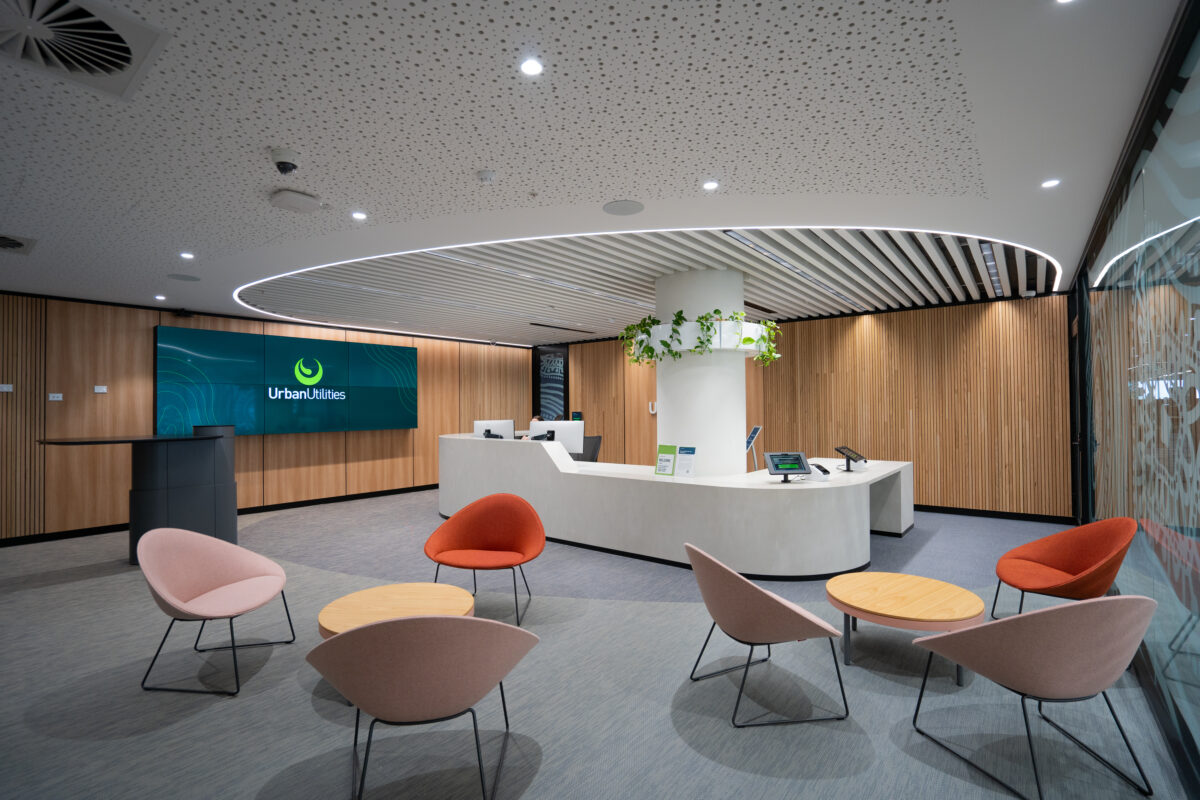
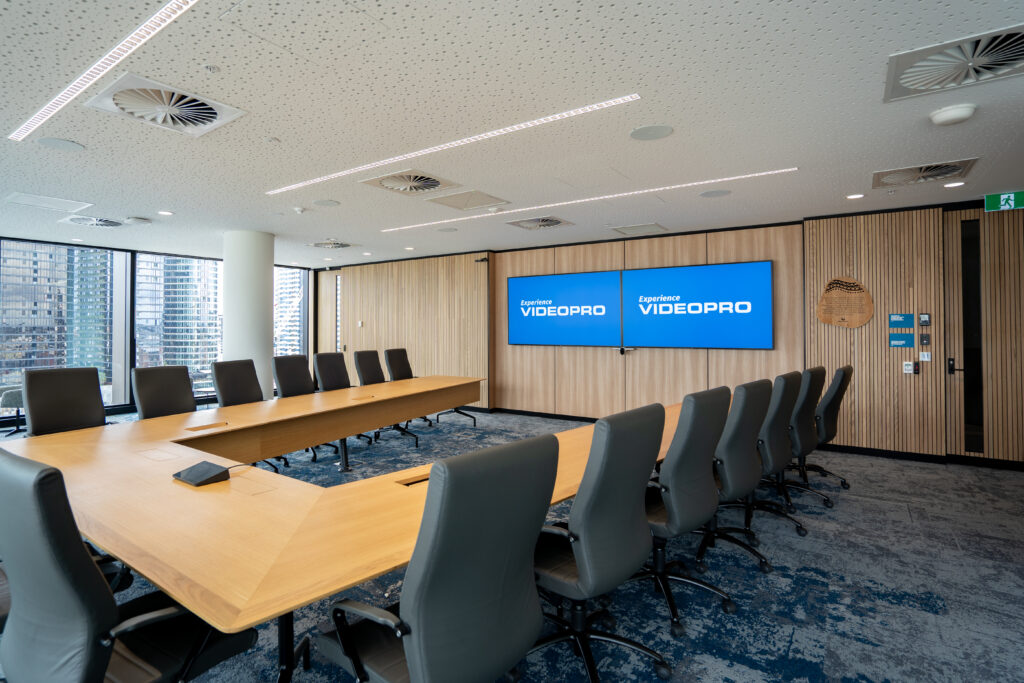
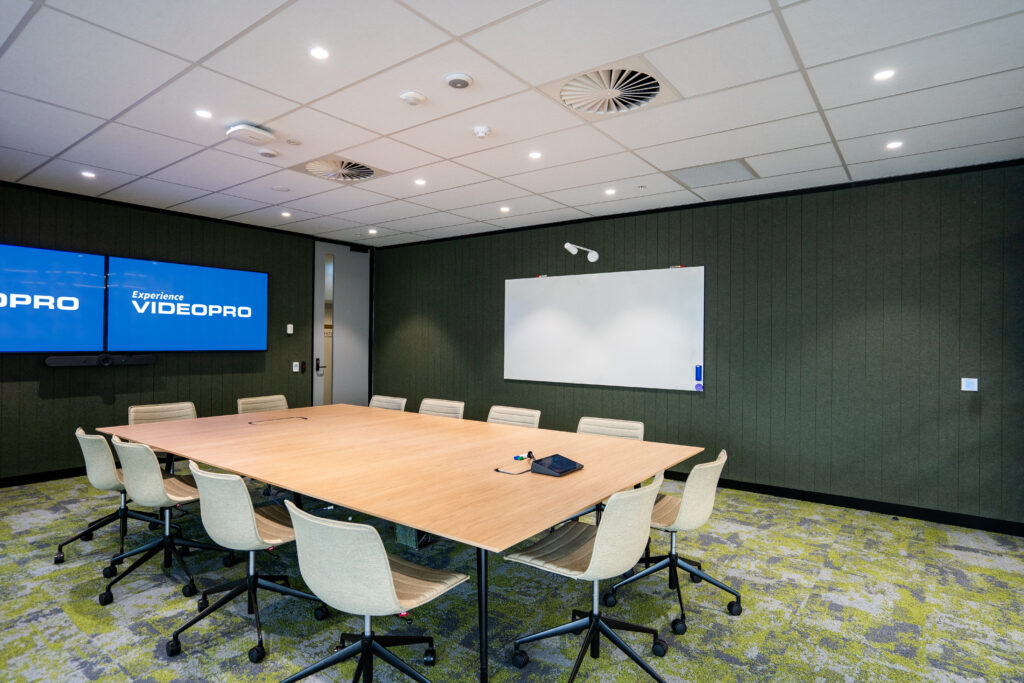
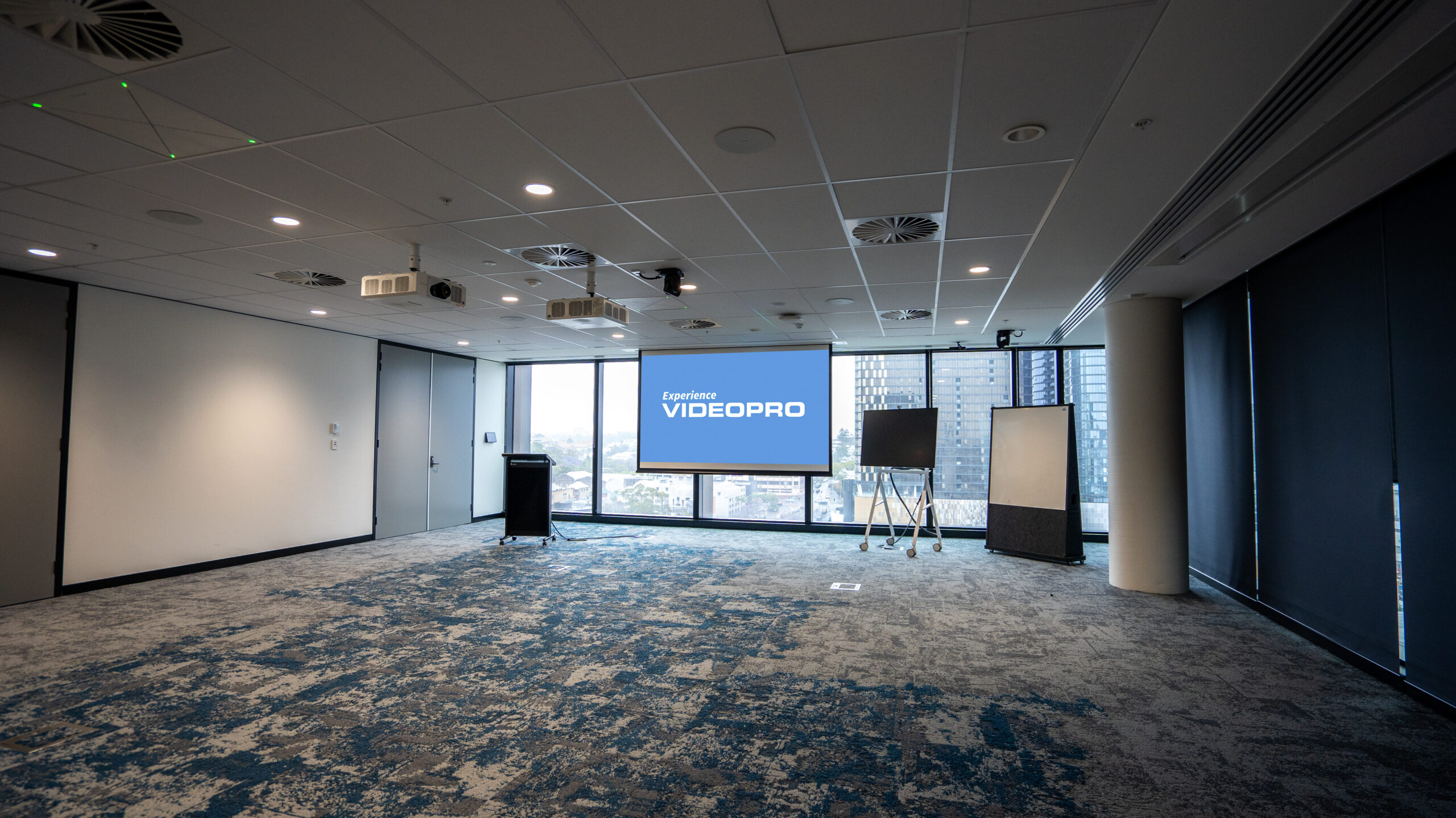
Videopro was engaged in August 2022 on a design and construct scenario in conjunction with Hutchinson Builders as Urban Utilities moved locations. At the new Urban Utilities head office at 31 Duncan Street, there are 30 AV spaces consisting of small, medium and large meeting rooms, executive offices and a boardroom, along with more bespoke spaces including a large control room, emergency room, project spaces and an area called The Hive that can facilitate between 60 to 80 people for large scale presentations. The reception area has a 3x2m video wall and there is digital signage throughout the building which allows Urban Utilities to share marketing content, workplace information and wayfinding information. Amongst that there is an overarching system which monitors space utilisation in the building.

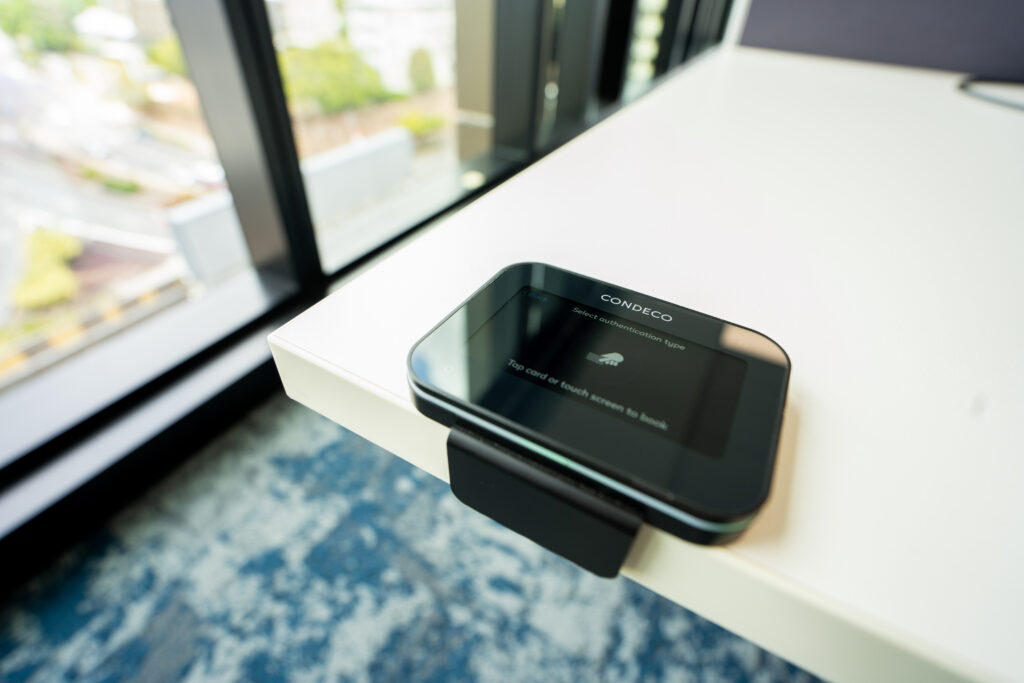
Videopro provided a navigation and wayfinding solution via Condeco which allows each workstation to be booked in advance through a mobile application or through tiles on the desk where staff can simply tap on and tap off with their work ID. In addition to this, Videopro installed a Relogix sensor system which identifies how many people are in each room at any given time. The Relogix and Condeco systems tie together and the reporting feeds out to Power BI where the data can be analysed to ensure all spaces are being utilised.

Urban Utilities’ previous premises had minimal technology that connected those workers in the field or at home to those in the office. The new meeting rooms enable connection and equity irrespective of where employees are, to participate equally in meetings and offer the same experience for all. Urban Utilities also wanted the user experience to be seamless and easy to use so employees could walk into any room or join a meeting remotely and always have a consistent experience.

The audio and visual are reticulated over Extron’s NAV system with the audio itself being predominantly Q-SYS, conveyed via Dante to different locations along with Sennheiser beam-steering microphones in the larger, bespoke spaces. The conferencing cameras are a mix of Logitech, Poly and AVer.

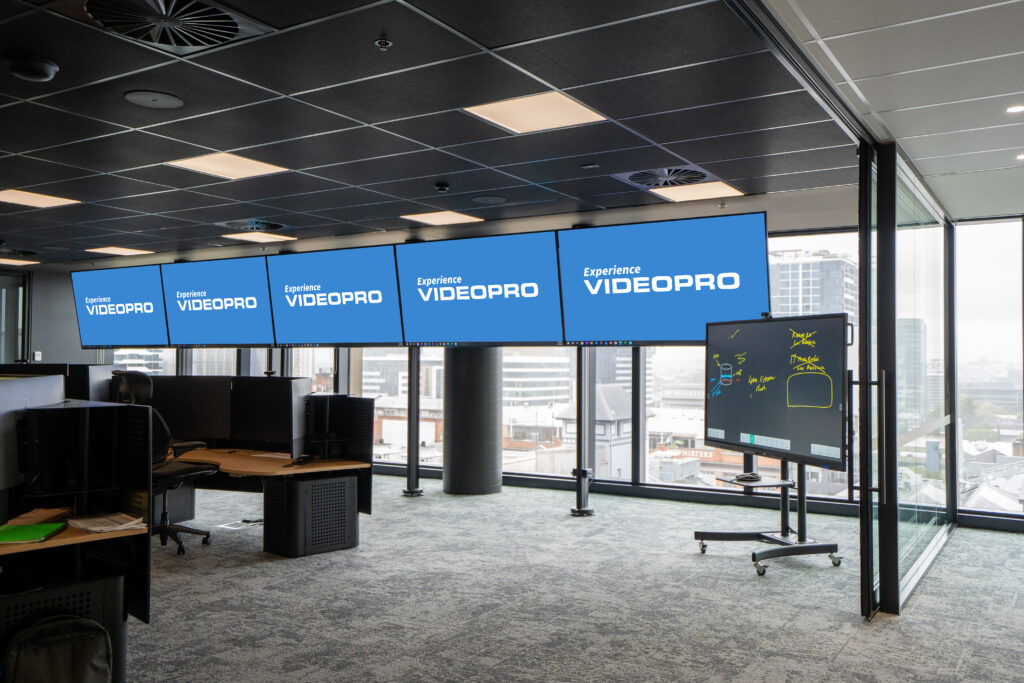
There are also areas that have been designed deliberately to bring multiple parties together for long-term projects with mobile furniture including the control room. This space provides 24×7 monitoring and services for Urban Utilities’ network of infrastructure, assets and sites. The control room has five 85” screens at the front of the room that content can be shared to via the Extron NAV system with each employee also having their individual workspace.

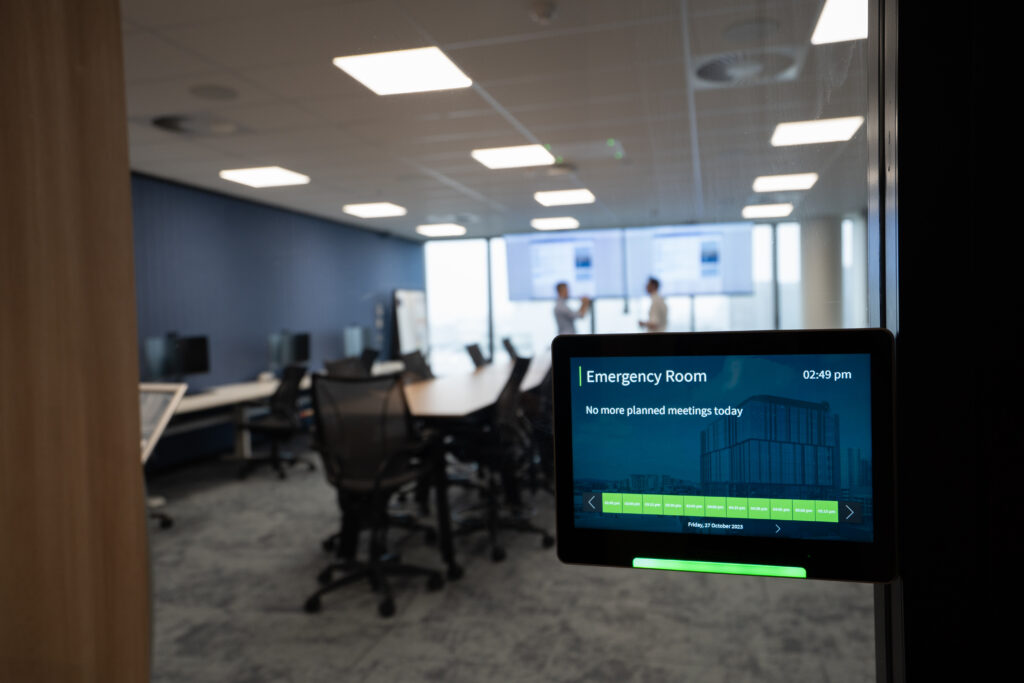
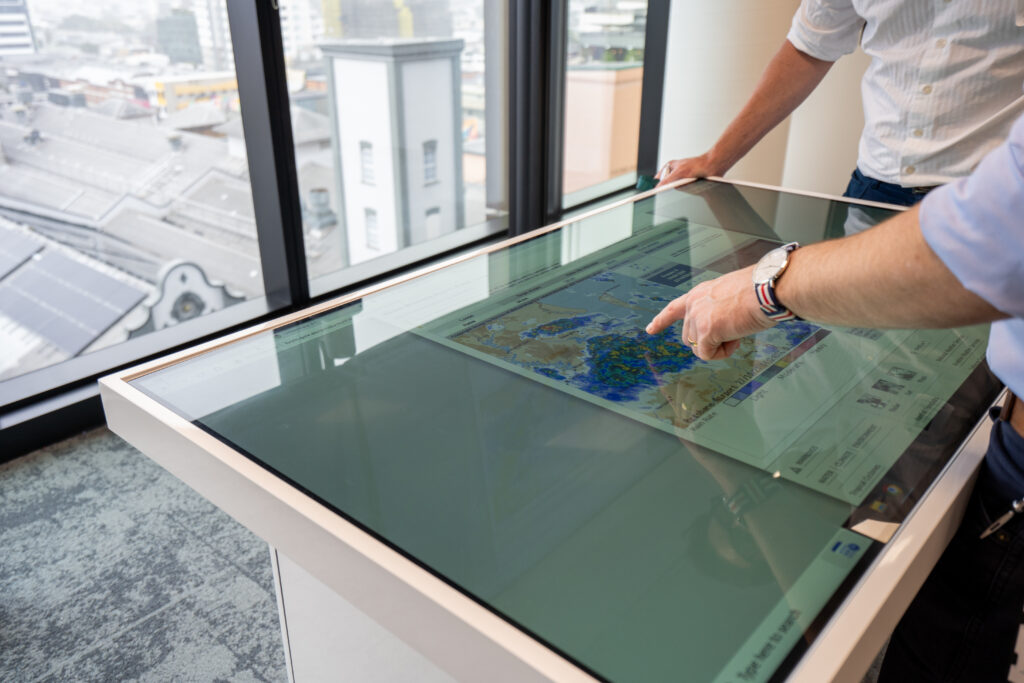
Beside the control room is the emergency room. This space has a 55” custom-built touchscreen for Urban Utilities that the Incident Management Team can stand around and drive content, which they can also share on the monitors at the front of the room. The space has been designed to enable them to do their job BAU and respond to major incidents as they occur.

This site has set a baseline of capability for Urban Utilities. Both the AV and the workspace technology will be what is rolled out at their other locations going forward. Videopro has a 2 year contract with Urban Utilities and are looking forward to a long partnership.

Let’s Chat

For more information or to speak to our expert team about an Audio Visual solution for your workplace or educational space, contact us on 1300 843 367 or via the website.
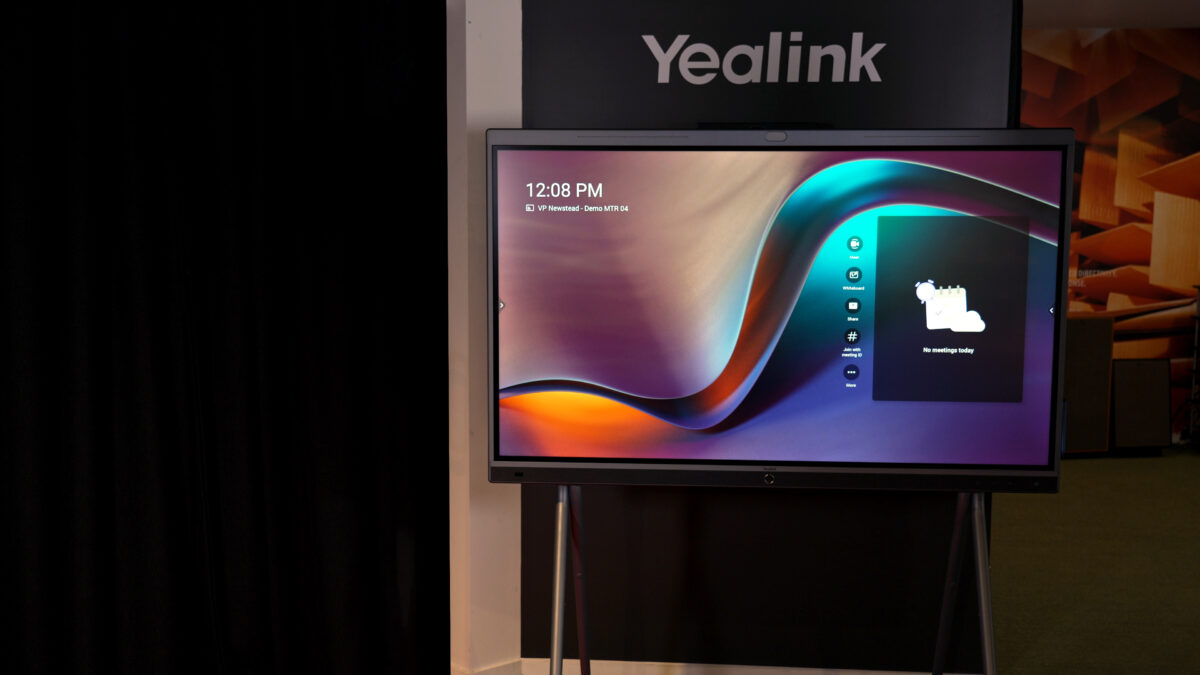
Yealink Video Conferencing Wall

Yealink have established themselves as a brand that offers high quality video conferencing solutions that are also cost effective. Our Newstead Experience Centre is proudly home to a new Yealink display featuring a range of their VC solutions. Join Videopro’s Pat as he shows off the new Yealink products on offer.

Solution 1: DeskVision A24

The DeskVision A24 provides you with an all-in-one Teams room solution paired with a 24” touchscreen. It features an automatic camera that pops up when a call starts and has built-in microphones and speakers that provide a superior audio experience. It can also be used as a second monitor for your laptop for added usability. The base features a USB hub for all your peripherals and a wireless charging pad for your smartphone. All of these features make it perfect for either an office or home workspace.

Solution one includes:

+ Yealink DeskVision A24

Solution 2: Huddle Room

The second solution takes a step up to a combo that is perfectly suited to a huddle room. It features the A10 compact meeting bar that provides a 4K camera with 120° field of view and an eight microphone array. It also features speaker tracking, auto-framing and smart gallery functions to ensure that everyone in the room is heard and seen clearly. Yealink’s advanced AI noise cancellation enhances the audio experience by reducing background noises and providing crystal clear audio quality. This device is paired with a touch panel for full control and a wireless dongle to allow presentations with no cables at the press of a button. This package can be set up to run Teams, Zoom or function as a BYOD solution.

Solution two includes:

+ Yealink A10 Compact MeetingBar
+ Yealink CTP18 Touch Panel
+ Yealink WPP30
+ Room display

See more information on the Huddle Room setup.

Solution 3: 65″ MeetingBoard

The final solution is the 65” Yealink Meeting Board. This innovative solution provides you with an all-in-one design that delivers an immersive meeting experience. The 4K camera provides a premium and intelligent video experience with all the AI features you’d expect like auto-framing and speaker tracking. It also has a 16 microphone array, in-built DSP with enhanced AI noise cancellation and a four plus two speaker configuration. This delivers an 8m full duplex audio experience that makes it sound as if everyone was sitting in the same room. However, it’s the touchscreen that really elevates the functionality of this product as we can now incorporate collaborative whiteboards in a video meeting. The 65” size and pen and paper feel also provide a smooth and seamless writing experience.

Solution three includes:

+ Yealink 65″ MeetingBoard
+ Yealink MeetingBoard Floorstand

Experience Videopro

If you’re looking to enhance the video conferencing capabilities of your workspace, whether at home or the office, make sure you head down to Videopro Newstead to check it out or contact our team of experts to learn more.

Moreton Bay Council | Audio Visual Case Study

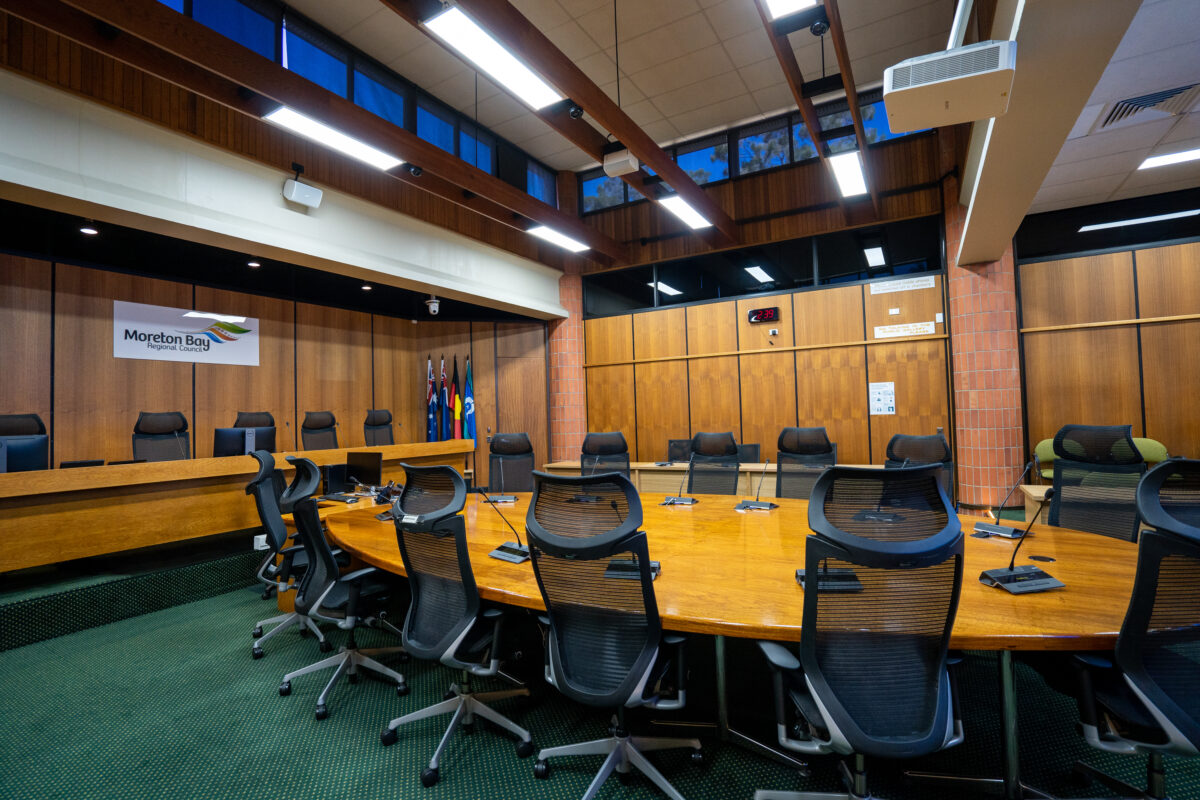
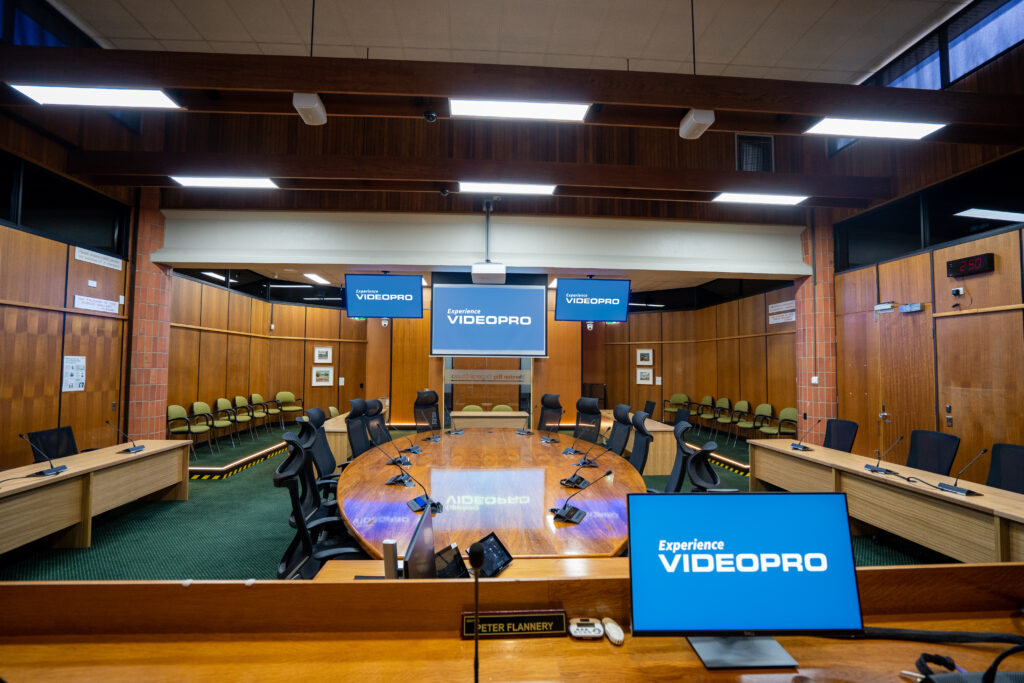
Moreton Bay Council is situated in between the Brisbane and Sunshine Coast areas and serves roughly 500,000 people in the community. It is one of the fastest and largest growing Councils in Australia. Videopro started working with Moreton Bay Council in 2022 to discuss options to upgrade their Council Chambers at Strathpine.

The main challenge Moreton Bay Council was facing was the advanced age of the existing technology in their Council Chambers. There were a lot of operational issues during important Council meetings, to the point that a technician would have to be present just to get the system started. The ICT team engaged Videopro to offer a new, simplified solution.

The Council had invested in video conferencing equipment which was still current, therefore, the design moving forward ensured that Videopro utilised the functional equipment that was already in place, while offering the best outcome with the new technology added. The user interface and programming design of the system it’s quite impressive.

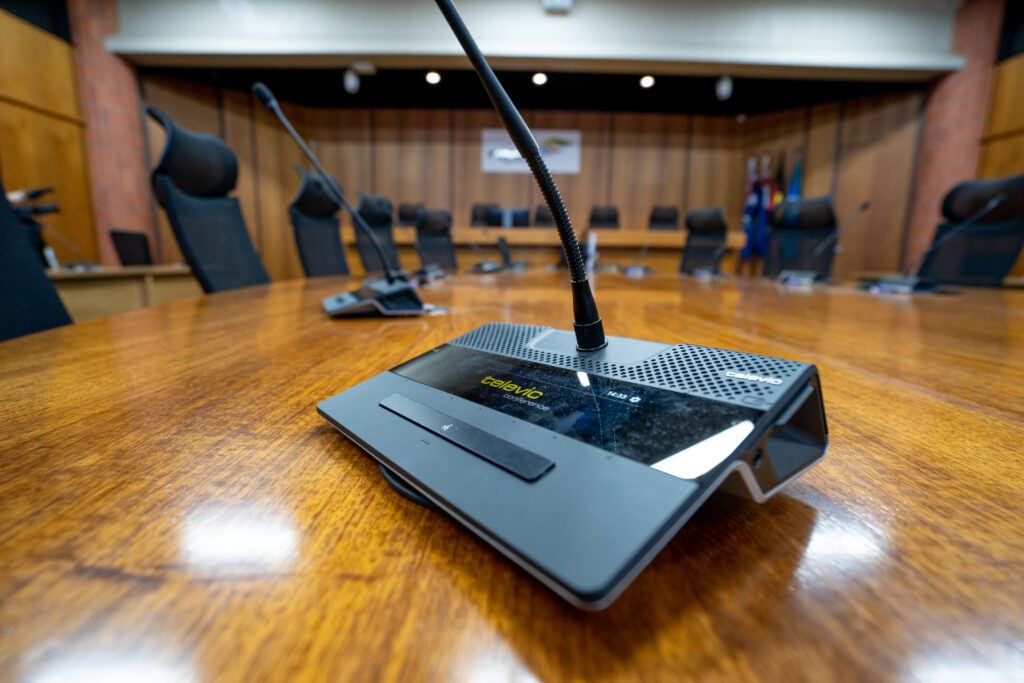
The Council wanted a one-touch solution where you could walk in, start up the system and then not think about it again. Videopro’s programming team were able to allow for auto camera tracking and switching based on who the active speaker is. There are 26 microphone positions, one for each Councillor. When they select their microphone to talk, the camera will focus in on them and then switch so that you never see the camera swing into position. There are four cameras in the space that cover all 26 positions. The system will always show the best camera angle for the active speaker. If a better camera angle becomes available, the system will switch to that camera without having to be looked after by the user.

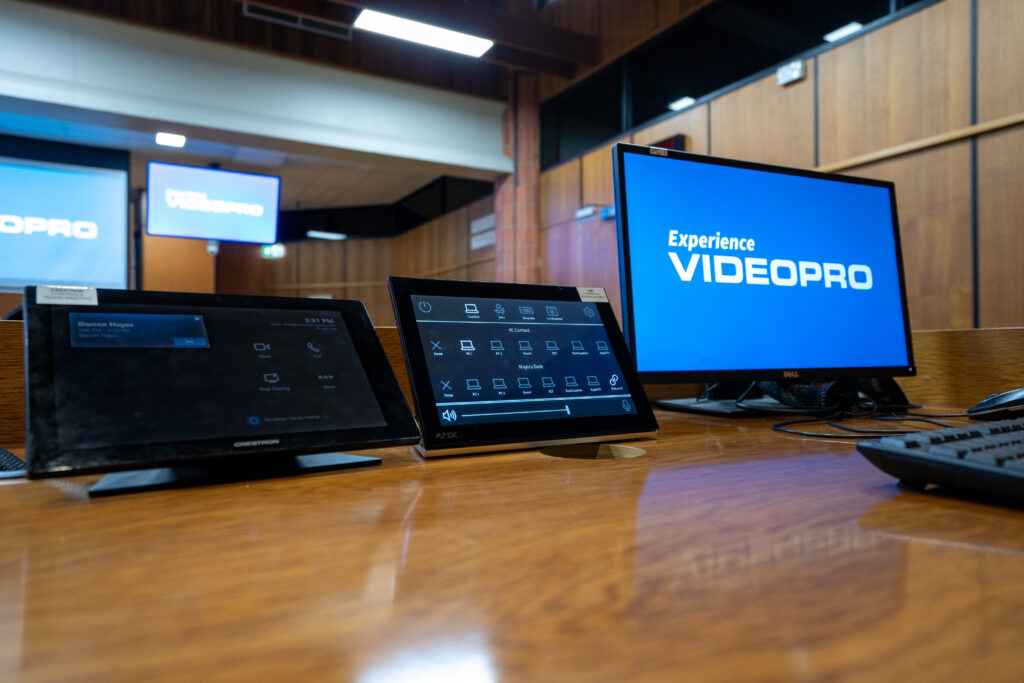
The system is very agnostic and doesn’t require any proprietary hardware. Any commercial-level cameras, DSPs, microphones, etc. can be implemented for this type of system functionality. Videopro have installed Televic conferencing microphones, additional Shure microphones, Panasonic PTZ cameras, Bose speakers and AMX control and SVSI.

Videopro have added a one-touch livestream functionality to the system, including a confidential mode that will pause the stream. That function is not currently being used but is there to future-proof the system.
The initial feedback from the Councillors has been very positive, especially surrounding the sound quality. Moreton Bay Council were happy with Videopro’s suggestions throughout the design and are pleased with the final outcome. The new system is simple and intuitive. Videopro are very proud of the completed project and are excited to continue working with Moreton Bay Council in upcoming engagements.

Let’s Chat

For more information or to speak to our expert team about an Audio Visual solution for your workplace or educational space, contact us on 1300 843 367 or via the website.
TAFE Robina | Audio Visual Case Study

Mid-way through 2022, TAFE QLD opened their new Robina Campus as part of their Gold Coast region. This allowed them to provide a state-of-the-art facility for cookery and hospitality, early childhood, business, and fitness, sports and recreation students. At any one time there can be 1500 to 2000 students coming through the campus based on enrolments.

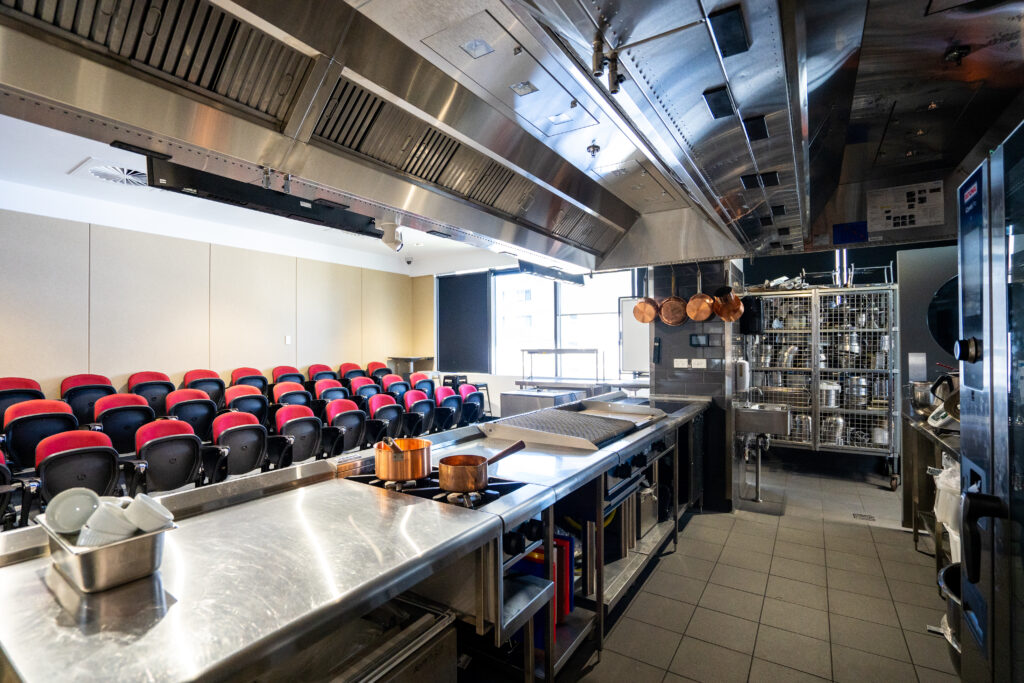
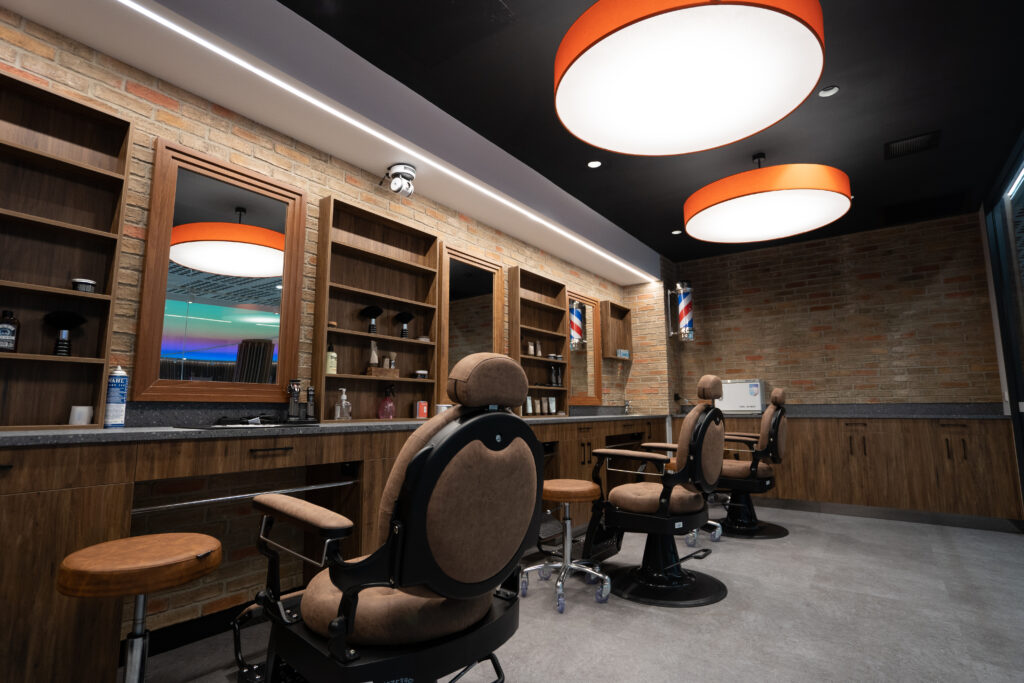
The campus is spread across five floors and Videopro fit out 56 rooms including classrooms, flexible learning spaces, study and conferencing booths, meeting spaces, lecture theatres, a hairdressing and barbering salon, a beauty salon, a gym, commercial training kitchens and a restaurant on the top floor.

TAFE QLD had a strong focus on sustainability for the new Robina campus and knew they would need to be progressive in their AV design. Smart control throughout the building reduces energy consumption by ensuring screens and projectors turn off on a timer.

The other emphasis for the Robina campus was to maximise flexibility for teachers. Videopro implemented Vivi throughout the campus to allow teachers to present anywhere within the facility without being tied to a cable connection. Vivi also allows the IT team to easily manage classrooms and digital signage within the general spaces all from a single admin console.

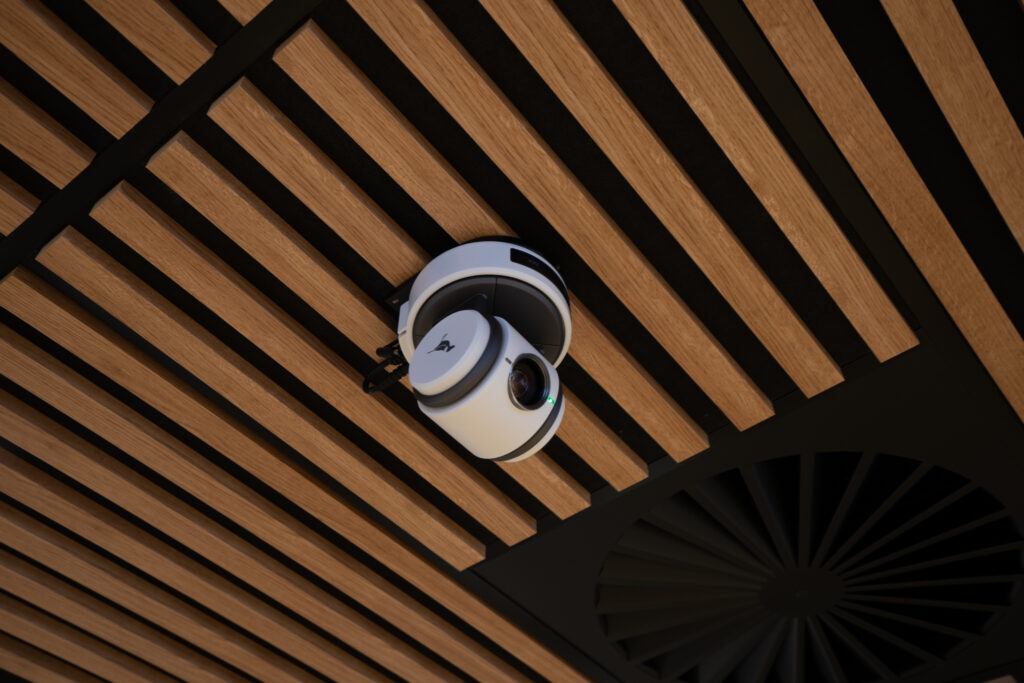
BirdDog P100 PTZ cameras were also utilised to expand upon that flexibility, giving teachers the option to livestream to students outside of the classroom or to record lessons for future viewing. The IT team are also able to monitor every classroom through the BirdDog cameras.

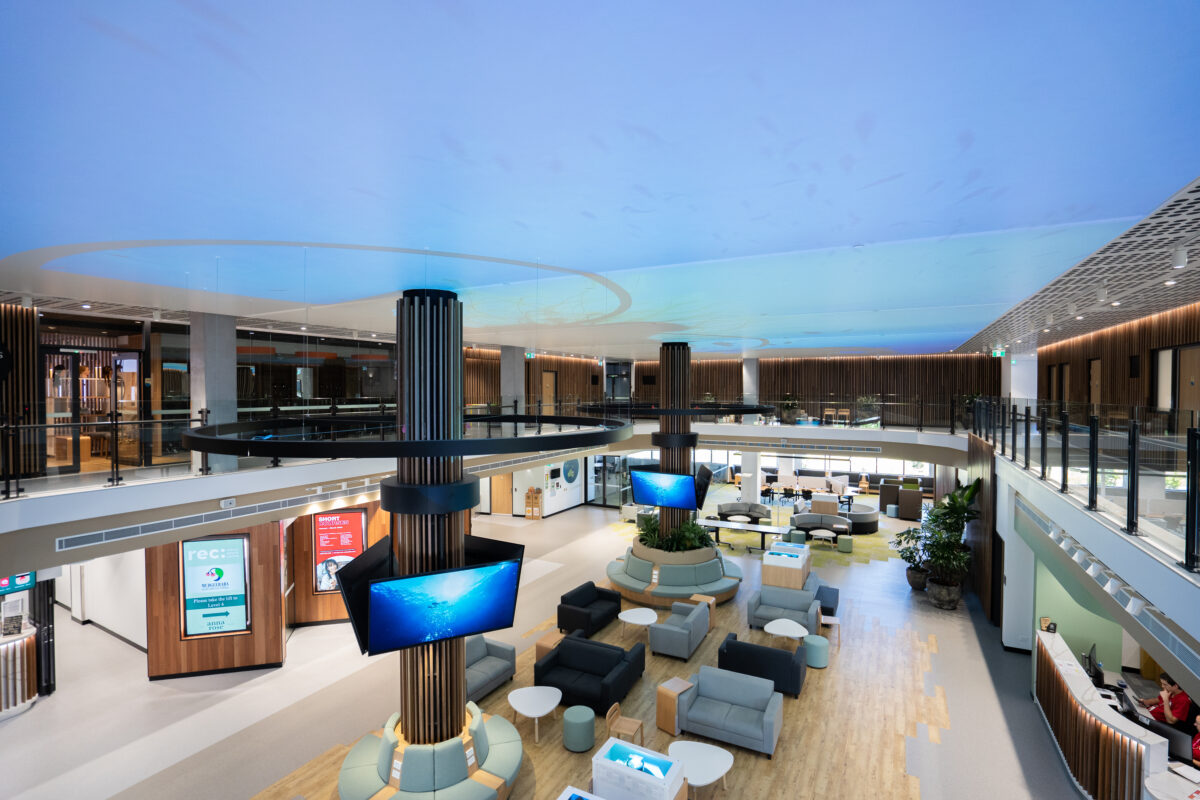
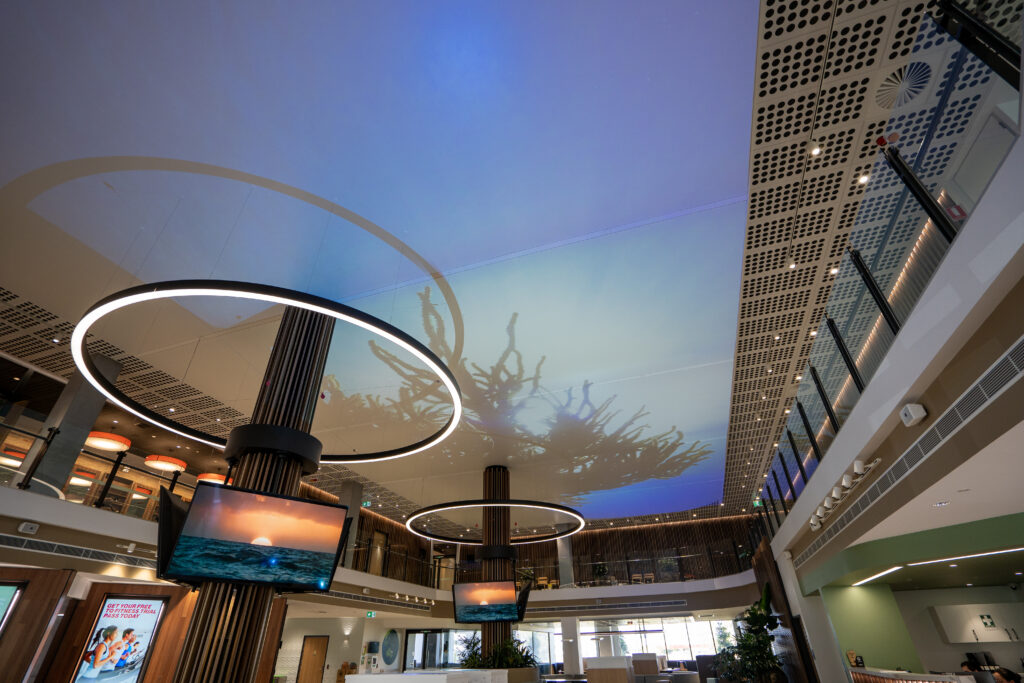
The lobby at TAFE Robina features a ceiling projected art-piece which acts as a huge wow-factor upon arrival.

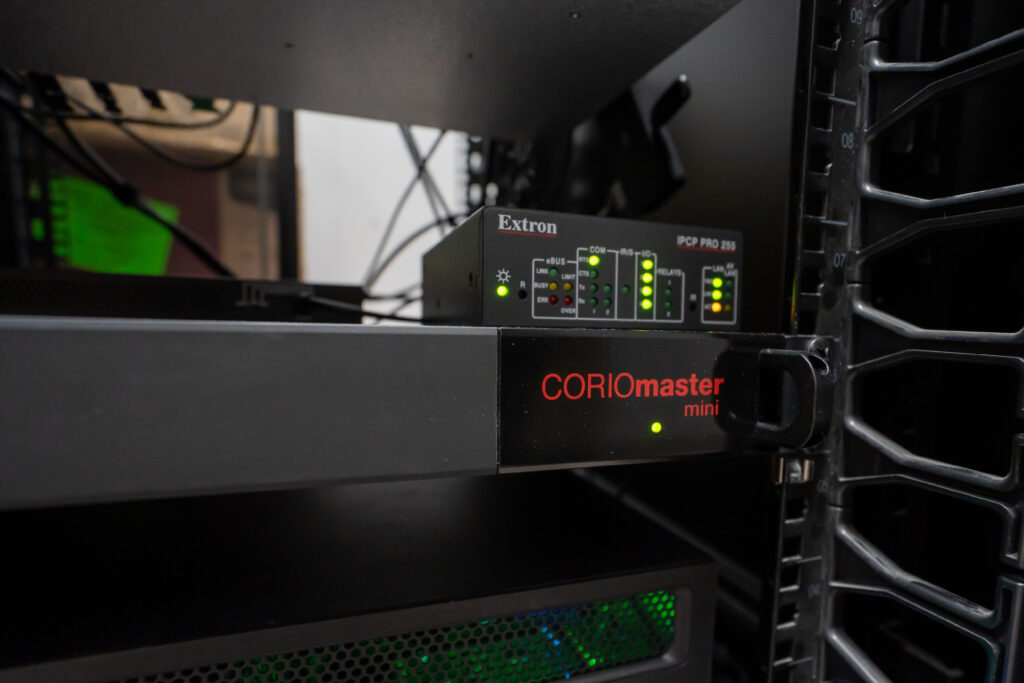
The projection is created by edge-blending video or image inputs by utilising the tvONE CORIOmaster mini, a compact form 1RU processor supplied by Corsair Solutions. The lobby features large pillars with light rings which cast significant shadows on the ceiling. The CORIOmaster mini allowed Videopro to navigate the shadows by eliminating them from the image and creating a more seamless projection.

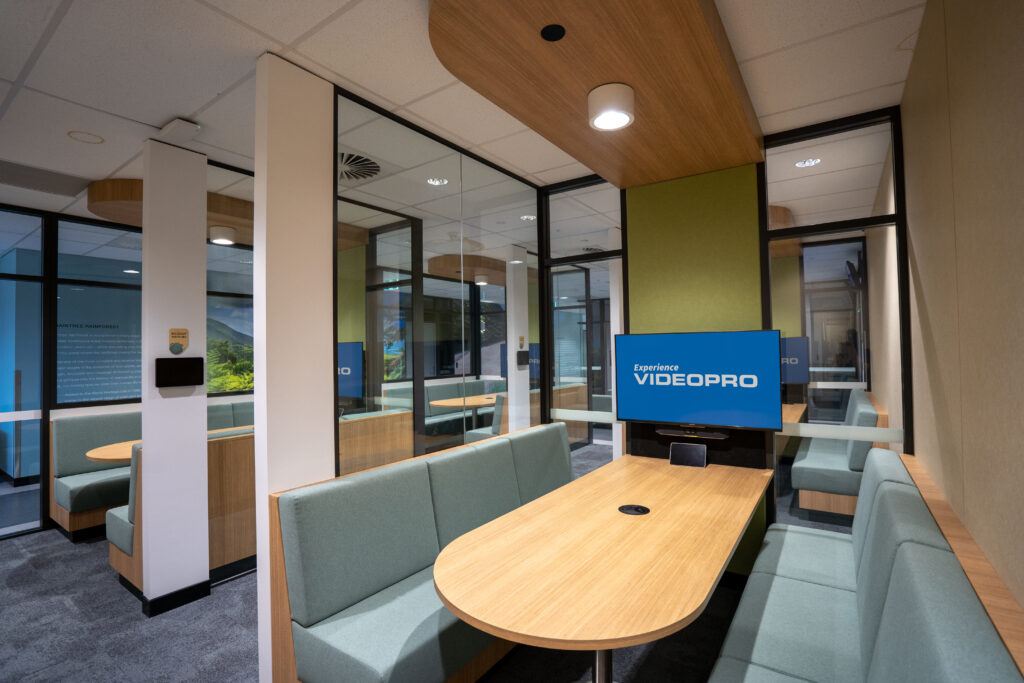
Videopro also installed 18 conference booths for 4-6 people to collaborate or call into meetings. Logitech Tap schedulers allow users to view what spaces are booked before accessing the booth. Each booth also features a Poly touch panel and an all-in-one conferencing bar.

The installation process was seamless and professional, with TAFE QLD speaking very highly of the Videopro team. Videopro has a fantastic relationship with TAFE QLD with many projects on the go and are looking forward to continuing to work with them in the future.

Let’s Chat

For more information or to speak to our expert team about an Audio Visual solution for your workplace or educational space, contact us on 1300 843 367 or via the website.
Logitech Video Conferencing Wall

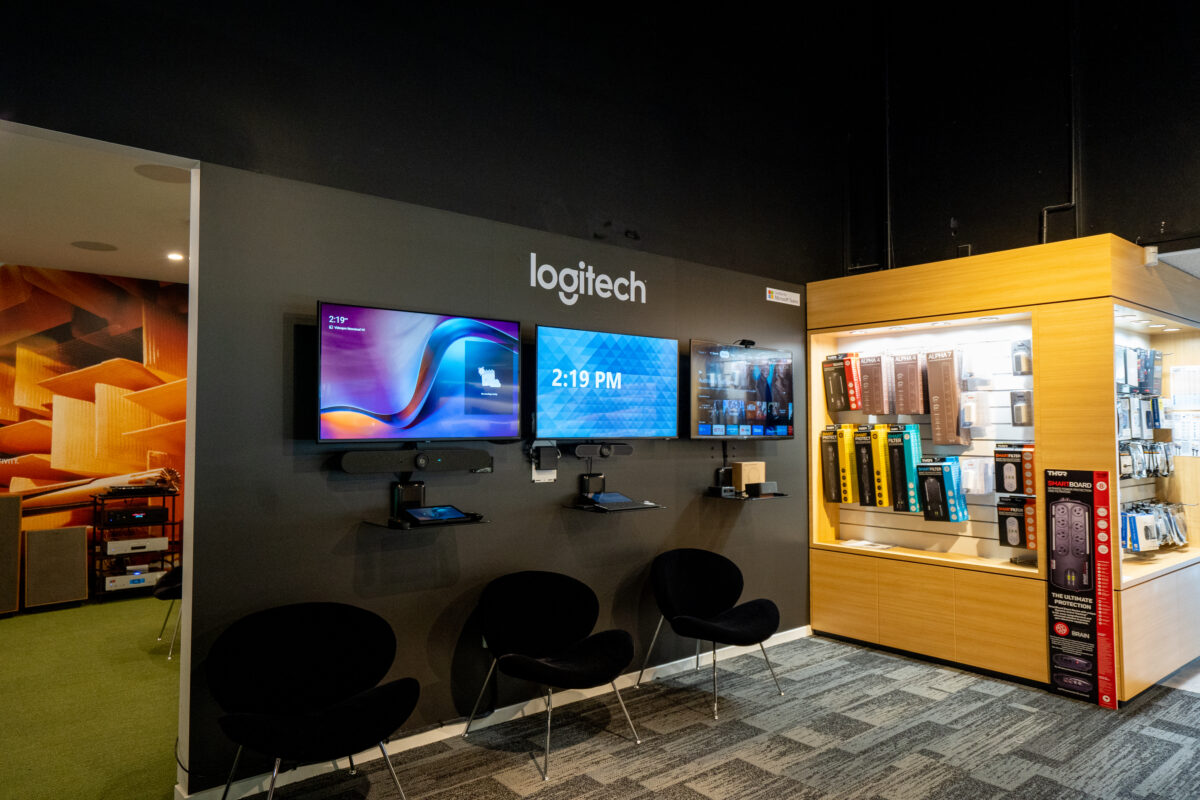
Videopro Newstead is home to the very first Logitech Video Conferencing Wall in Australia. Logitech are leaders in the video conferencing industry and have a whole range of technologies that will help you get the best video conferencing experience out of any meeting room no matter what the size. This display allows users to get hands-on experience with their technology. Join Videopro’s Pat Byrne as he walks you through the three solutions on display.

Solution 1: Logi Dock

The first configuration is a BYOD setup featuring the Logi Dock. This device gives you a speakerphone with a USB hub that connects peripherals such as a keyboard, headphones or web camera all through one cable. This makes it perfect for the home office or those who work remotely.

Solution one includes:

+ Logitech Logi Dock