Instant Asset Write-Off


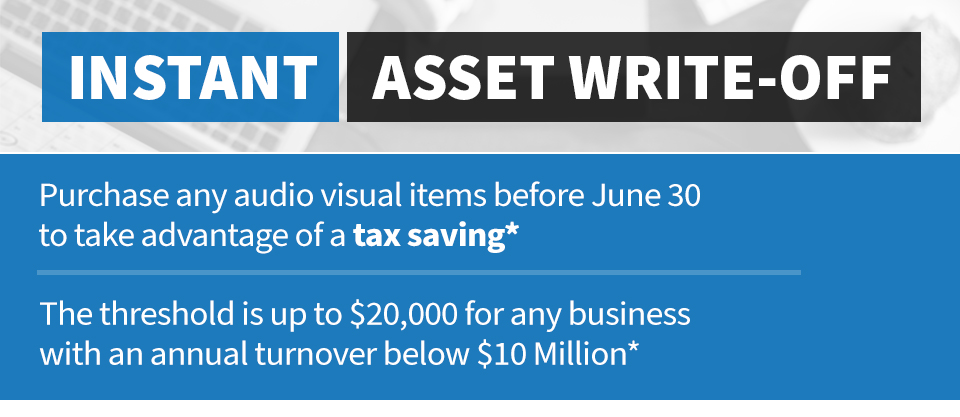
Your business may be eligible to claim an instant deduction on eligible assets under the instant asset write‑off. For full details, visit the ATO’s instant asset write‑off page here.


Your business may be eligible to claim an instant deduction on eligible assets under the instant asset write‑off. For full details, visit the ATO’s instant asset write‑off page here.
Important Update: Surface Hub v1 and 2S devices running Windows 10 Team Edition – Support Ends October 14, 2025
Microsoft has announced, that on October 14, 2025, Surface Hub v1 and 2S devices running Windows 10 Team edition will reach end of support. This means Surface Hub v1 and 2S devices running this version will no longer receive security updates or technical support from Microsoft and Microsoft Teams functionality will also be affected.
If your organisation continues using these Surface Hub devices on Windows 10 Team edition, you risk operating on an unsecure, unsupported system. This could disrupt collaboration, compromise security, and limit access to Microsoft Teams.
To stay secure and fully supported, organisations need to transition these Surface Hub devices to a Windows 11-based platform such as Microsoft Teams Rooms on Windows.
For Surface Hub v1: After October 14, 2025, Surface Hub v1 devices will no longer be supported. Microsoft recommends planning for a hardware refresh. Videopro can help identify a suitable replacement.
For Surface Hub 2S: After October 14, 2025, Surface Hub 2S devices must be on a Windows 11-based platform, such as Microsoft Teams Rooms on Windows, to continue receiving updates and support. There are three upgrade paths:
For more information, please read the announcement from Microsoft.
Keep your teams connected and your technology future-ready.
Start planning your transition today to avoid downtime and security risks. Explore the right upgrade path for your Surface Hub devices and ensure your teams stay supported beyond 2025.
Talk to Us About Your Transition – Please contact us if you have any questions or would like to know how we can help your organisation.
Bring Your Team Together Like Never Before
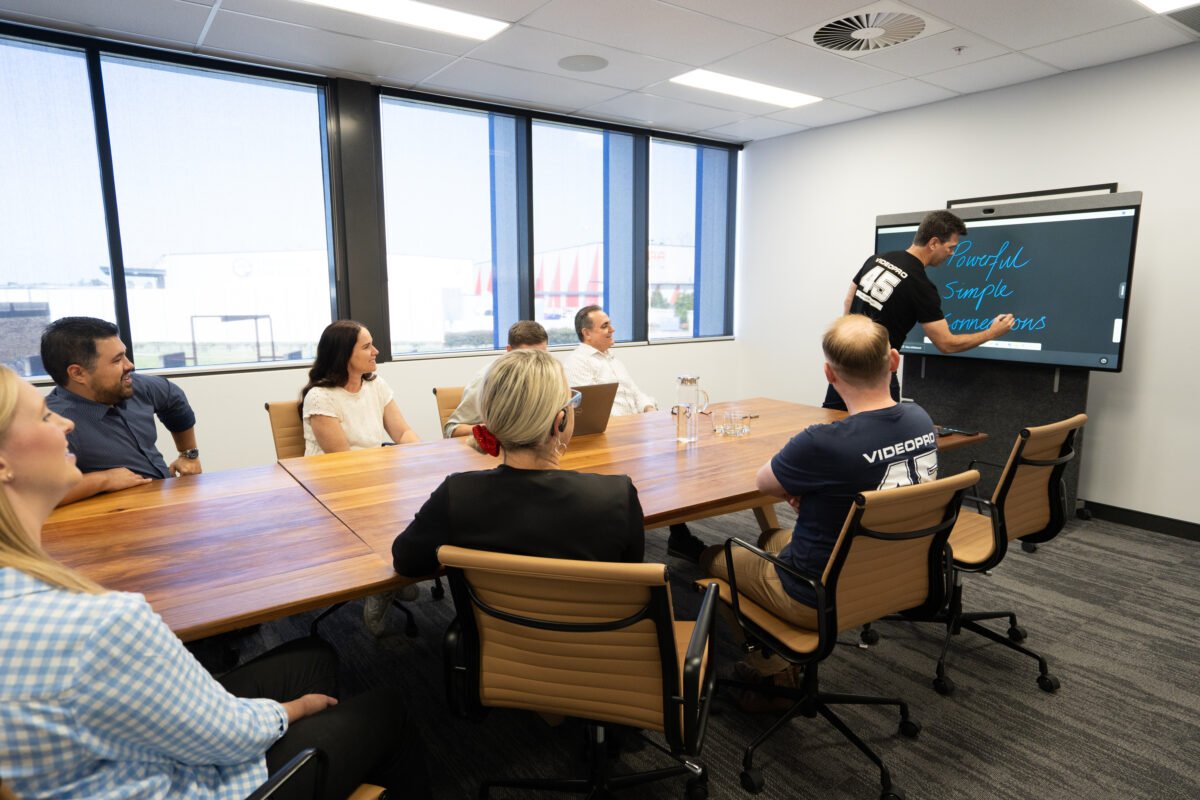
The Neat Board Pro transforms collaboration with a stunning 65″ 4K multi-touch display and crystal-clear, adaptive audio and video, so every voice is heard, and every idea is seen. Designed for medium to large spaces, it combines elegance with flexibility to make meetings effortless and engaging.
All-in-One Collaboration Hub
Dual 50MP cameras with intelligent framing and up to 16x hybrid zoom keep everyone in view, while an advanced 5-microphone array and speakers deliver conversations that sound natural and immersive. The responsive, anti-glare touch screen makes presenting, brainstorming, and whiteboarding seamless, whether your team is in the room or joining remotely. The included Neat Active Marker also makes writing or drawing on the board feel natural.
Made for Modern Workflows
Certified for Microsoft Teams and Zoom, the Neat Board Pro simplifies meetings with wireless sharing, BYOD support, and the Neat App Hub for all your favourite tools. With flexible mounting options and Neat Pulse cloud management, it adapts to any workspace while giving IT teams full control of neat devices from a centrally managed platform.
If you would like to find out more about the Neat Board Pro, or experience the Neat Board Pro first-hand, please contact us.
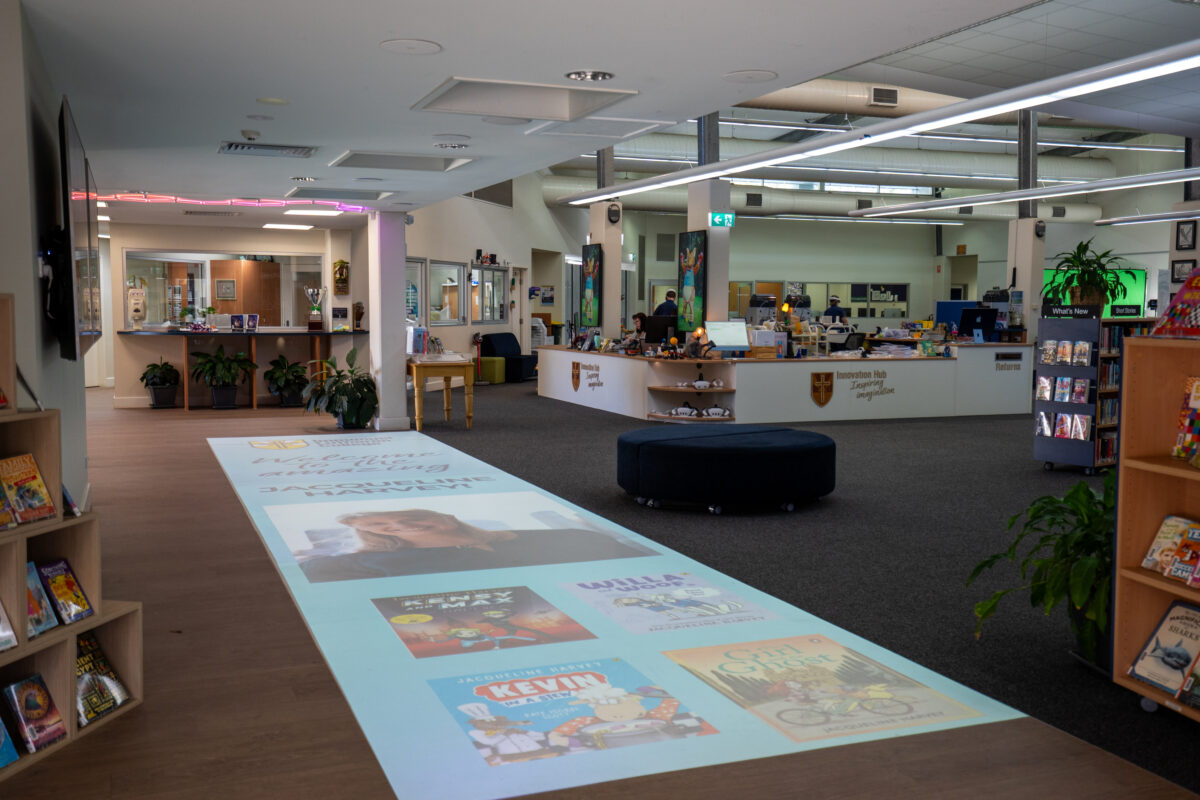
Immanuel Lutheran College, one of the oldest private schools on the Sunshine Coast, wanted a way to inspire creativity and spark curiosity inside their Innovation Hub. While the Hub already gave students a place to read, explore technology and study, the entrance floor was plain and lacked the engaging experience the school envisioned.
To bring the space to life, Videopro partnered with Epson to design and deliver an interactive floor powered by three 6000-lumen edge-blended laser projectors. Using exact spatial mapping, advanced tracking cameras and AdVis software, we created a seamless, responsive canvas that reacts to movement in real time.
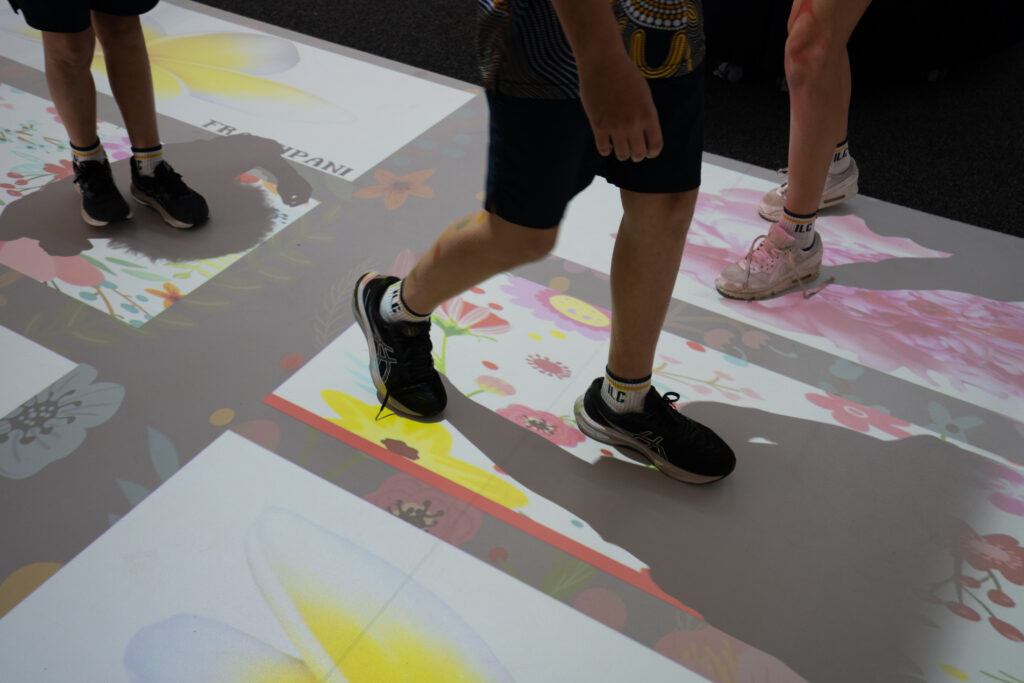
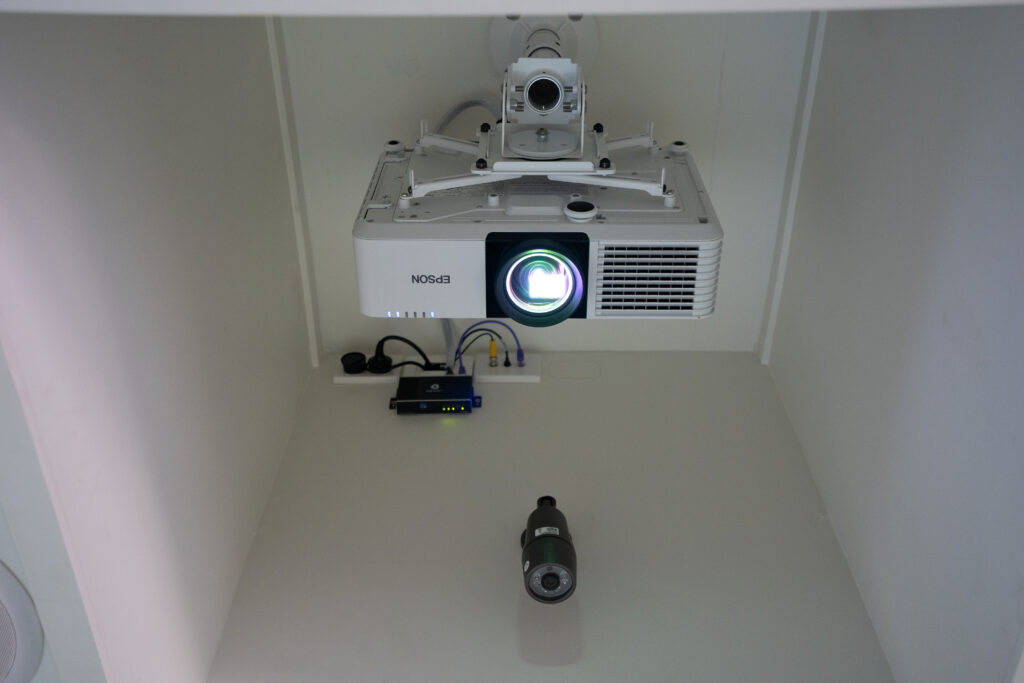
The result is a flexible, fully customisable platform. Teachers and staff can design their own games, signage and artwork, or use pre-built content to support lessons, performances and special events. From Year 11 dance showcases to Year 7 drone courses, the interactive floor adapts to each unique learning experience and adapts to the curriculum.
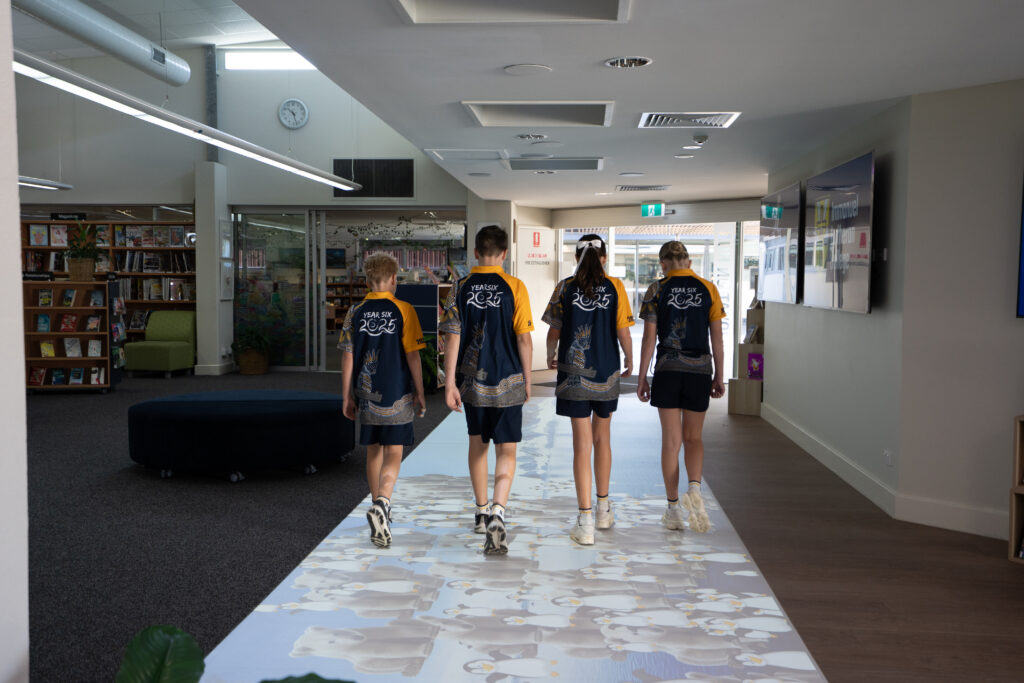
The reaction from students and staff has been overwhelmingly positive. Videopro is proud to have helped Immanuel Lutheran College transform their vision into reality and we’re excited to continue our partnership with the school.
For more information or to speak to our expert team about an Audio Visual solution for your workplace or educational space, contact us on 1300 843 367 or via the website.
Content creation isn’t just a hobby anymore, it has become a profession. But with more creators than ever, it’s easy to get lost in the noise. The key to breaking through? High-quality production that keeps viewers coming back.
At Videopro, we understand that having the right gear doesn’t just improve your content, it gives you the confidence and efficiency to create consistently. Whether you’re just starting out or ready to elevate your craft, we’re here to help you find tools that fit your style, budget, and goals.
If you are looking for ways to create better videos, clearer audio, and a professional look that makes your content impossible to ignore, check out our Content Creator Toolkits below or explore our full Content Creator Gear Recommendations.
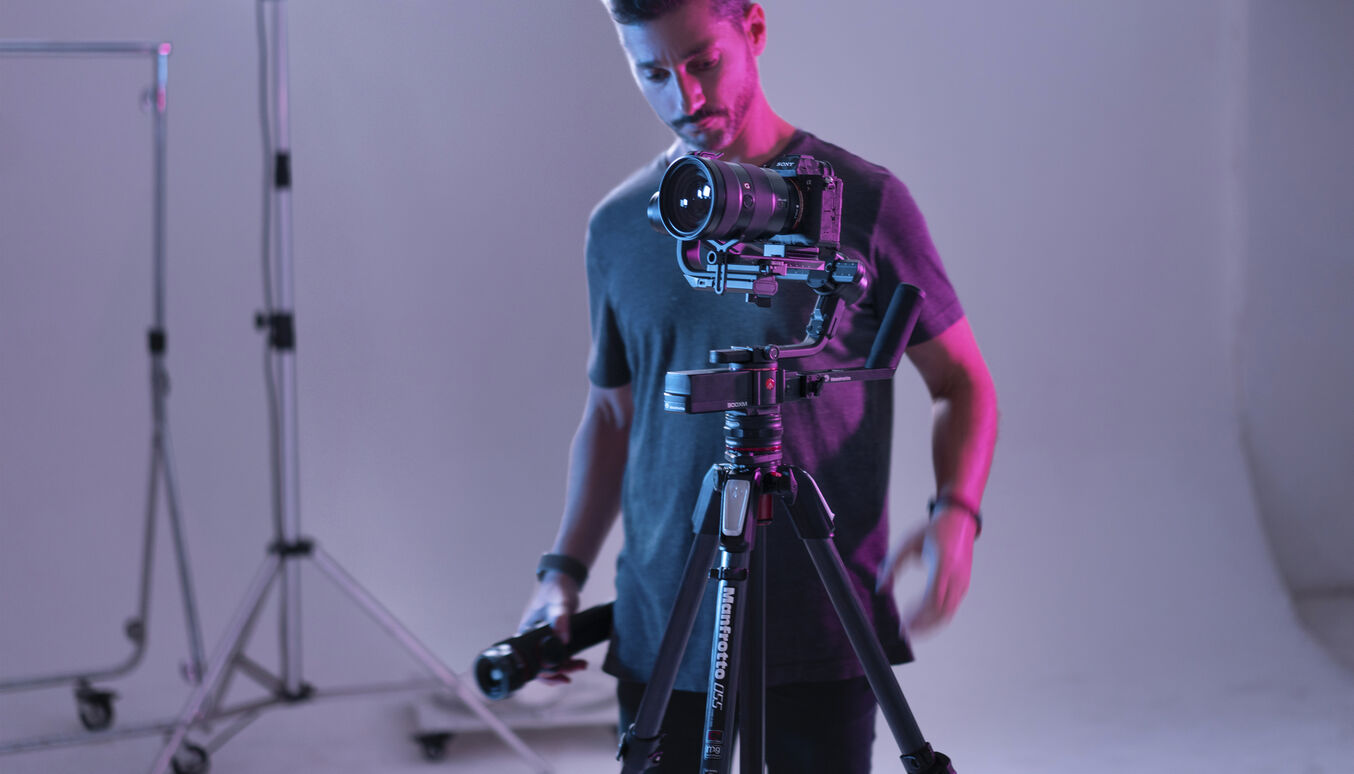
You’re a natural storyteller who captivates audiences by educating, entertaining, and inspiring. To keep your viewers hooked, you need gear that delivers crisp visuals and clear audio, no matter if you’re filming in a studio or on the move.
YouTube Creator Kit Tips and Recommendations:
Camera: The heart of your setup. Whether you film beauty tutorials, vlogs, tech reviews, or cinematic B-roll, a reliable camera ensures you’re capturing content that looks polished and professional. When shopping for a suitable camera, look for flip-out screens to frame yourself solo, fast autofocus to keep you sharp, and 4K recording for stunning detail. Interchangeable lenses are also a great option and give you creative freedom to tell your story your way. Explore our camera range.
Wireless Microphone: Don’t let poor audio lose your audience. Crisp, uninterrupted audio helps your content feel more professional and keeps your audience engaged from start to finish. Wired/wireless lapel or shotgun mics with noise isolation capture your voice clearly, no matter where you shoot. Explore our wireless microphones.
Tripod: A stable shot looks professional and frees your hands for demonstrations or presenting. Whether you’re shooting long-form videos or quick updates, a tripod keeps your footage shake-free and consistent. When considering your options, we recommend looking for a tripod that is lightweight but sturdy, has adjustable height and angles and a quick-release mount. Explore our range of tripods.
Gimbal: A gimbal turns handheld shots into buttery-smooth sequences, essential for travel, lifestyle, and cinematic creators. Pick one that matches your camera’s weight and offers travel-friendly portability. Explore our gimbal range.
Lighting: Good lighting makes your footage look sharp, reduces editing headaches, and adds a level of polish your viewers will notice. Look for adjustable brightness and colour temperature, with soft LED panels or softboxes that travel with you. Explore of lighting range.
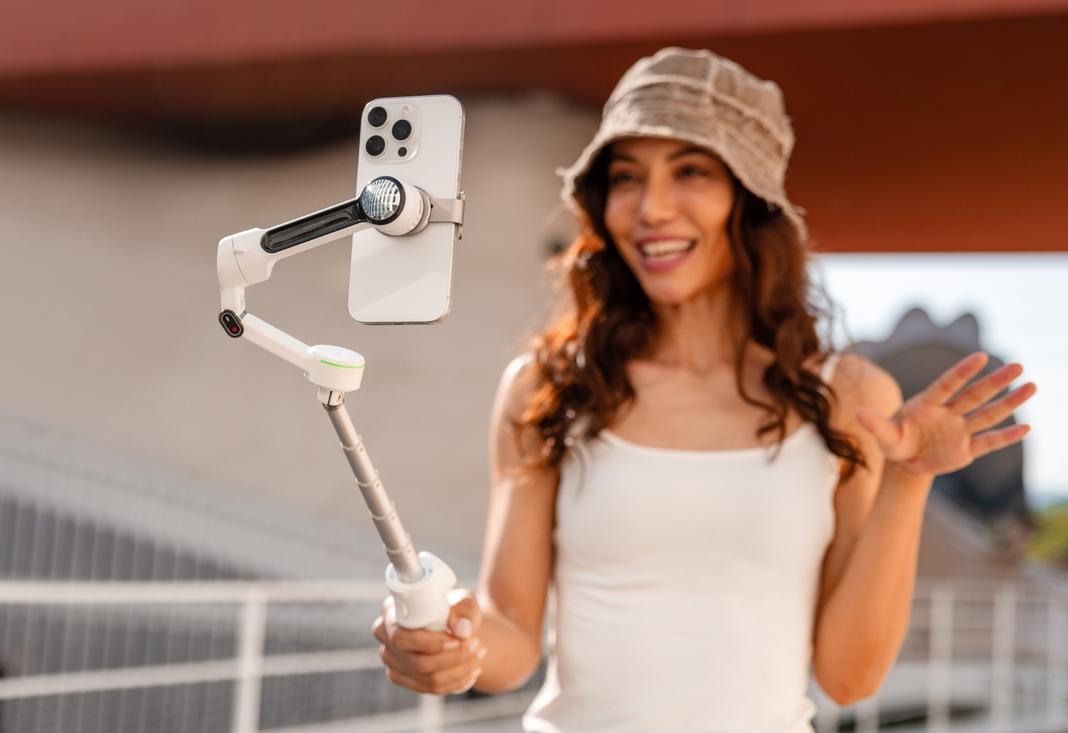
You thrive on fast, fun, and trendy content, capturing moments as they happen and sharing instantly. To stay ahead, you need gear that’s quick, portable, and designed for vertical video.
TikTok Creator Kit Tips and Recommendations:
Camera: Your phone is most likely your go-to tool, but upgrading to a compact camera with vertical shooting, quick autofocus, and built-in stabilisation can help your content stand out with sharper, smoother videos. Cameras like the Fujifilm X-Half Compact Mirrorless Camera offer a unique vertical format and cinematic quality while still fitting in your bag. Shop our range of cameras.
Microphone: Clear, focused sound is what makes your content easy to watch and more enjoyable to scroll through. Wireless mics like the Rode Wireless GO III or DJI Mini Mic deliver crisp dialogue even in noisy environments, perfect for street interviews, comedy, or reaction content. Look for mics that are wireless with noise-cancelling features to capture crisp sound, even in busy environments. Explore our range of microphones.
Tripod: Whether you’re at home or on the go, a solid tripod gives you clean angles, steady shots and total creative freedom. Look for lightweight, collapsible tripods for portability, and adjustable phone mounts that rotate for portrait mode if you are shooting on your phone. Some tripods will even offer Bluetooth remote or timer support. Explore our tripod range.
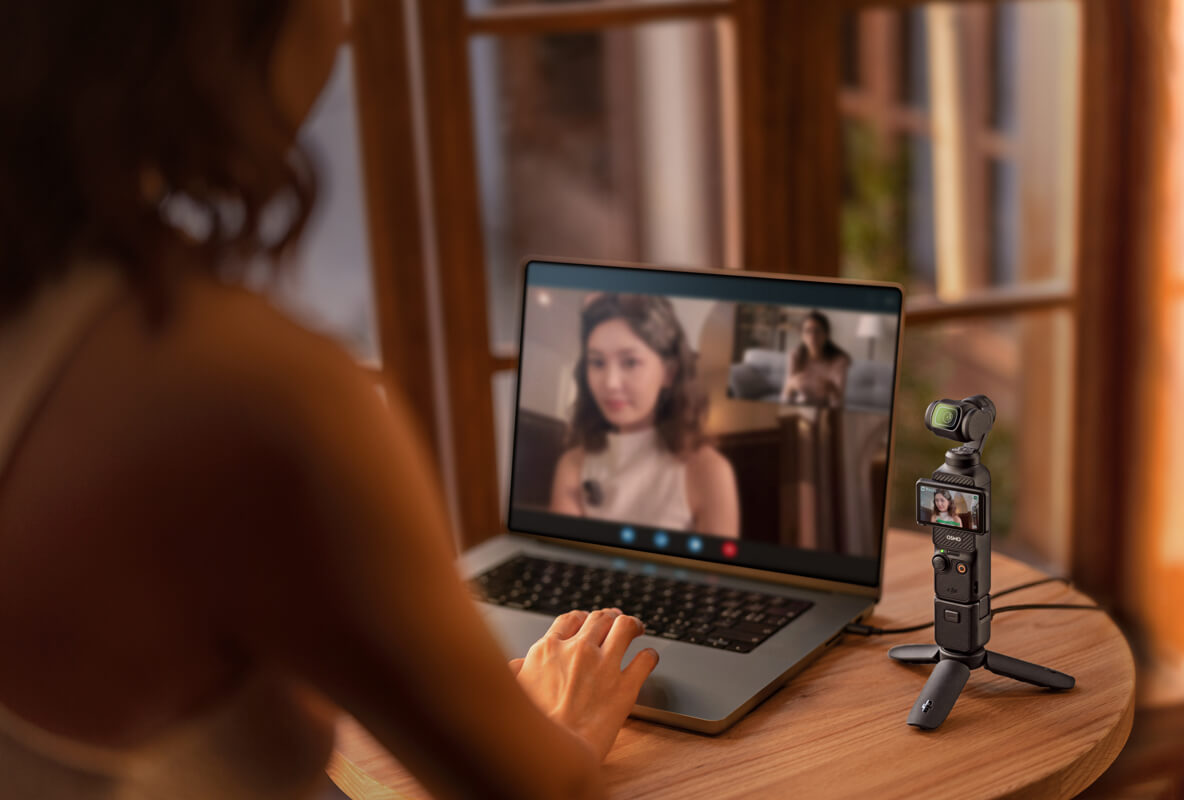
Smartphone Gimbal: TikTok is full of movement, whether it’s walk-and-talk content, action shots or cinematic transitions, shaky footage just doesn’t cut it. A gimbal like the DJI Osmo Mobile 7 Pro is designed for smartphones and will help you capture smooth shots and add a professional polish to every move. Explore our range of gimbals.
Lighting: Good lighting means glowing skin, vibrant colours and fewer editing touch-ups. Soft, flattering light keeps your subject (that’s you!) looking sharp and consistent no matter the time of day or indoor lighting. Check out ring lights for selfie-style content, portable LED panels with adjustable settings and RGB lighting for creative effects. Explore our lighting range.

You’re a thoughtful communicator who connects through storytelling and conversation. To connect deeply with your listeners, you need crystal-clear audio and a smooth production setup, whether you’re solo, hosting guests, or recording roundtables. Your listeners expect a rich, distraction-free experience and the right gear makes it easier to deliver just that.
Podcasting Creator Kit Tips and Recommendations:
Microphones: The microphone is the heart of your setup. It determines how warm, clear, and professional your voice sounds. For studio setups, look for condenser mics, or if you are recording in noisy spaces or untreated rooms, a dynamic mic is more suitable. Also consider the connection type. USB mics are perfect for easy plug-and-play setups. For pro audio setups, look for XLR. Explore our podcasting microphone range.
Headphones: Monitoring your audio while recording helps you catch issues like background noise, peaking, or mic bumps before they ruin your take. Whether you’re editing or interviewing, good headphones help you hear exactly what your audience will hear. We recommend closed-back headphones to prevent audio bleed into the mic. And also make sure they are a comfortable fit. Explore our range of headphones.
Boom Arms: A boom arm helps position your mic exactly where it needs to be, without cluttering your desk or picking up vibrations. Choose a boom arm that is nice and sturdy with smooth movement, silent hinges and also be sure to check that it is compatible with your mic’s size and weight. Explore our boom arm range.
Cameras: Adding video to your podcast unlocks new platforms like YouTube and Instagram Reels. Video podcasts can boost discoverability and offer more ways to connect with your audience. Even a single camera angle can elevate your podcast with a visual presence that draws in more viewers. Look for cameras with clean HDMI output, autofocus, and 1080p or 4K resolution for professional-quality streams. Explore our range of cameras.
Podcasting Console: All-in-one podcasting consoles simplify your workflow by combining a mixer, audio interface, sound pads and effects in one device. Consoles like the Rodecaster Duo make it easy to produce broadcast-quality sound, manage remote guests, and create content faster. Explore our podcast console range.
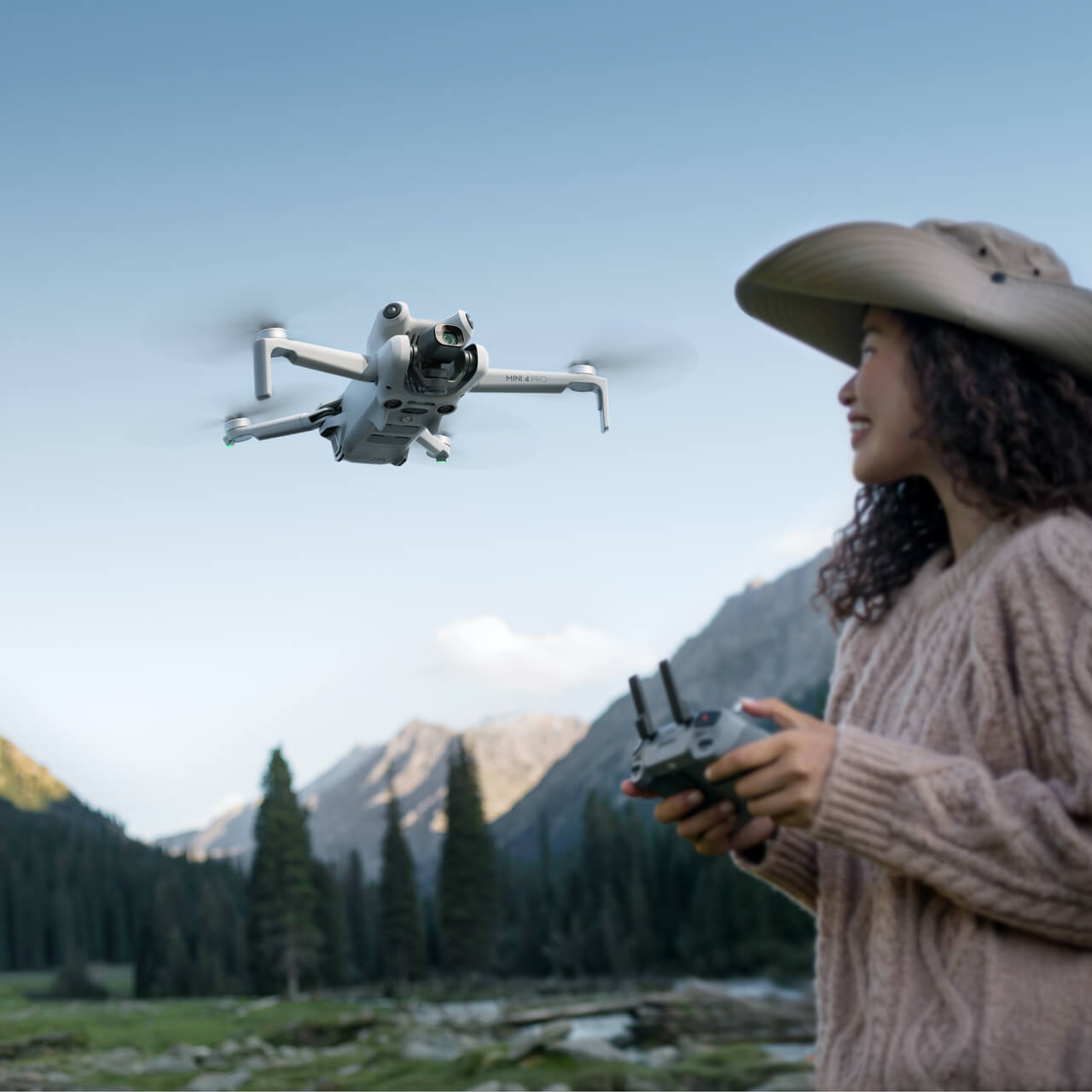
Your eye for beauty turns everyday moments into stunning stories. To create content that’s as stylish as your feed, your gear needs to be portable, versatile, and built for visual storytelling.
Instagrammer Creator Kit Tips and Recommendations:
Camera: The heart of your creative kit, your camera helps turn your unique perspective into scroll-stopping content. Choose compact mirrorless cameras with excellent colour and fast autofocus to capture crisp, vibrant images on the go. Explore our range of cameras.
Lens: The right lens can completely change the feel of your content from sweeping landscapes to close-up portraits. Change your perspective with prime lenses (like 35mm or 50mm) for flattering portraits, zoom lenses (like 18–105mm) for travel versatility, or wide apertures (f/1.8 or lower) for beautiful background blur. Explore our camera lens range.
Tripod: Whether you’re shooting a time-lapse or setting up a full outfit post, a tripod helps you get sharp, stable shots, without needing a second person. Look for lightweight, foldable tripods. Explore our range of tripods.
Lighting: Natural light isn’t always available, and even golden hour can benefit from a bit of help. Good lighting elevates everything from flat lays to selfies and reels, giving your content that polished, professional look. Soft, adjustable LED panels or ring lights bring out your best features and enhance your shots, no matter the setting. Explore our lighting range.
Drones: Capture breathtaking aerial footage that sets your content apart. Drones are perfect for travel creators and landscape lovers, capturing dramatic wide shots and unique angles that elevate your visual storytelling. Look for lightweight, foldable drones with 4K video and intelligent shooting modes for cinematic results. Explore our range of drones.

You’re a skilled gamer who thrives on real-time interaction and community. Whether you’re streaming competitive gameplay, casual playthroughs, or hosting live commentary, your gear needs to perform flawlessly. From visuals and sound to response times and controls, every detail matters when you’re live.
Gaming Streamer Creator Kit Tips and Recommendations:
Webcam: A high-quality webcam keeps you visually present during streams, helping you build connection and personality with your audience. A sharp, well-lit image makes your stream feel more professional and lets your reactions and expressions shine through. Look for high-res cameras with fast autofocus and low-light capability to help put your face front and centre, connecting you with your viewers. Explore our range of webcams.
Streaming Deck: A stream deck gives you fast, one-touch control over everything from scene switching to triggering sound effects without disrupting your gameplay. Control your stream effortlessly with customizable buttons that switch scenes, launch effects, and keep your workflow smooth. Explore our streaming deck range.
Microphones: Clear, professional audio helps your voice stand out over gameplay and builds your presence as a streamer. A good mic improves your stream quality immediately, whether you’re narrating gameplay, engaging with chat, or recording highlights. Look for USB or XLR mics with noise filtering and pop shields to give your voice clarity. Shop our range of microphones.
When you choose SMART, you’re choosing more than just a display. You’re choosing a trusted brand with award-winning interactive technology and digital learning tools that support meaningful connections in the classroom. SMART solutions are built to engage students and empower educators every step of the way.
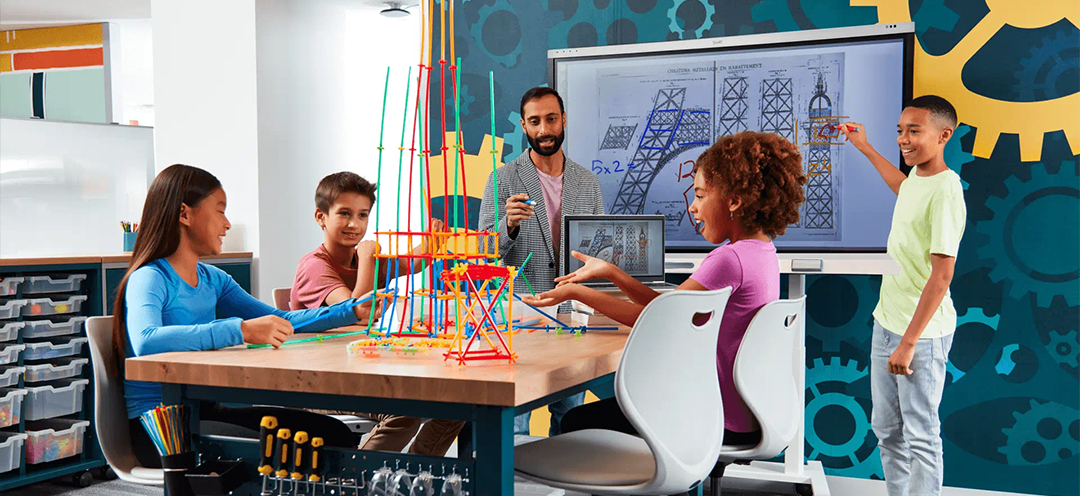
SMART is the only interactive flat panel supported by academic research. Designed to improve learning outcomes and promote inclusive teaching, SMART displays help all students thrive, including those with neurodivergent needs.
In partnership with the University of Melbourne, SMART conducted a study on how digital technologies can support inclusive learning in primary and secondary schools. The study led to 36 high-impact recommendations that help educators create better learning environments for every student.
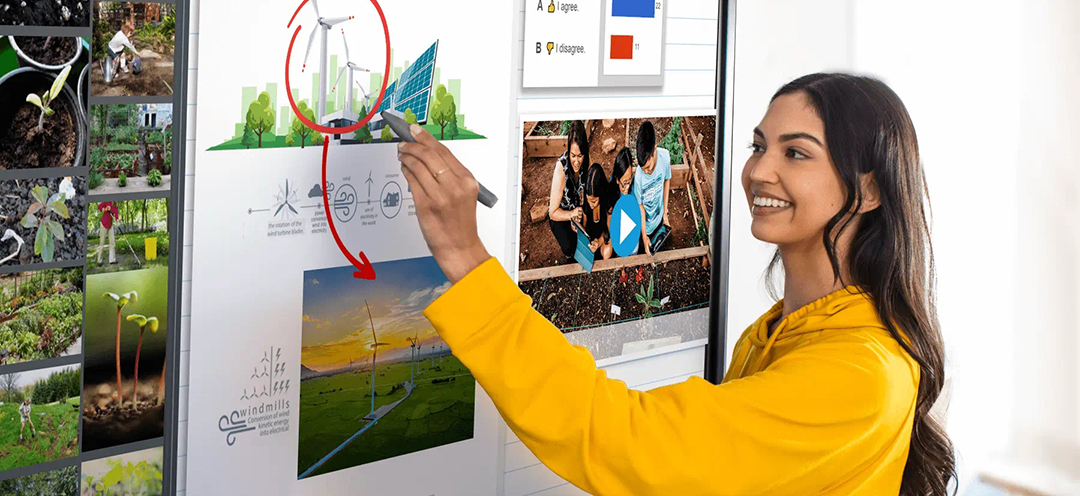
SMART products are made to last, helping schools avoid frequent upgrades and reduce long-term costs. This not only protects your investment but also supports sustainability. With SMART’s Energy Efficiency Measurement Tool, you can track energy use and identify opportunities to improve efficiency. See how much you can save here.
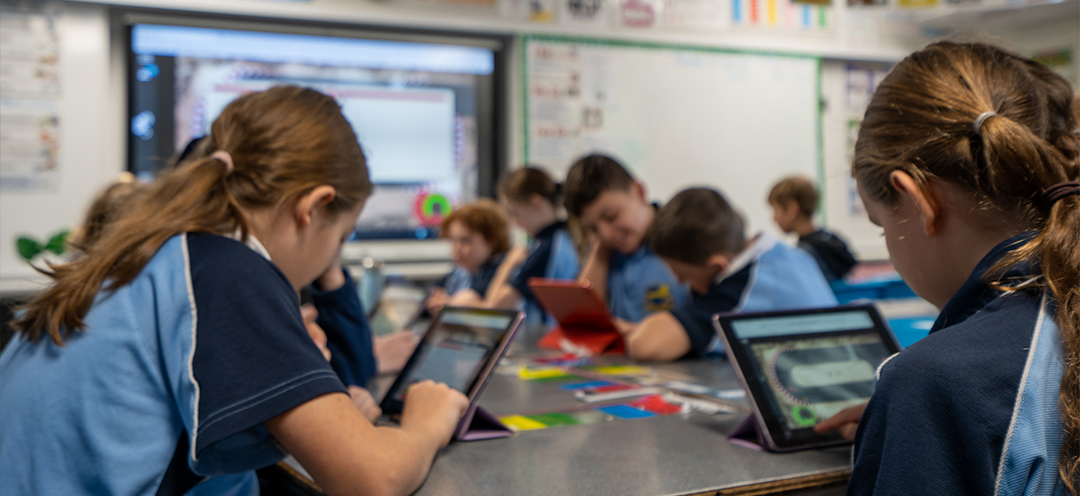
Every SMART panel includes remote management software. This tool gives IT teams the ability to monitor and manage devices from one place, no matter where they are.
SMART Remote Management is flexible and scales easily. Whether you’re working with hundreds or hundreds of thousands of devices, you’ll have real-time insights into your entire fleet. The system provides clear dashboards and detailed reporting to help you stay in control.
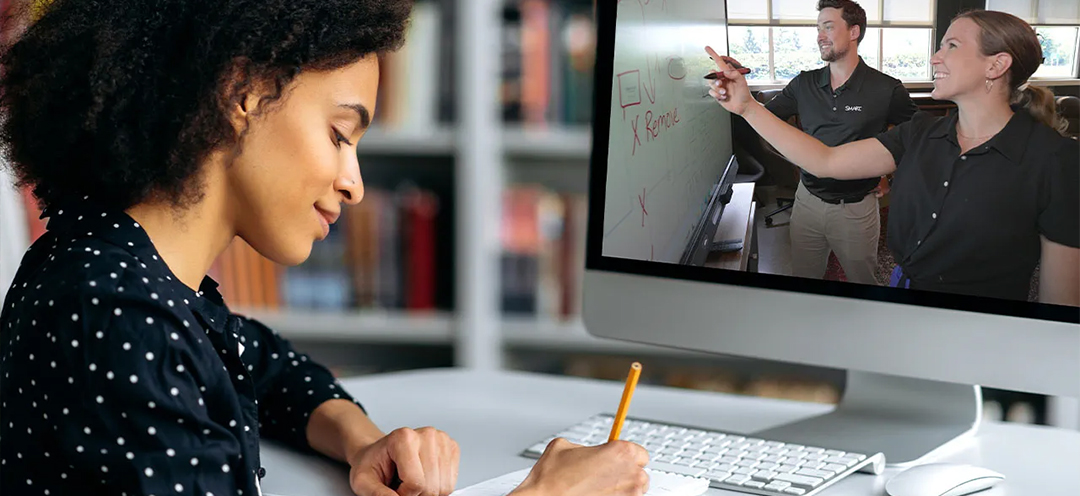
All SMART users get access to a Continuing Professional Development (CPD) package. This includes fortnightly webinars and practical resources that help teachers build confidence and get the most out of their SMART Board, SMART Notebook, and Lumio.
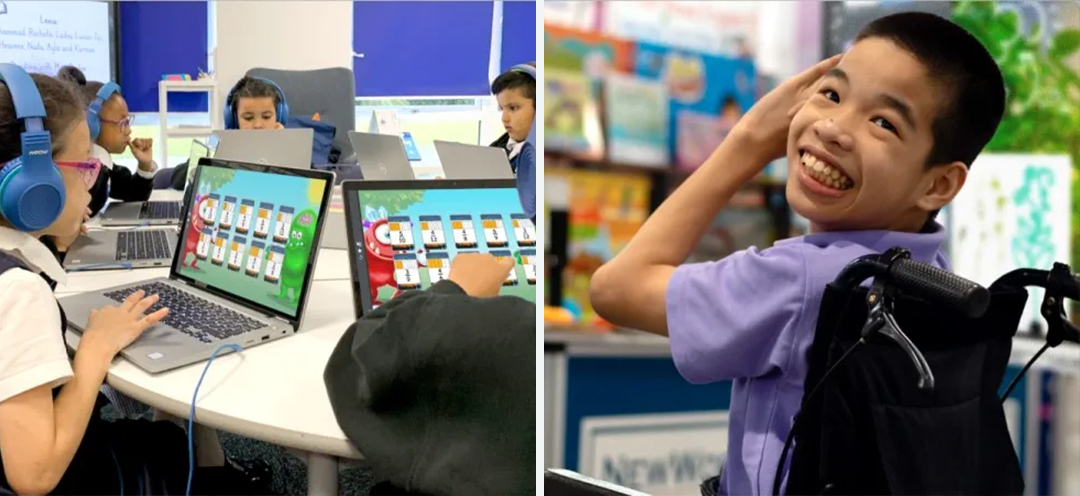
Effortlessly engage every student on any device using Lumio’s dynamic, collaborative web-based learning platform. Give your students an interactive experience filled with activities, games, Group Workspaces, formative assessments and more, all from a single place.
Videopro is proud to be a SMART Gold Partner. That means we offer exclusive pricing and personalised support for education and business customers. Chat to one of our technology experts to find the right SMART solution for your needs or explore our SMART range here.
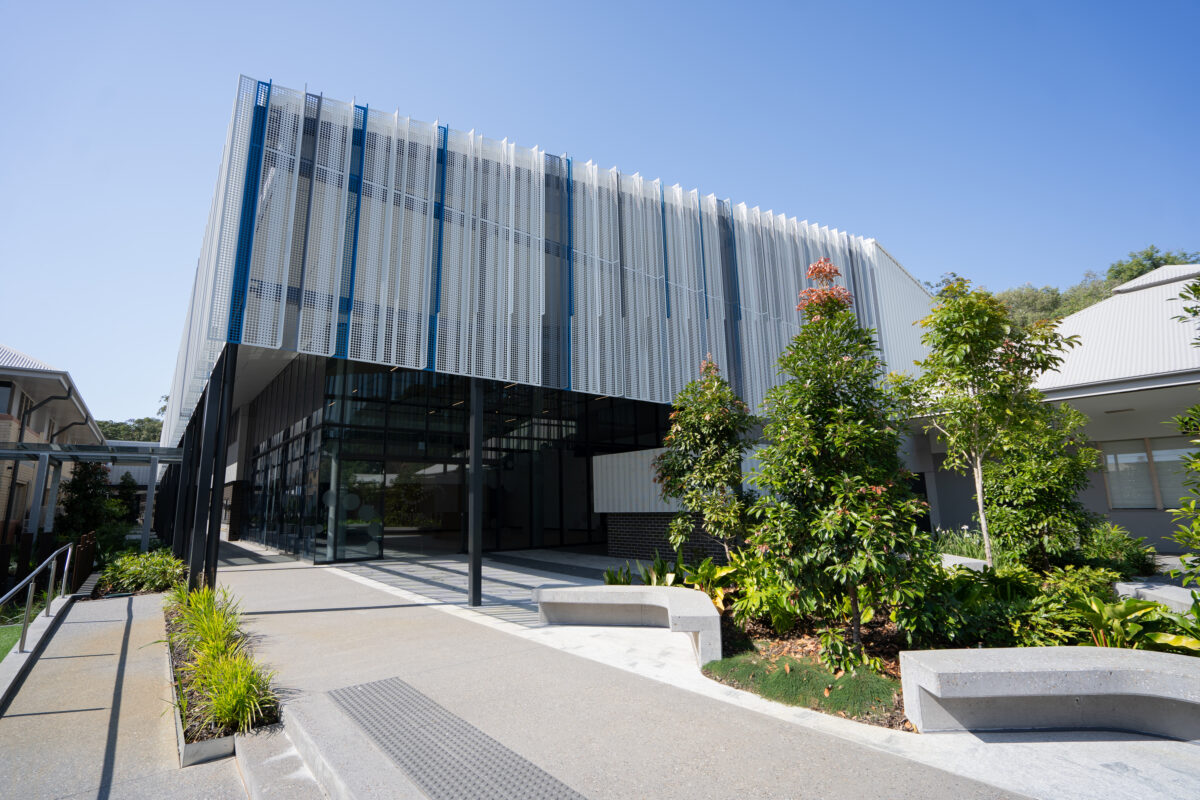
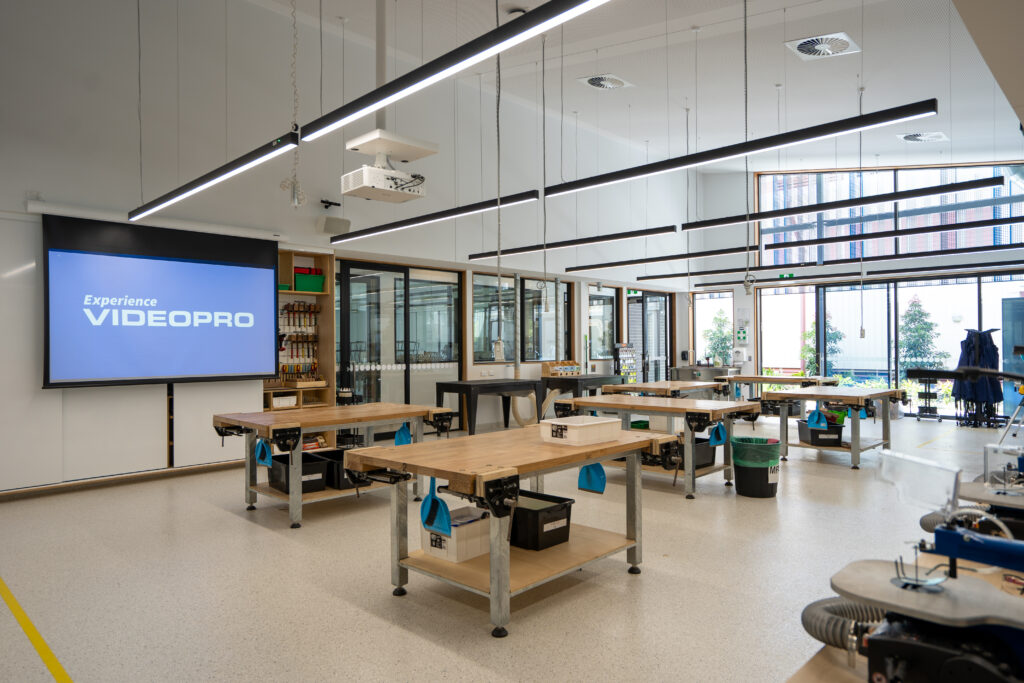
For over 30 years, Matthew Flinders Anglican College has developed a strong tradition of academic success along with cultural and sporting achievements. Located on the Sunshine Coast, the school has 1,400 students from Prep to Year 12. Their brand-new Infinity Centre allows secondary students to explore the power of design thinking, entrepreneurship and innovation.
Videopro were engaged by Matthew Flinders Anglican College in early 2022 to design and install the audio visual technology throughout the state-of-the-art facility. The Infinity Centre hosts approximately 18 AV enabled spaces from General Learning Areas (GLAs), design studios, food laboratories, materials workspaces, a computer lab and the Infinity Gallery.
The Infinity Centre was planned around the Design Thinking Process, with dedicated spaces for each stage. From ideation to collaboration, prototyping and testing, all the way to pitching and presentation. Technology is an important enabler throughout each space, supporting and engaging students in their learning. Building off an ongoing relationship with Matthew Flinders Anglican College, Videopro worked closely with the school on the AV design in the new building with a strong focus on ease of use.
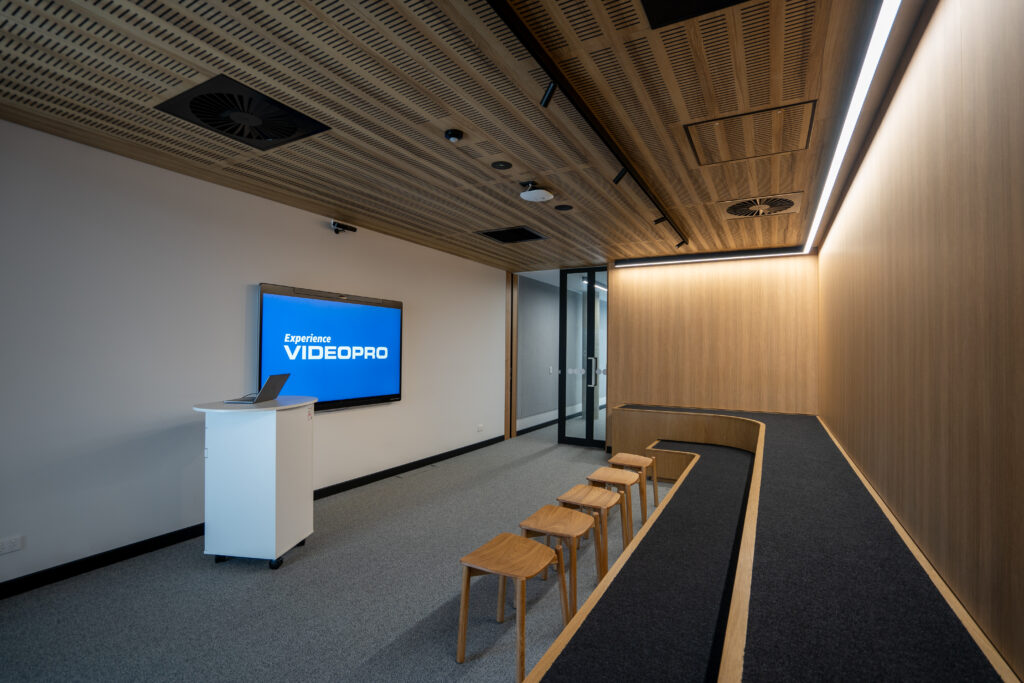
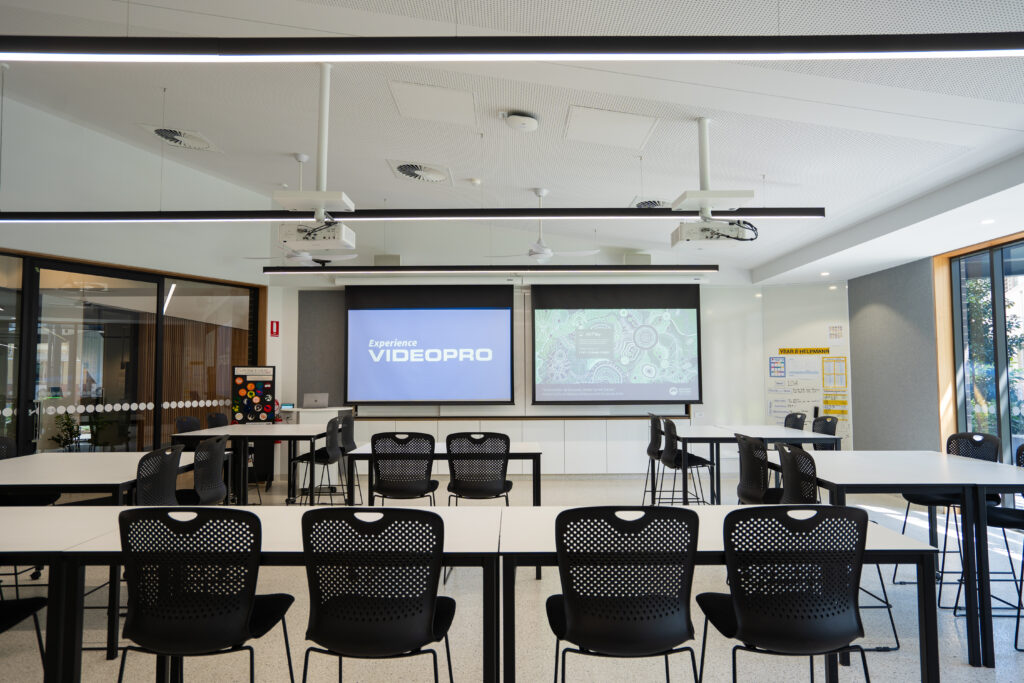
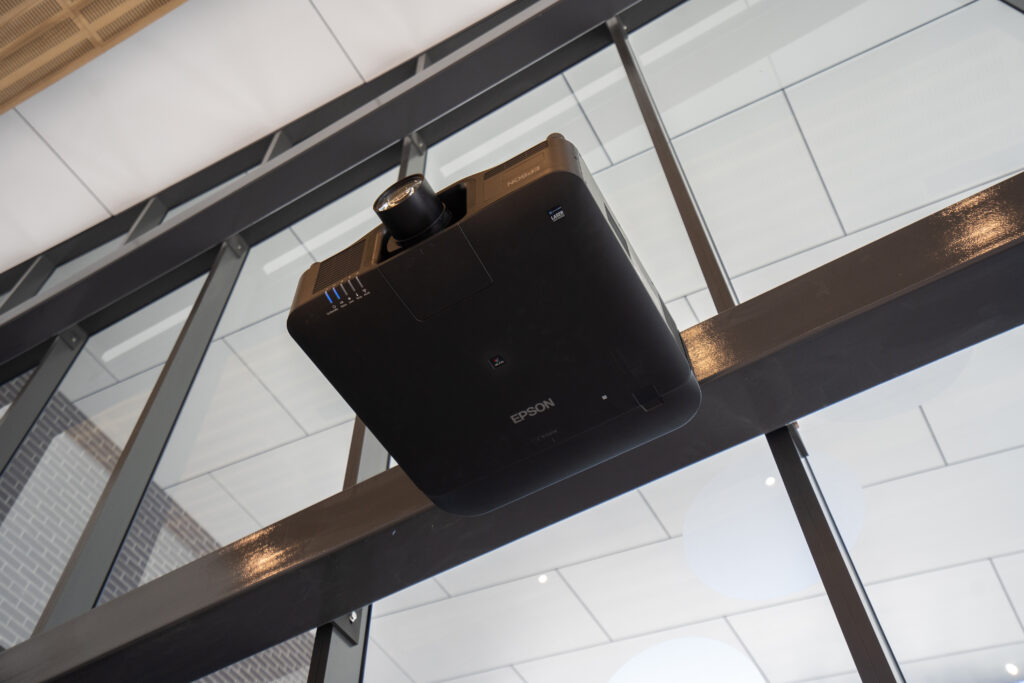
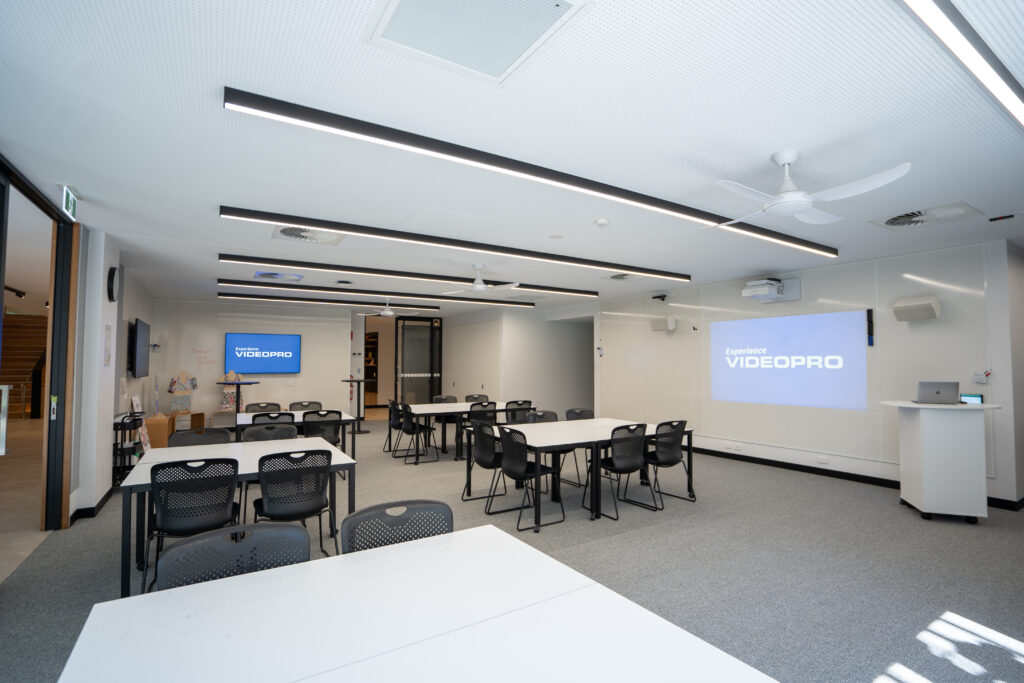
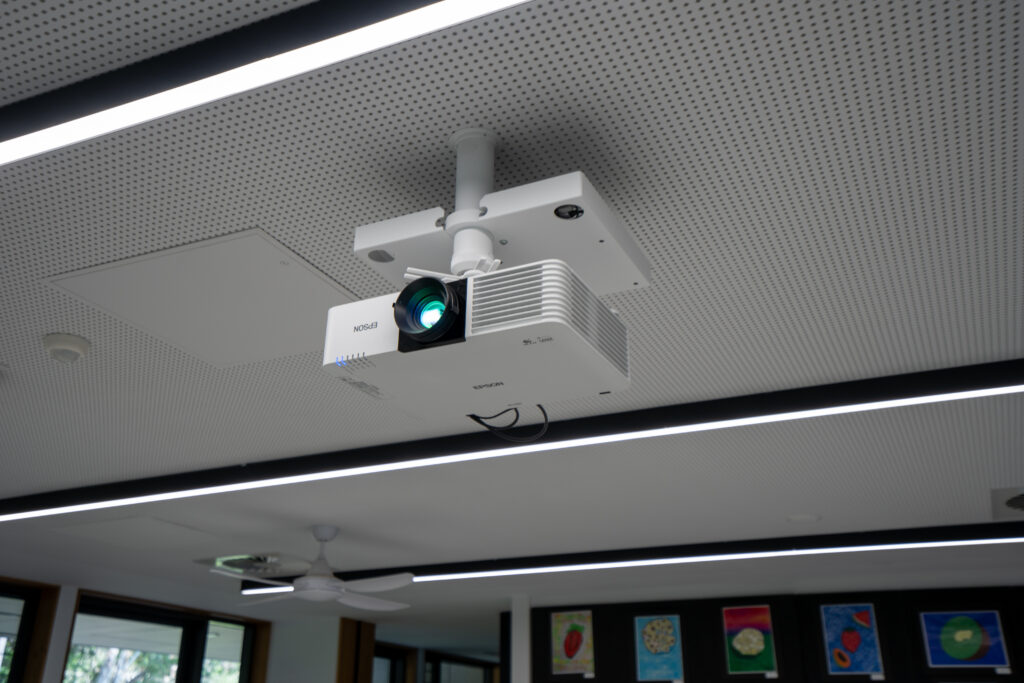
A variety of Epson projectors, from short throw EB-735F to standard throw EB-L520U and EB-L730U, are used throughout the classrooms. In the Infinity Gallery, two Epson EB-PU2213B large venue projectors are blended on the wall and are used for art installations and dual projection presentations. Screen Technic and Grandview screens, Samsung commercial displays, Apple TVs and QSC 6.5” surface-mount and pendant speakers are used in conjunction with the projectors across the building.
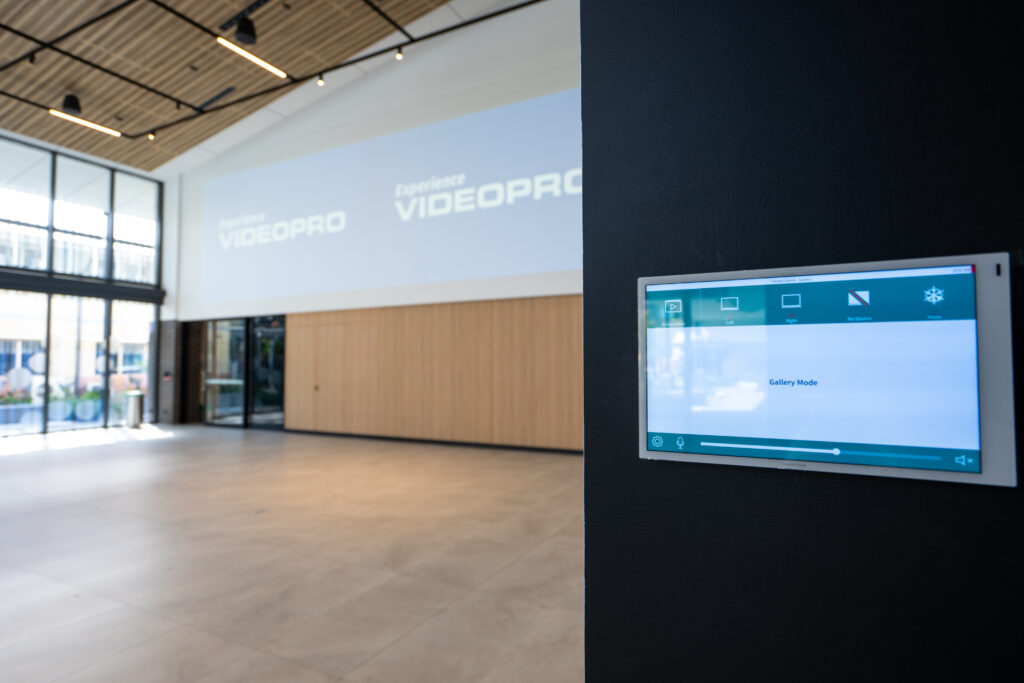
Crestron 7” wall-mounted touch panels strategically located throughout the spaces make control simple and intuitive. The Crestron network also seamlessly sends content from personal devices to shared screens. Teachers are given the ability to wirelessly present or plug in via HDMI, sharing learning materials to one or multiple screens within each classroom.
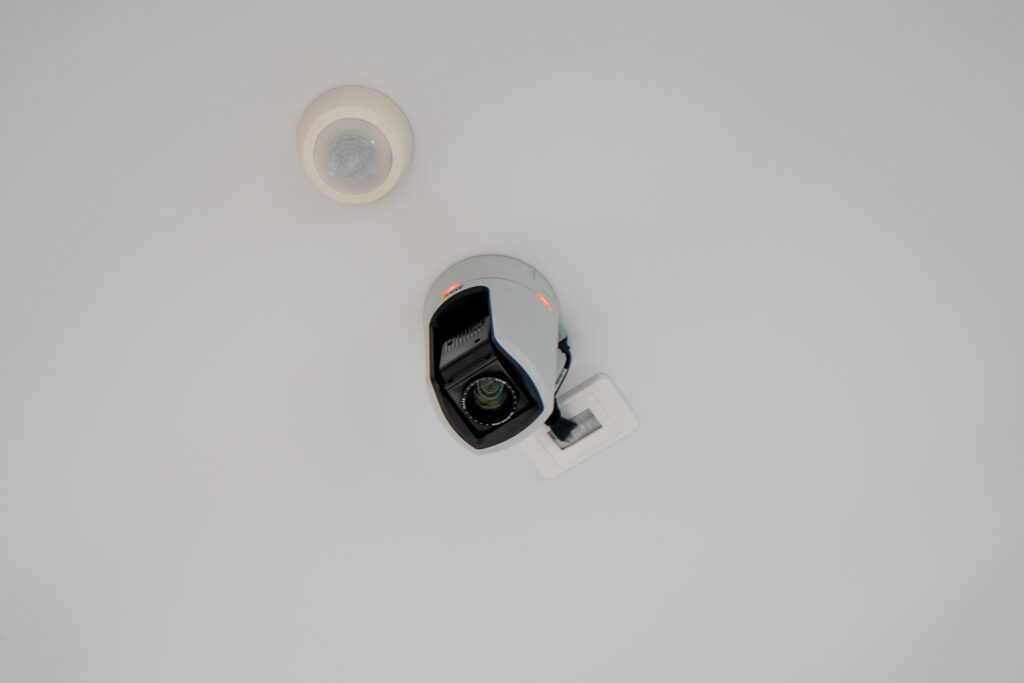
The food laboratories utilise an overhead AXIS V5925 PTZ network camera to allow teachers to livestream demonstrations to each workstation’s screen.
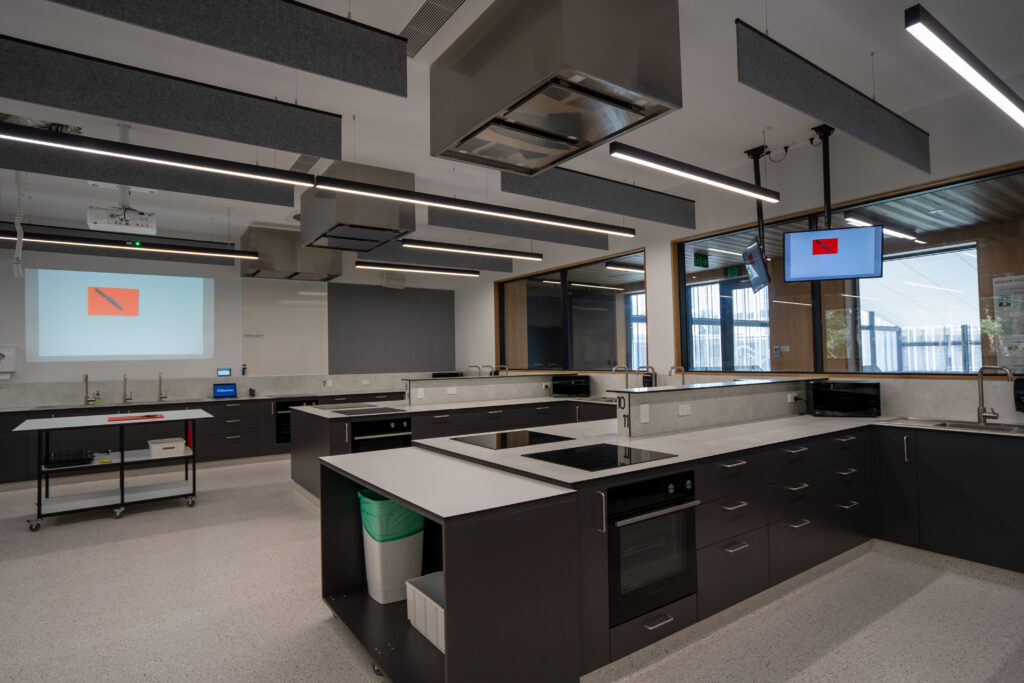
The Infinity Centre, and the technology used throughout, inspires creativity and critical thinking amongst the students at Matthew Flinders Anglican College. The Videopro team is proud of the completed project and looks forward to continuing to work with the school in the future.
For more information or to speak to our expert team about an Audio Visual solution for your workplace or educational space, contact us on 1300 843 367 or via the website.
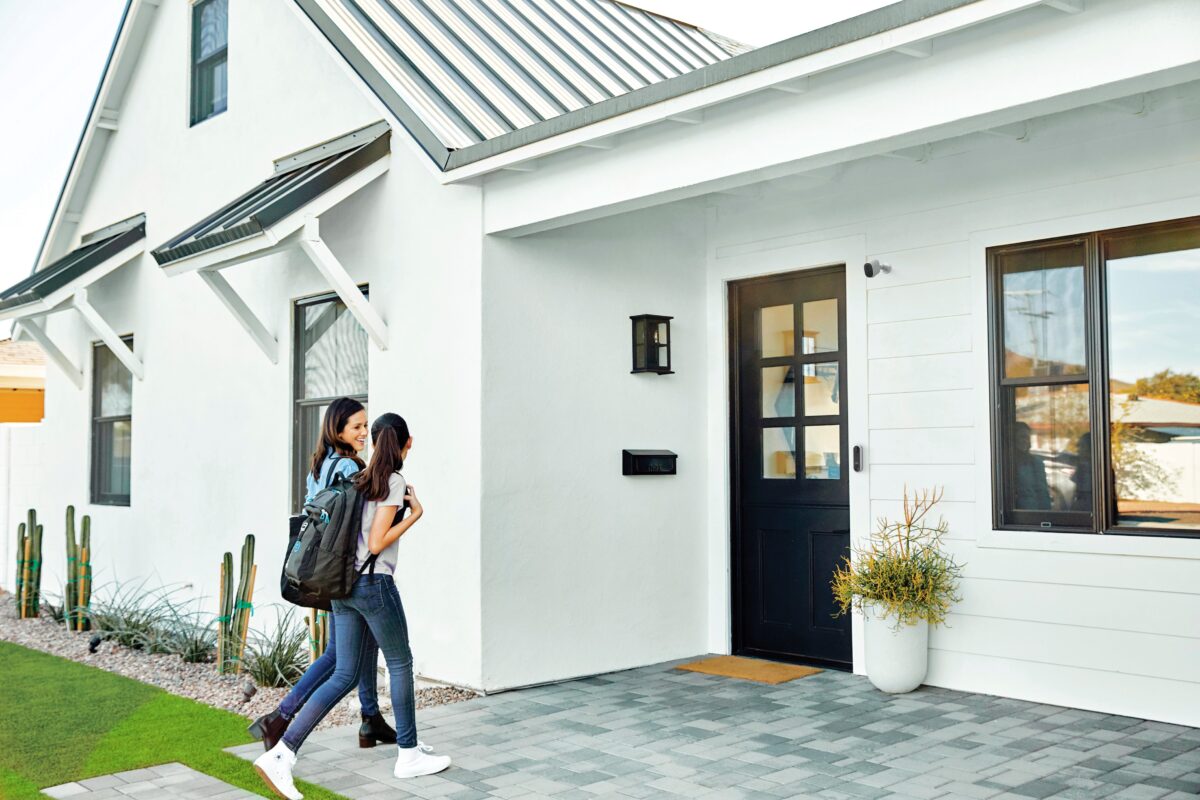
Keep a closer eye on your home, inside and out, with Arlo smart security cameras. Understand the best setup for your living situation with the curated packs detailed below.
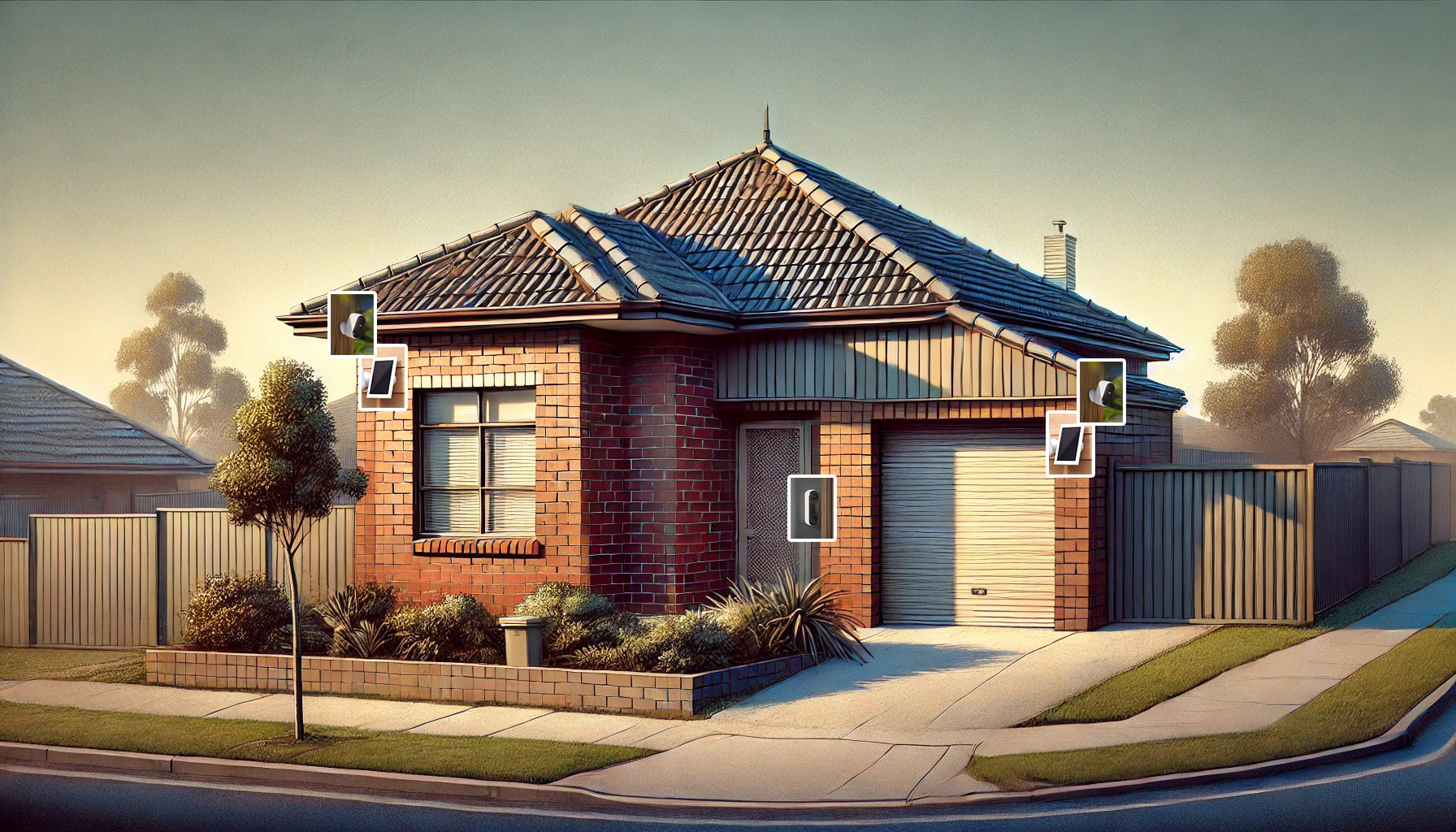
To provide comprehensive security coverage for a regular suburban home, we recommend the following Arlo products:
By integrating these products, you can achieve a robust security system for a suburban home, ensuring that the primary access points of a property are monitored and every interaction at the front door is recorded in the best possible quality. This setup not only enhances the safety of your home but also provides peace of mind. This setup is ideal for clients who are not concerned about disturbances from the rear of the property.
Essential Security | Starter Kit
Shop now
Includes Arlo Secure for AI Powered Detection subscription for 12 months.
Approximate time to install and setup Arlo Secure application 45 – 60 minutes.
Essential Security | Starter Kit with Video Doorbell
Shop now
Includes Arlo Secure for AI Powered Detection subscription for 12 months.
Approximate time to install and setup Arlo Secure application 60 – 80 minutes.
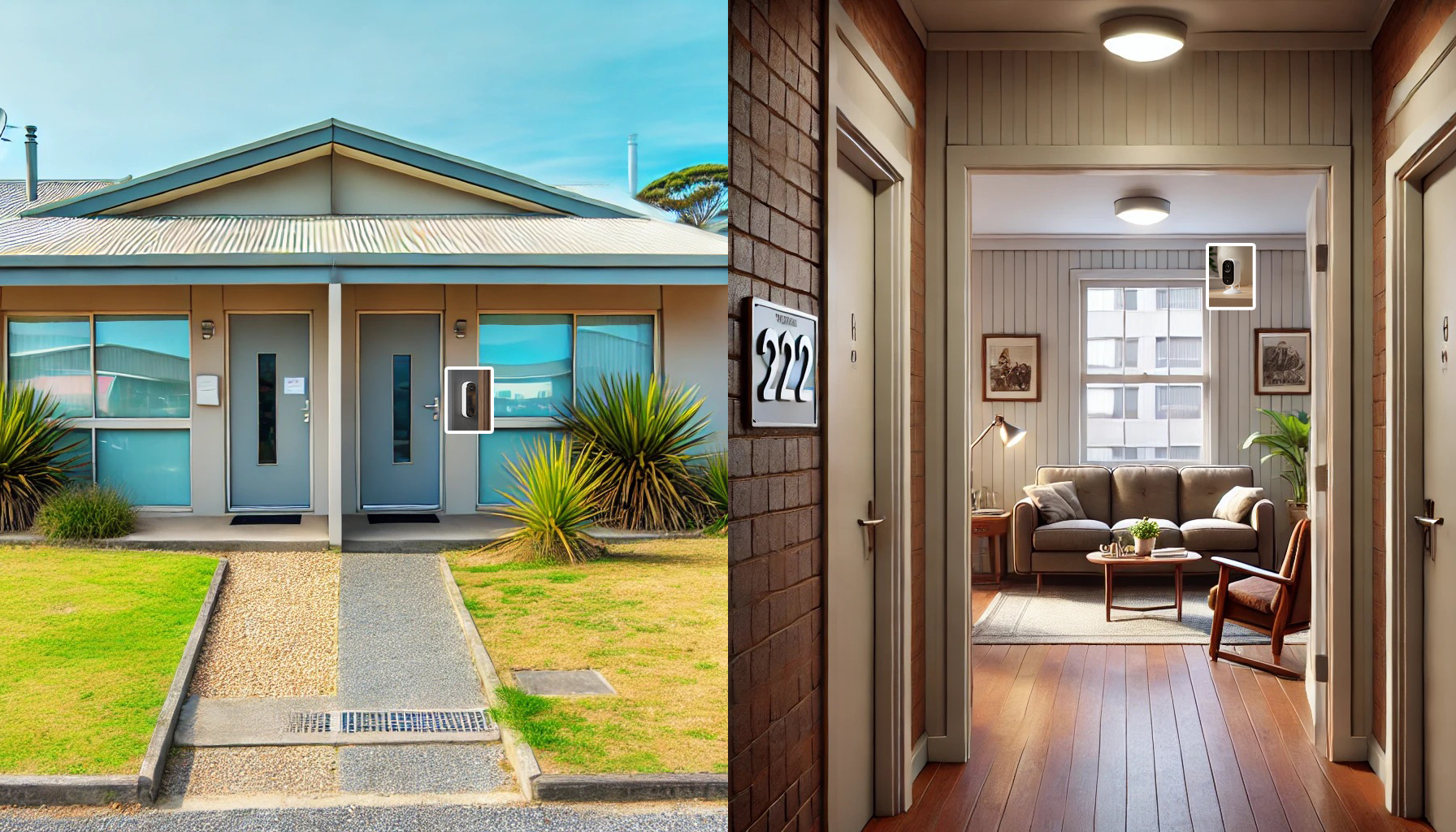
To provide peace of mind for clients where the installation of Essential outdoor cameras may raise concerns for neighbours, particularly for those worried about being recorded while undertaking their personal business in shared spaces, consider the following setup with Arlo Secure advanced features:
By integrating these products and features, clients can achieve robust security coverage while addressing concerns about privacy and maintaining a peaceful neighbourhood environment.
Essential Security | Share Houses & Apartments Kit
Shop now
Includes Arlo Secure for AI P