Surface Hub Technology Announcement


Important Update: Surface Hub v1 and 2S devices running Windows 10 Team Edition – Support Ends October 14, 2025

Microsoft has announced, that on October 14, 2025, Surface Hub v1 and 2S devices running Windows 10 Team edition will reach end of support. This means Surface Hub v1 and 2S devices running this version will no longer receive security updates or technical support from Microsoft and Microsoft Teams functionality will also be affected.

If your organisation continues using these Surface Hub devices on Windows 10 Team edition, you risk operating on an unsecure, unsupported system. This could disrupt collaboration, compromise security, and limit access to Microsoft Teams.

To stay secure and fully supported, organisations need to transition these Surface Hub devices to a Windows 11-based platform such as Microsoft Teams Rooms on Windows.

For Surface Hub v1: After October 14, 2025, Surface Hub v1 devices will no longer be supported. Microsoft recommends planning for a hardware refresh. Videopro can help identify a suitable replacement.

For Surface Hub 2S: After October 14, 2025, Surface Hub 2S devices must be on a Windows 11-based platform, such as Microsoft Teams Rooms on Windows, to continue receiving updates and support. There are three upgrade paths:

  • Hardware upgrade
    Install the Surface Hub 3 Compute.
  • Software migration (available until October 14, 2025)
    Transition Surface Hub 2S devices to Microsoft Teams Rooms platform.
  • Windows 11 image install
    Unlock the device and install a supported Windows 11 image.

For more information, please read the announcement from Microsoft.

Keep your teams connected and your technology future-ready.
Start planning your transition today to avoid downtime and security risks. Explore the right upgrade path for your Surface Hub devices and ensure your teams stay supported beyond 2025.

Talk to Us About Your Transition – Please contact us if you have any questions or would like to know how we can help your organisation.
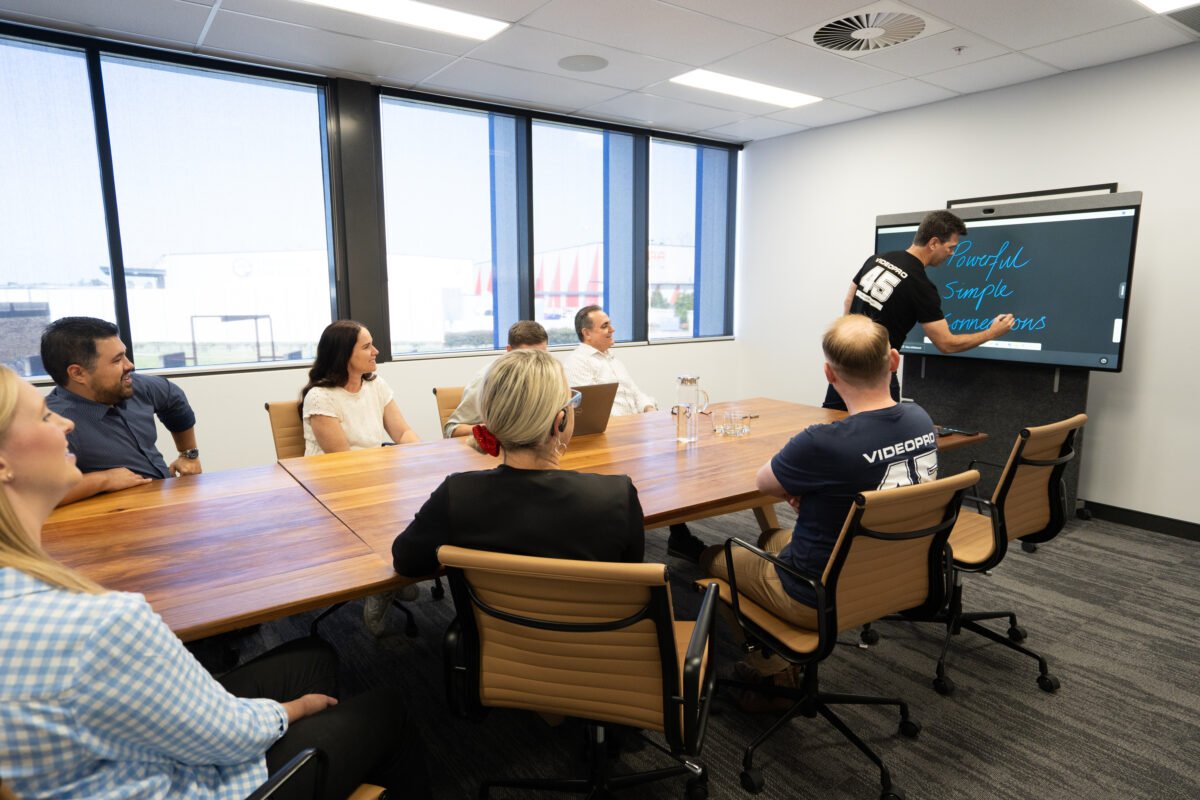
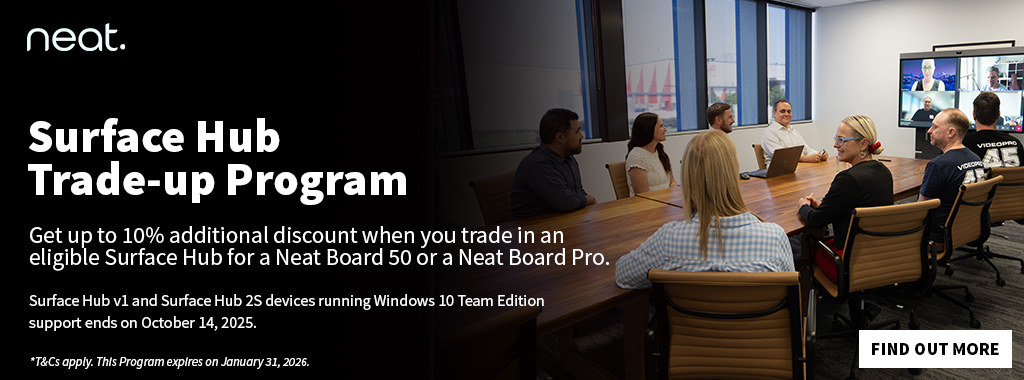
Neat Board Pro

Bring Your Team Together Like Never Before
The Neat Board Pro transforms collaboration with a stunning 65″ 4K multi-touch display and crystal-clear, adaptive audio and video, so every voice is heard, and every idea is seen. Designed for medium to large spaces, it combines elegance with flexibility to make meetings effortless and engaging.

All-in-One Collaboration Hub
Dual 50MP cameras with intelligent framing and up to 16x hybrid zoom keep everyone in view, while an advanced 5-microphone array and speakers deliver conversations that sound natural and immersive. The responsive, anti-glare touch screen makes presenting, brainstorming, and whiteboarding seamless, whether your team is in the room or joining remotely. The included Neat Active Marker also makes writing or drawing on the board feel natural.

Made for Modern Workflows
Certified for Microsoft Teams and Zoom, the Neat Board Pro simplifies meetings with wireless sharing, BYOD support, and the Neat App Hub for all your favourite tools. With flexible mounting options and Neat Pulse cloud management, it adapts to any workspace while giving IT teams full control of neat devices from a centrally managed platform.

If you would like to find out more about the Neat Board Pro, or experience the Neat Board Pro first-hand, please contact us.

Urban Utilities | Audio Visual Case Study

Urban Utilities provides water and waste management services to residents and commercial customers in the Brisbane, Ipswich, Lockyer Valley, Scenic Rim and Somerset local government areas. They are the fourth largest water provider in Australia.

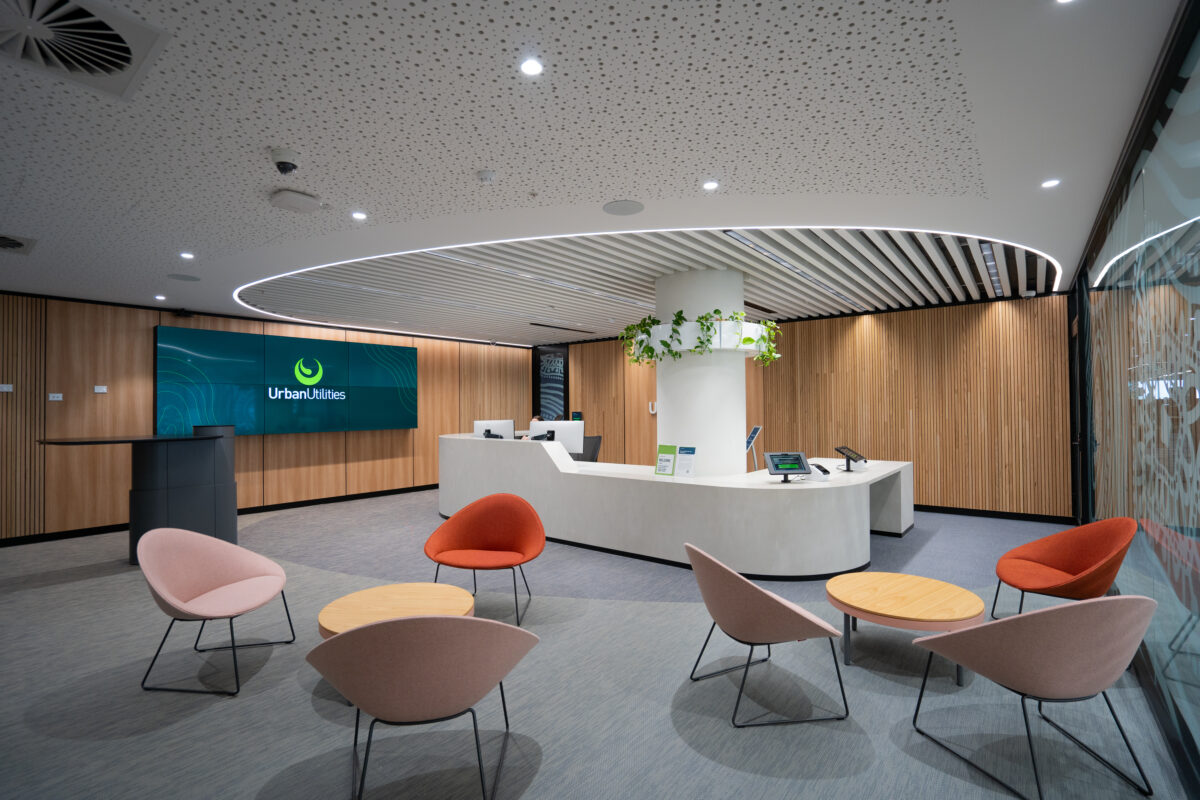
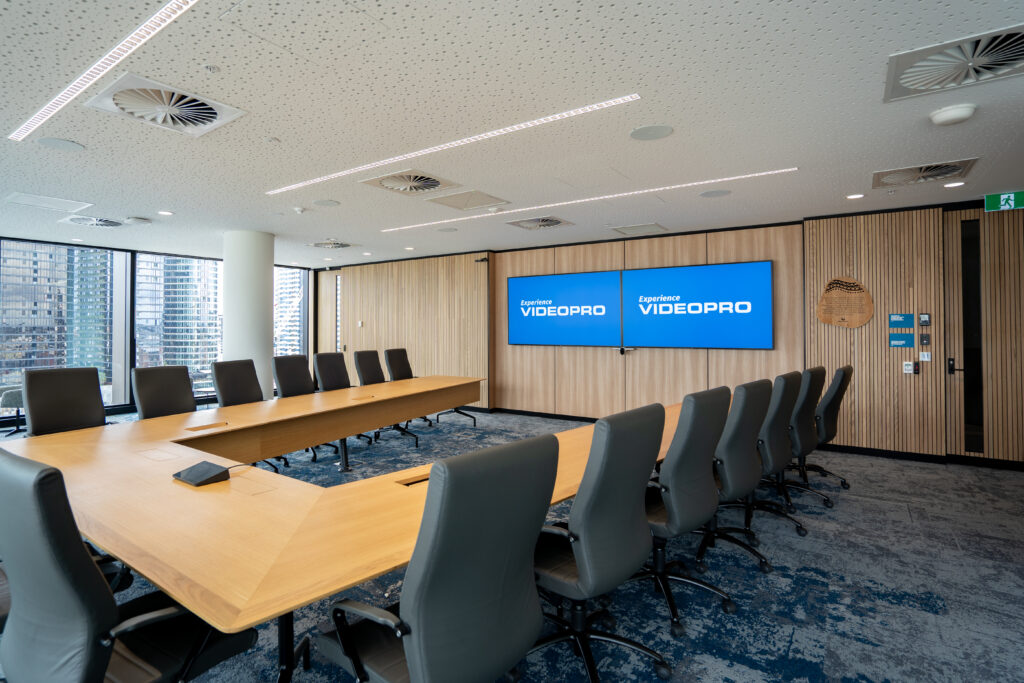
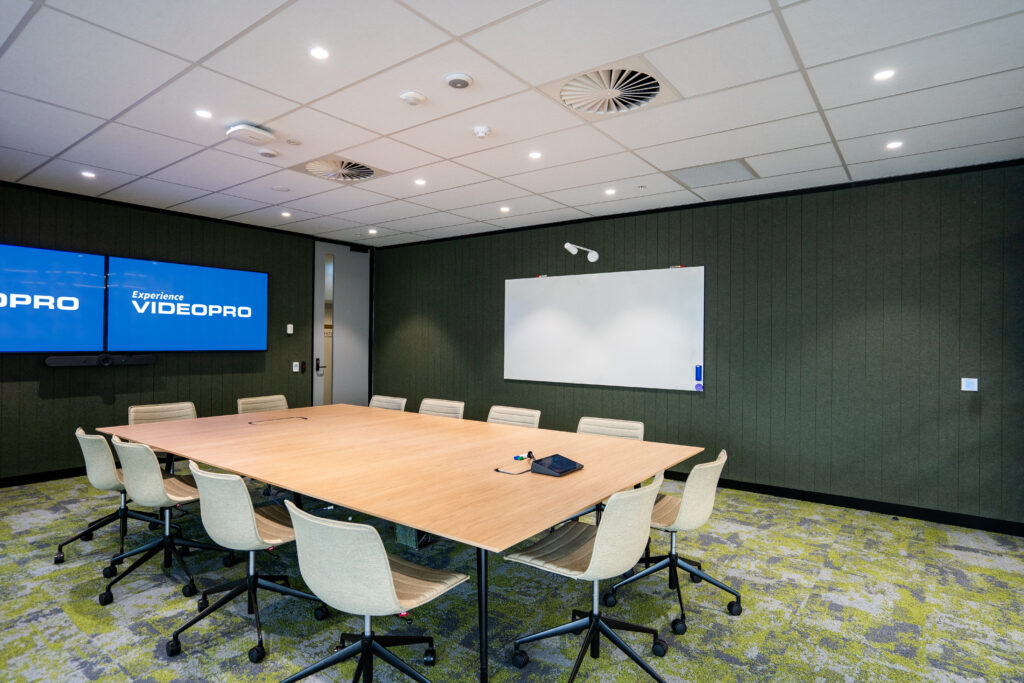
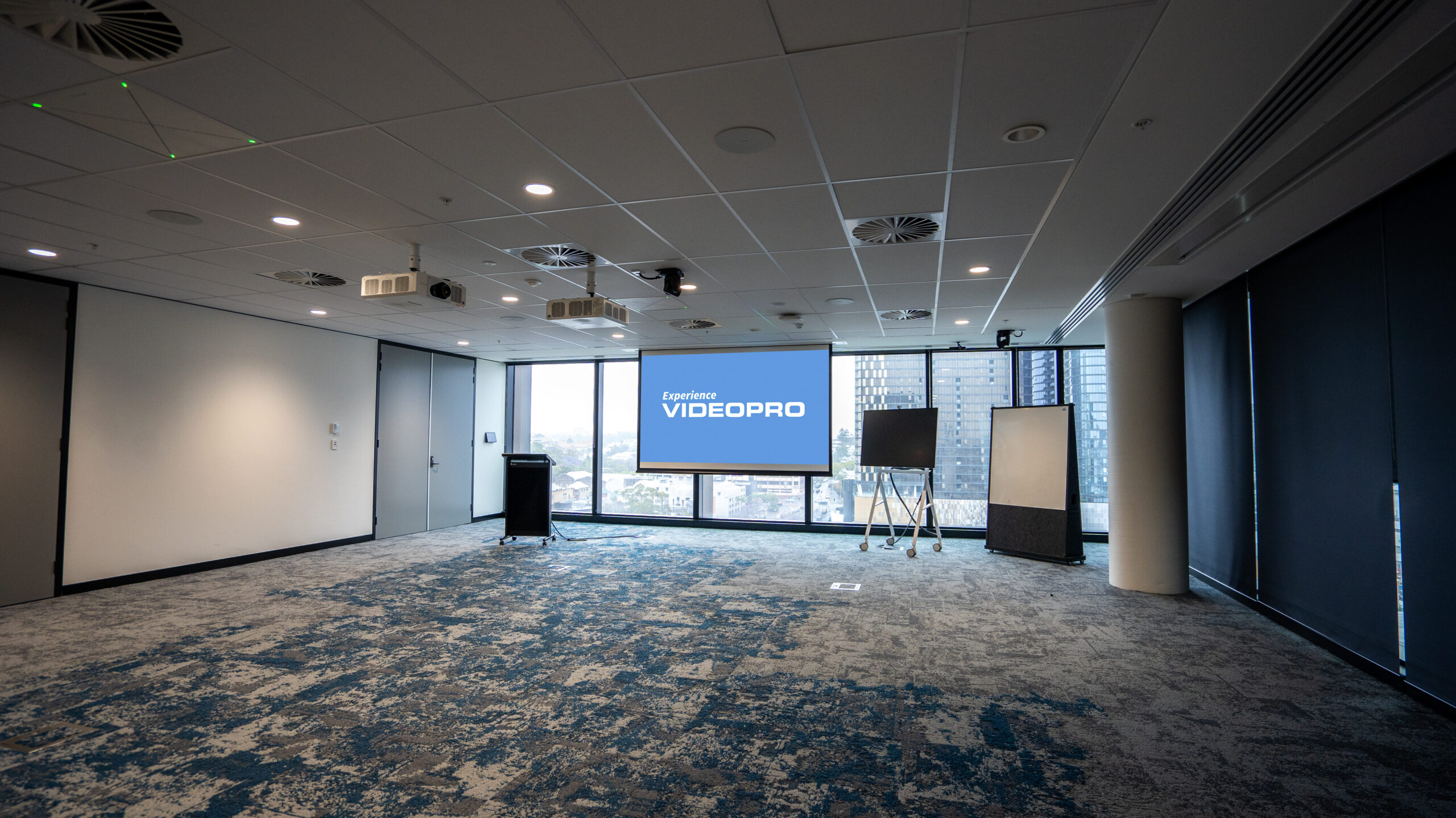
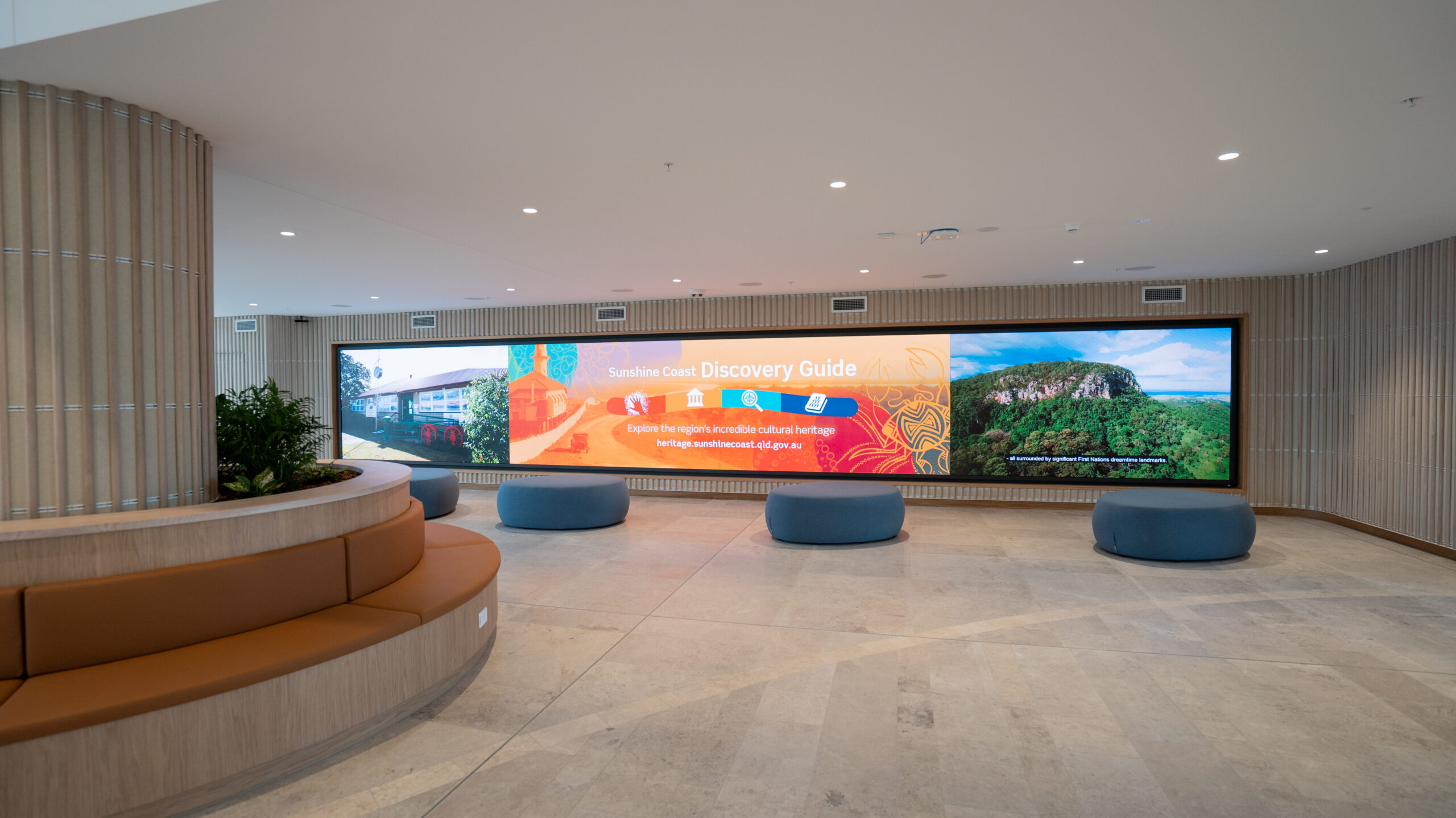
Videopro was engaged in August 2022 on a design and construct scenario in conjunction with Hutchinson Builders as Urban Utilities moved locations. At the new Urban Utilities head office at 31 Duncan Street, there are 30 AV spaces consisting of small, medium and large meeting rooms, executive offices and a boardroom, along with more bespoke spaces including a large control room, emergency room, project spaces and an area called The Hive that can facilitate between 60 to 80 people for large scale presentations. The reception area has a 3x2m video wall and there is digital signage throughout the building which allows Urban Utilities to share marketing content, workplace information and wayfinding information. Amongst that there is an overarching system which monitors space utilisation in the building.
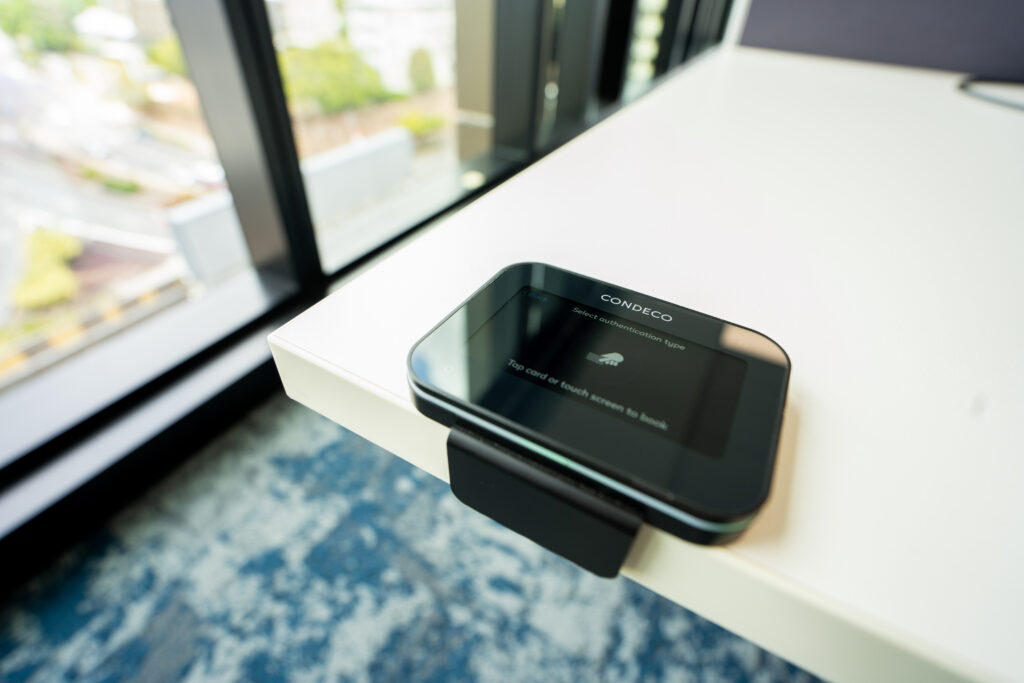
Videopro provided a navigation and wayfinding solution via Condeco which allows each workstation to be booked in advance through a mobile application or through tiles on the desk where staff can simply tap on and tap off with their work ID. In addition to this, Videopro installed a Relogix sensor system which identifies how many people are in each room at any given time. The Relogix and Condeco systems tie together and the reporting feeds out to Power BI where the data can be analysed to ensure all spaces are being utilised.

Urban Utilities’ previous premises had minimal technology that connected those workers in the field or at home to those in the office. The new meeting rooms enable connection and equity irrespective of where employees are, to participate equally in meetings and offer the same experience for all. Urban Utilities also wanted the user experience to be seamless and easy to use so employees could walk into any room or join a meeting remotely and always have a consistent experience.

The audio and visual are reticulated over Extron’s NAV system with the audio itself being predominantly Q-SYS, conveyed via Dante to different locations along with Sennheiser beam-steering microphones in the larger, bespoke spaces. The conferencing cameras are a mix of Logitech, Poly and AVer.

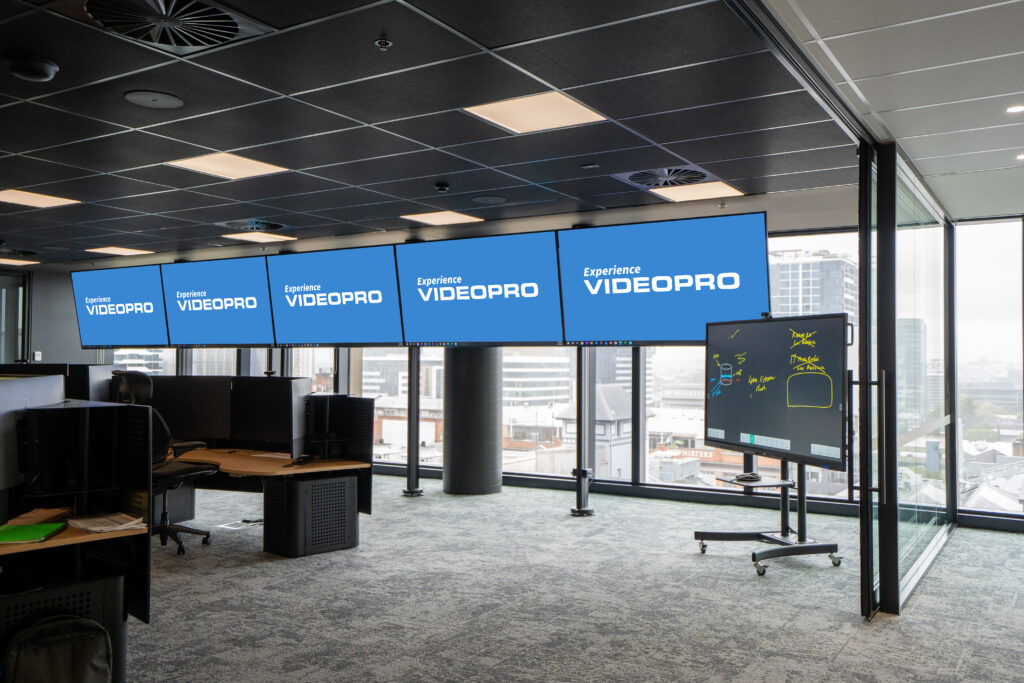
There are also areas that have been designed deliberately to bring multiple parties together for long-term projects with mobile furniture including the control room. This space provides 24×7 monitoring and services for Urban Utilities’ network of infrastructure, assets and sites. The control room has five 85” screens at the front of the room that content can be shared to via the Extron NAV system with each employee also having their individual workspace.

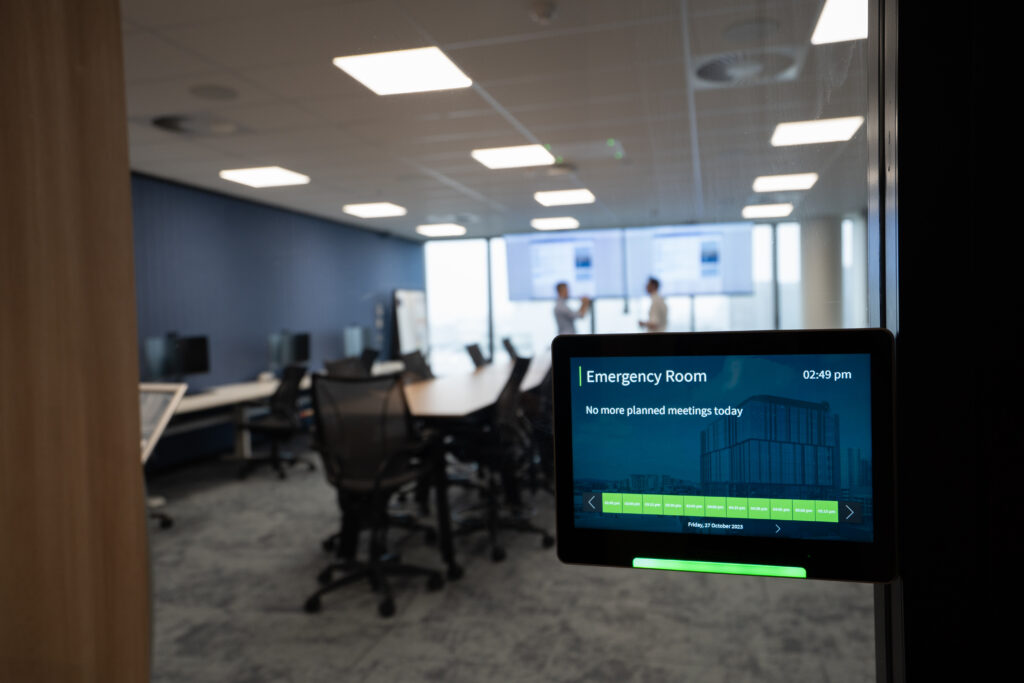
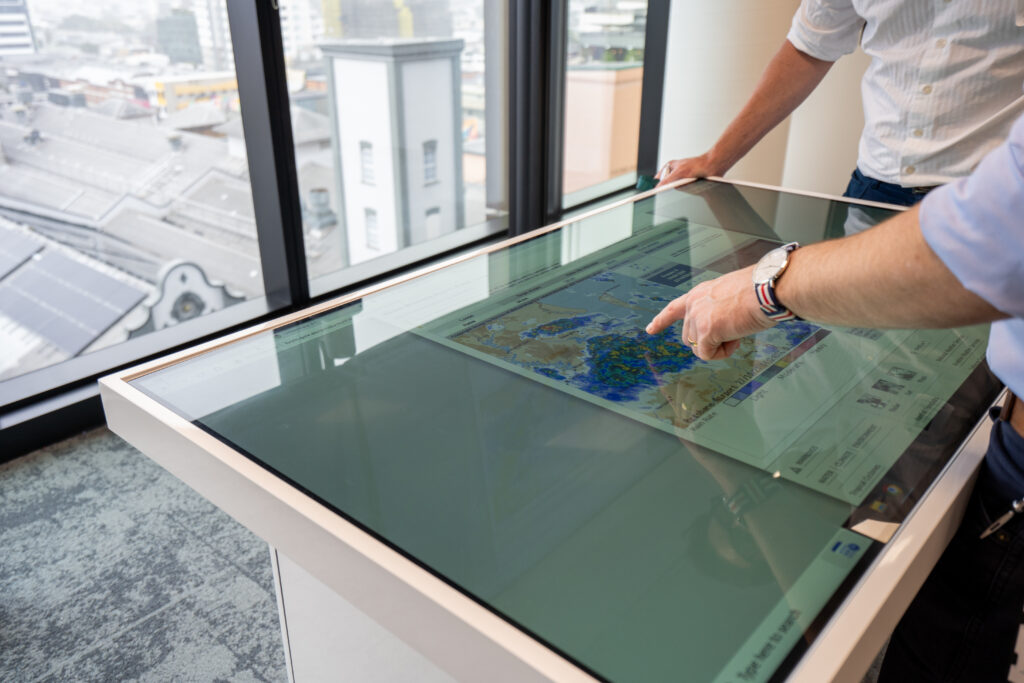
Beside the control room is the emergency room. This space has a 55” custom-built touchscreen for Urban Utilities that the Incident Management Team can stand around and drive content, which they can also share on the monitors at the front of the room. The space has been designed to enable them to do their job BAU and respond to major incidents as they occur.

This site has set a baseline of capability for Urban Utilities. Both the AV and the workspace technology will be what is rolled out at their other locations going forward. Videopro has a 2 year contract with Urban Utilities and are looking forward to a long partnership.

Let’s Chat

For more information or to speak to our expert team about an Audio Visual solution for your workplace or educational space, contact us on 1300 843 367 or via the website.

Yealink Video Conferencing Wall

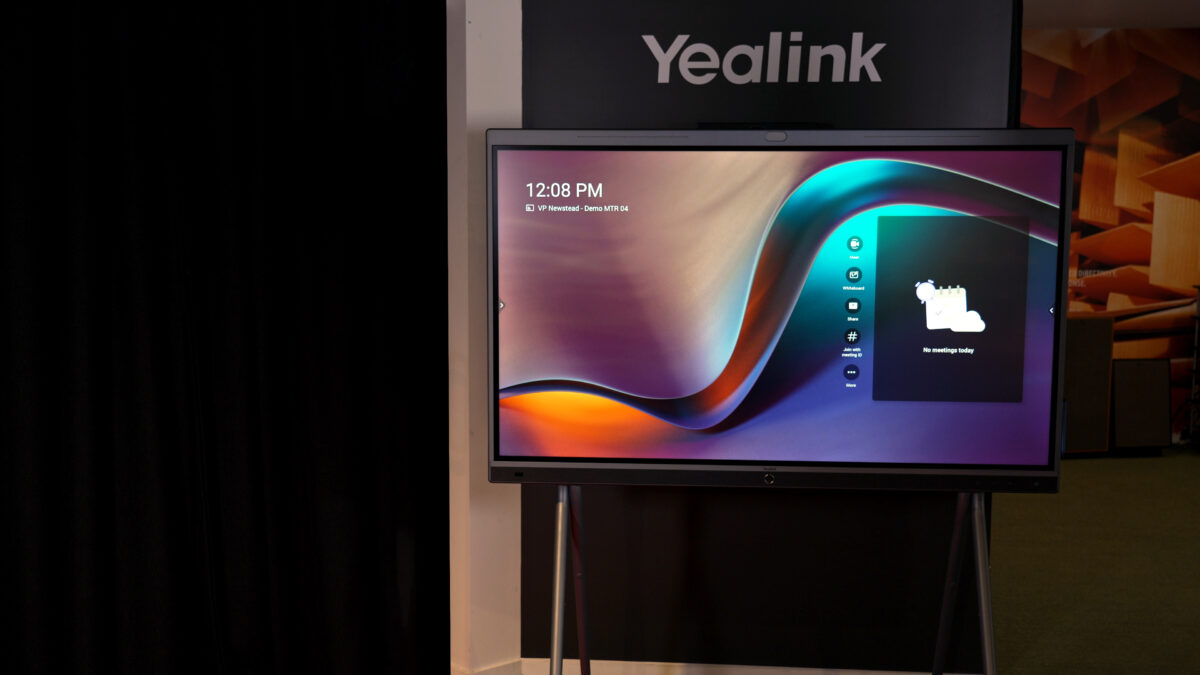
Yealink have established themselves as a brand that offers high quality video conferencing solutions that are also cost effective. Our Newstead Experience Centre is proudly home to a new Yealink display featuring a range of their VC solutions. Join Videopro’s Pat as he shows off the new Yealink products on offer.

Solution 1: DeskVision A24

The DeskVision A24 provides you with an all-in-one Teams room solution paired with a 24” touchscreen. It features an automatic camera that pops up when a call starts and has built-in microphones and speakers that provide a superior audio experience. It can also be used as a second monitor for your laptop for added usability. The base features a USB hub for all your peripherals and a wireless charging pad for your smartphone. All of these features make it perfect for either an office or home workspace.

Solution one includes:

+ Yealink DeskVision A24

Solution 2: Huddle Room

The second solution takes a step up to a combo that is perfectly suited to a huddle room. It features the A10 compact meeting bar that provides a 4K camera with 120° field of view and an eight microphone array. It also features speaker tracking, auto-framing and smart gallery functions to ensure that everyone in the room is heard and seen clearly. Yealink’s advanced AI noise cancellation enhances the audio experience by reducing background noises and providing crystal clear audio quality. This device is paired with a touch panel for full control and a wireless dongle to allow presentations with no cables at the press of a button. This package can be set up to run Teams, Zoom or function as a BYOD solution.
Solution two includes:

+ Yealink A10 Compact MeetingBar
+ Yealink CTP18 Touch Panel
+ Yealink WPP30
+ Room display

See more information on the Huddle Room setup.

Solution 3: 65″ MeetingBoard

The final solution is the 65” Yealink Meeting Board. This innovative solution provides you with an all-in-one design that delivers an immersive meeting experience. The 4K camera provides a premium and intelligent video experience with all the AI features you’d expect like auto-framing and speaker tracking. It also has a 16 microphone array, in-built DSP with enhanced AI noise cancellation and a four plus two speaker configuration. This delivers an 8m full duplex audio experience that makes it sound as if everyone was sitting in the same room. However, it’s the touchscreen that really elevates the functionality of this product as we can now incorporate collaborative whiteboards in a video meeting. The 65” size and pen and paper feel also provide a smooth and seamless writing experience.
Solution three includes:

+ Yealink 65″ MeetingBoard
+ Yealink MeetingBoard Floorstand

Experience Videopro

If you’re looking to enhance the video conferencing capabilities of your workspace, whether at home or the office, make sure you head down to Videopro Newstead to check it out or contact our team of experts to learn more.

Logi Dock Flex

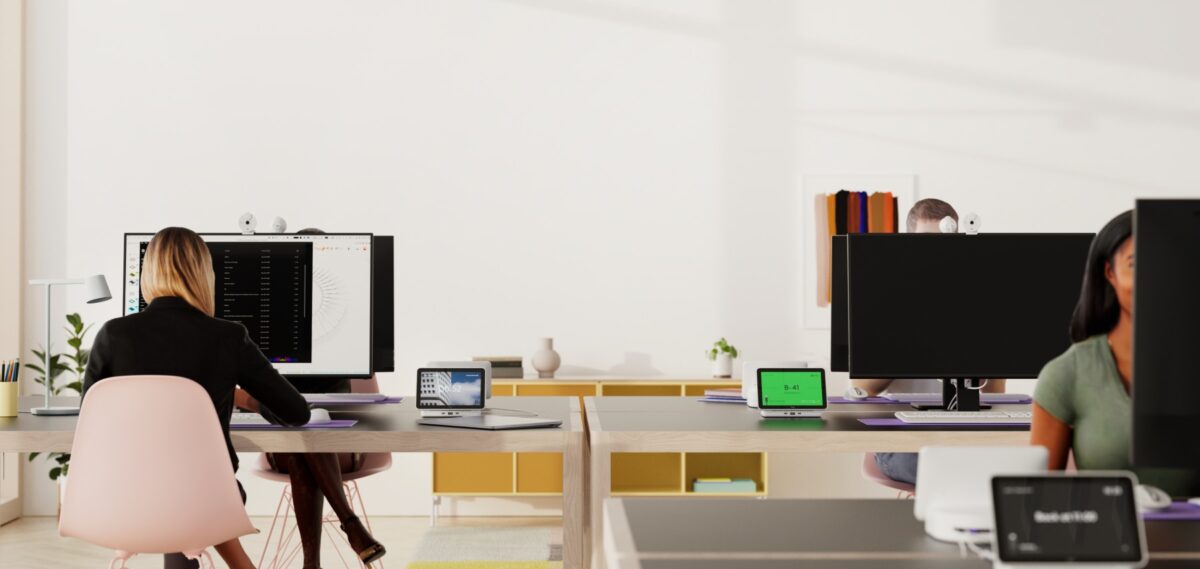
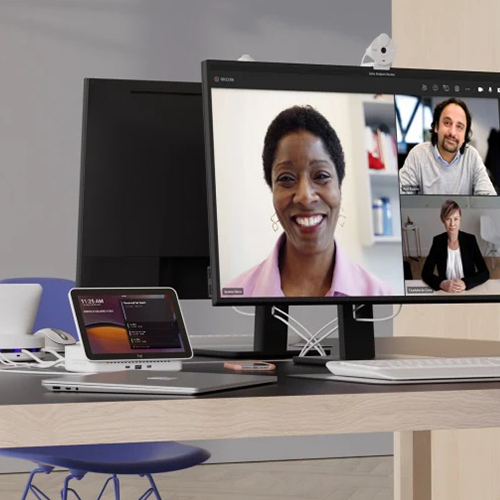
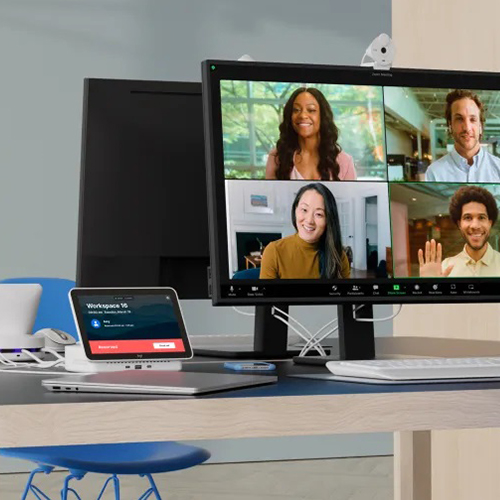
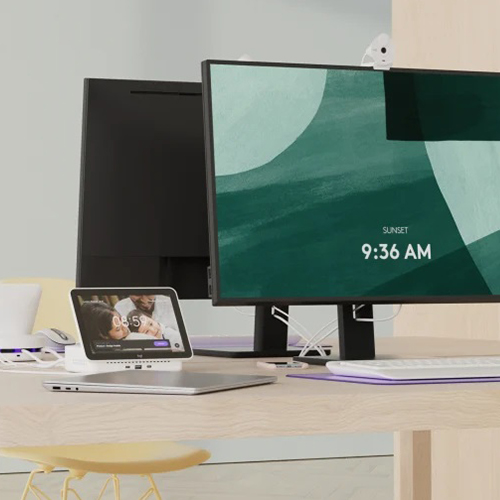
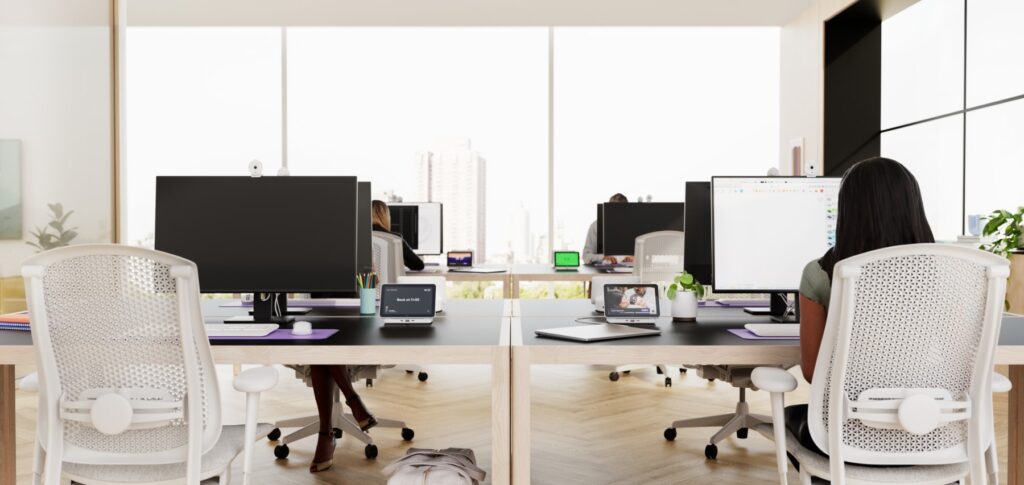
Days in the office are more productive and enjoyable when we spend them with our favourite coworkers. Promote onsite work with Logi Dock Flex, a managed docking station that enables easy and personalised desk booking for employees and simple device management for IT. A multi-purpose dock that can easily be integrated and managed with Microsoft Teams, Zoom Workspace Reservation or Logitech’s own desk booking service for a simple and consistent user experience.

Logitech’s desk booking enables employees to easily find and reserve desks, choose desks near coworkers, and notify colleagues when they’re coming to the office. Employees never have to guess which desk is free, occupied, or in between. The 8” screen clearly indicates desk status at a glance.

Understand and optimize your workplace

Logi Dock Flex makes it easy to manage shared desks, keep them up to date and ready to go, and gain insights about usage.

Automatic check-in

Employees easily check in to their desk booking by plugging in their laptop. This also grants them access to all desk peripherals.

Gather accurate data

Logi Dock Flex tracks when employees plug in, so you can accurately keep track of office usage for better space planning.

Keep devices connected and running

Get notified right away if a device is disconnected or goes missing so you can resolve problems quickly.

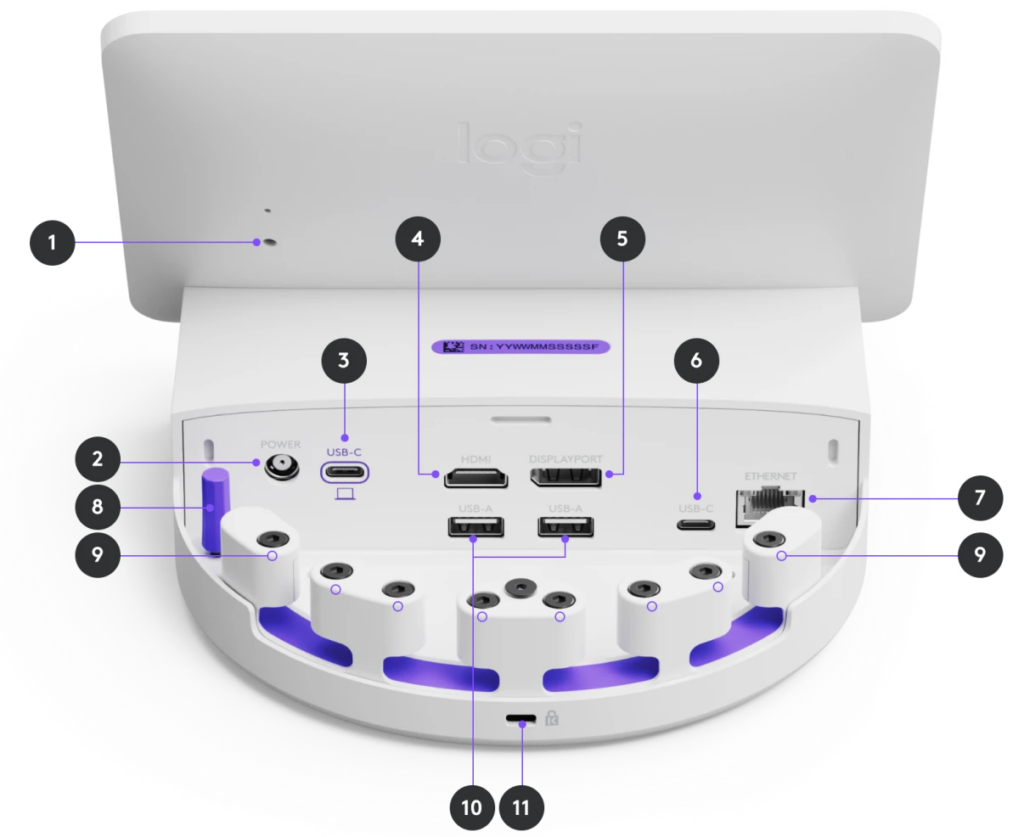
Logi Dock Flex has all the ports you need. Attach up to two monitors with HDMI and DisplayPort. Attach peripherals with three IT-managed USB ports and Ethernet for security. There are also three front-facing USB ports for users.

  1. Power/Reset Button
  2. Power
  3. USB-C Upstream 100W
  4. HDMI
  5. DisplayPort
  6. USB-C (USB 3.1)
  7. Gigabit Ethernet
  8. Cable Retention Key
  9. Cable Retention
  10. USB-A (USB 3.1)
  11. Kensington Security Slot

Logi Dock Flex is coming in 2023.

Feature support may vary by provider.

BirdDog X120

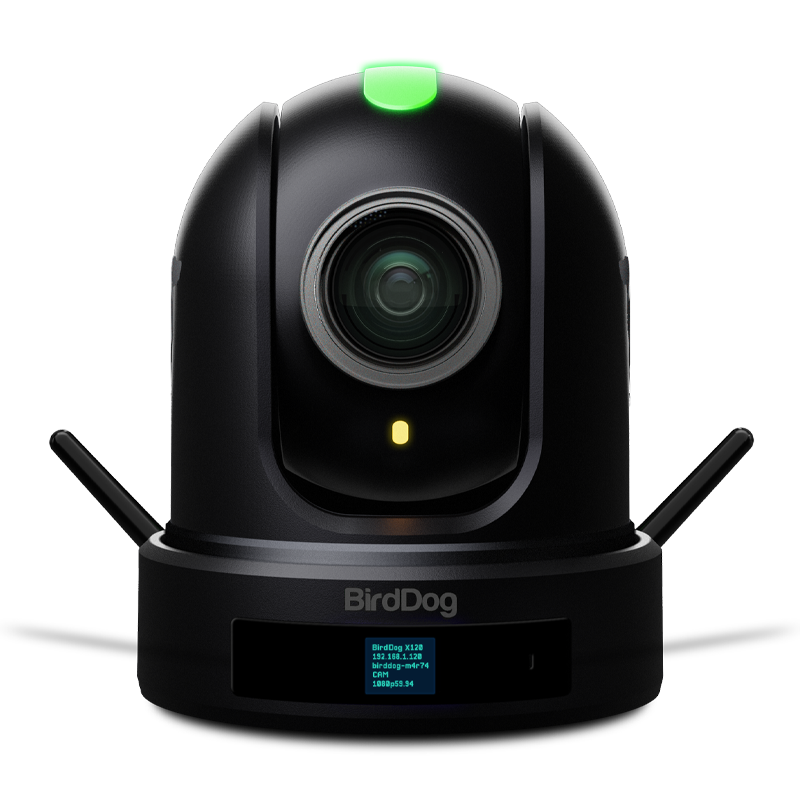
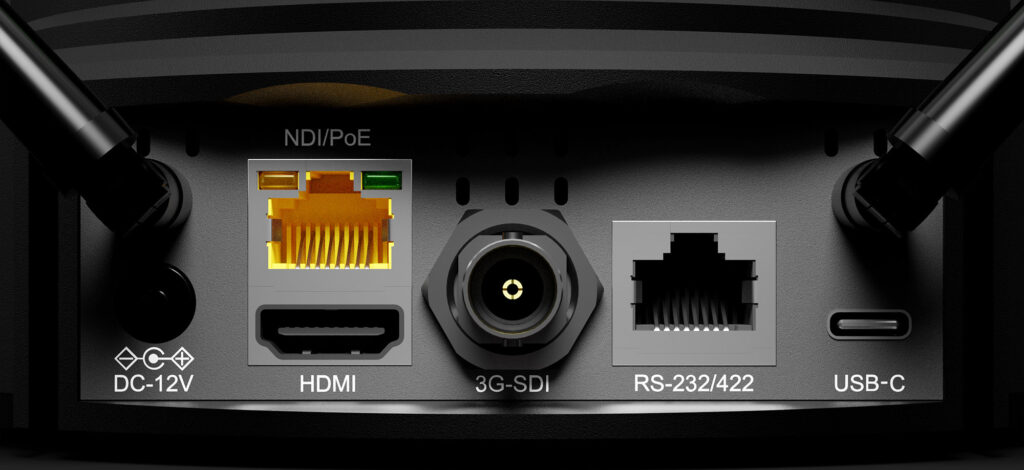
The World’s First NDI HX3 Wi-Fi Production PTZ has arrived, delivering unprecedented flexibility and freedom, with no video cables needed.

The BirdDog X120 features a Sony Exmor R image broadcast sensor to deliver fantastic low light capabilities and incredible picture performance.

In true BirdDog style, there is an OLED display to show the IP address, 360° mohawk tally, filter thread, and free auto-tracking and colour shading via Cam Control.

X120 also offers four hardwired connection options along with Wi-Fi. Additional connection options include NDI® over Ethernet, SDI, HDMI for live production work, and UVC USB for connecting to Zoom & Teams.

X120 makes it easy to stream to all the major platforms including Facebook, YouTube, Twitch, LinkedIn, Instagram, Twitter, and Vimeo.

NDI Ecosystem

BirdDog X120 can be controlled by multiple software applications including TriCaster, vMix, Wirecast, Epiphan, OBS, Vizrt Vectar, FOR.A, Broadcast Pix, and many more.

Baseband

With the baseband SDI and HDMI compatibility includes Ross, AJA, Blackmagic, Grass Valley, and more.

USB Webcam

X120 features USB-C for connecting directly to Zoom, Teams, Barco Clickshare, Google Meet, Webex, GoTo Meeting, BlueJeans, Slack, and any app that supports a USB UVC input.

Control Support

Hardware control support includes BirdDog PTZ Keyboard, Skaarhoj, CyanView, Streamdeck, Loupedeck, and even an Xbox controller.

API Support

Q-SYS, Crestron, RESTful API, there are so many ways to program your own control over X120 to create a totally integrated PTZ camera solution.

Digital Signage

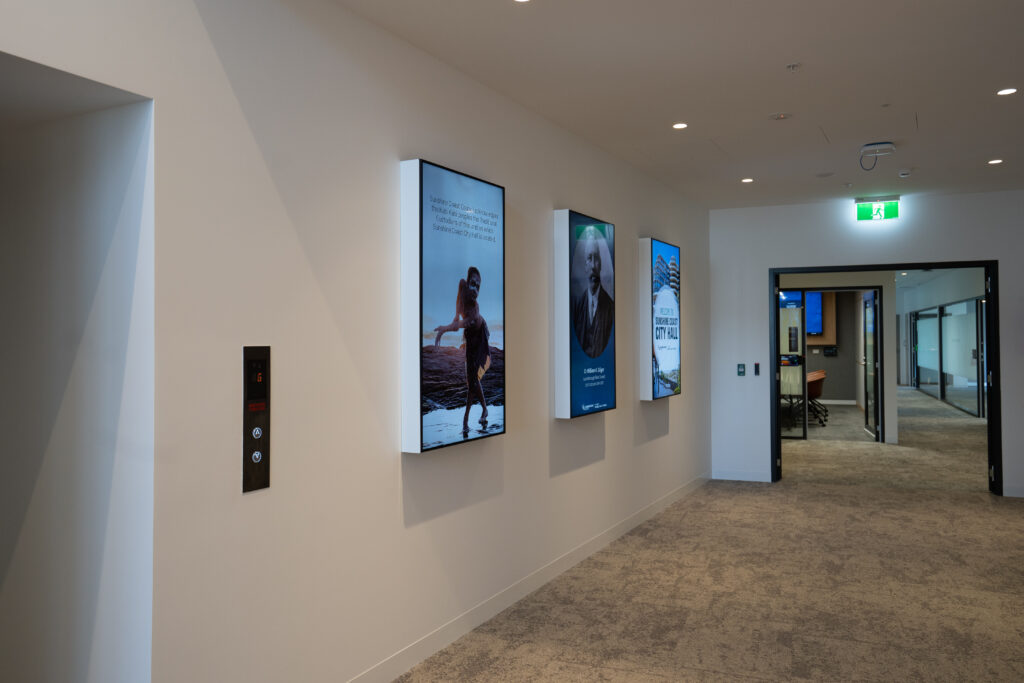
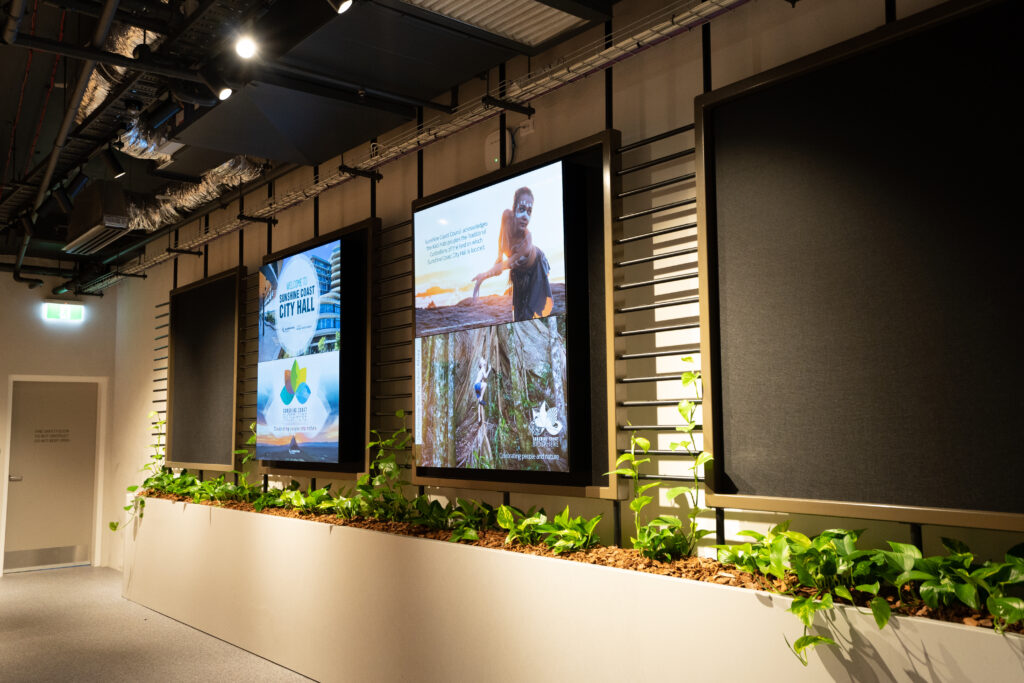
Digital signage has become a trending topic across the AV industry in recent years. There are a myriad of reasons why more and more businesses are looking into how digital signage can benefit them.

For many years, digital signage has been utilised most prominently for advertising. Large, eye-catching, brightly lit signs that can deliver key information at a glance are the perfect vehicle for advertisements in the modern era. Dynamic billboards on the side of the road, messaging inside shopping centres, etc. While this isn’t a new concept, the development of digital signage and commercial panel technology now makes it more affordable and accessible than ever before.

It has become a simple and easy way to add wow factor and personalisation to any location and the various applications of digital signage make it a versatile solution for so many organisations. In some instances, digital signage can even work out to be a more cost-effective solution long term.

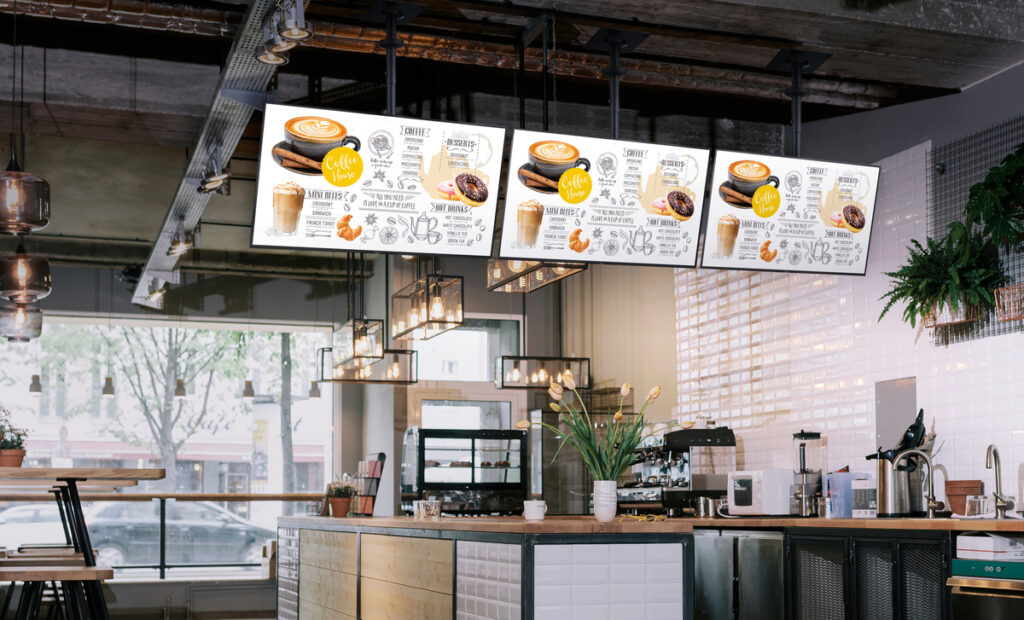
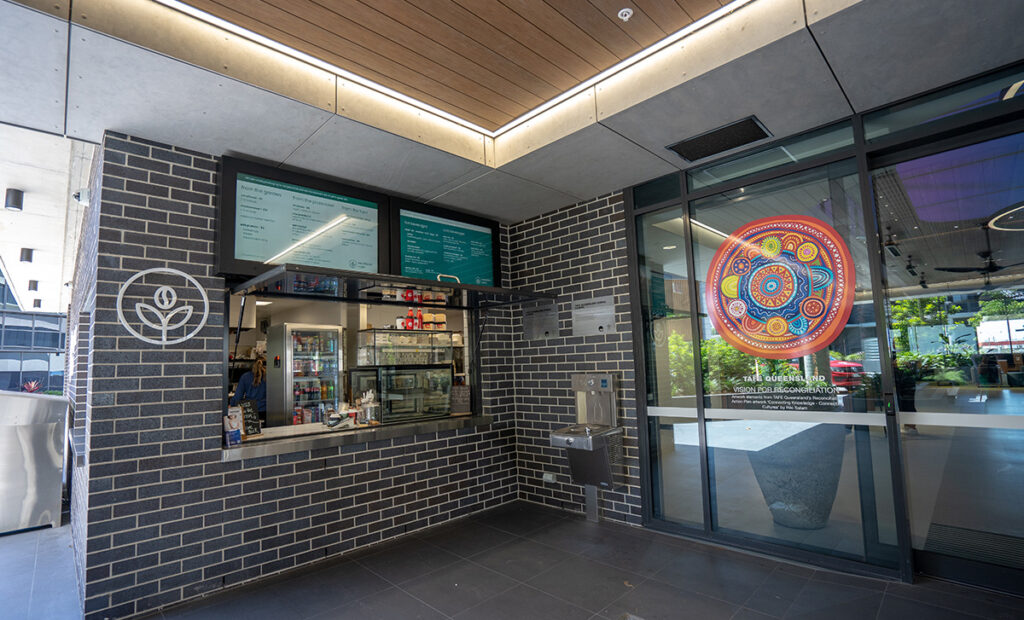
For example, cafés and restaurants can now display menus digitally, allowing for instant updates. Instead of having to reprint large paper or vinyl signage, they can simply log in to an administrator console and update their digital assets. This is perfect if they have a seasonal menu or don’t want to advertise an out-of-stock item. The same goes for retailers promoting different products or discounts throughout the year.

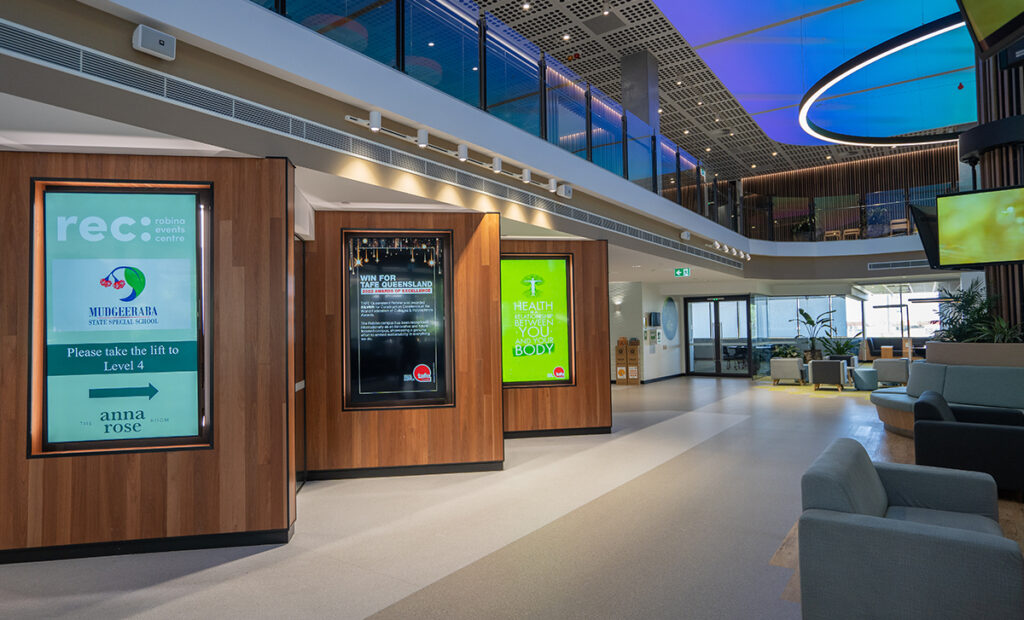
Schools and university campuses can display key messaging to students along with upcoming events, extra-curricular opportunities, classroom names and availability, emergency evacuation or lockdown instructions and much more.

Digital signage has become such a phenomenon due to its advantages over traditional print media. Instead of only being able to show a single static image, there is now the option to display dynamic, custom content including videos, motion graphics, countdown timers and even audio.

Digital signage also offers flexibility that print media simply can’t. Most solutions can be controlled from a central administrator console allowing IT or marketing departments to easily roll out new campaigns or messages remotely to all screens throughout a building or campus, just with a few quick clicks.

There are also a variety of touch-screen options on the market allowing for greater interactivity between customer and technology.

It is important to understand that commercial panels are not like regular TVs. They are designed to be reliable over a long lifespan, running for the majority of the day at an efficiency. Some panels also offer energy-saving measures to ensure they can be as eco-conscious as possible. Choosing the right commercial panel for your organisation’s needs is essential. Let one of our expert team members help you find the best solution by contacting us today!

Logitech Video Conferencing Wall

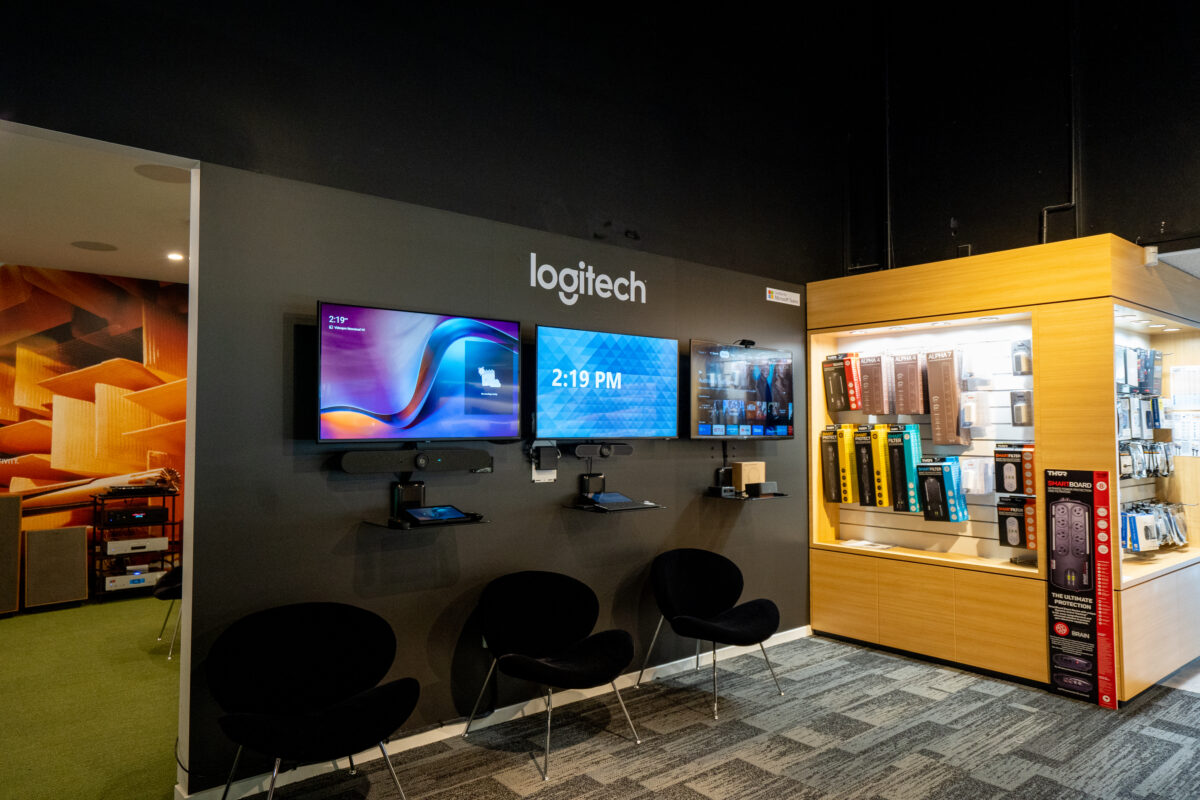
Videopro Newstead is home to the very first Logitech Video Conferencing Wall in Australia. Logitech are leaders in the video conferencing industry and have a whole range of technologies that will help you get the best video conferencing experience out of any meeting room no matter what the size. This display allows users to get hands-on experience with their technology. Join Videopro’s Pat Byrne as he walks you through the three solutions on display.

Solution 1: Logi Dock

The first configuration is a BYOD setup featuring the Logi Dock. This device gives you a speakerphone with a USB hub that connects peripherals such as a keyboard, headphones or web camera all through one cable. This makes it perfect for the home office or those who work remotely.

Solution one includes:

+ Logitech Logi Dock

See more information on the Logi Dock setup.

Solution 2: MeetUp

The second solution suits a small to medium meeting room and features a Logitech MeetUp, which gives you a 4K PTZ camera, three beamforming microphones and a speaker for a quality audio experience. It also has a Logitech Tap which acts as a scheduler and provides you with full control over your Microsoft Teams Room. The Tap also has an HDMI ingest which allows you to bring in your laptop screen directly into the Teams call. These are both driven and connected to your Microsoft Teams NUC.

Solution two includes:

+ Logitech MeetUp 4K Conference Cam
+ Legend AU Power Cable Clover 2M
+ Intel NUC
+ Logitech Tap Jumpstart
+ Logitech Tap Screen
+ Logitech Tap PC Mount

See more information on the MeetUp setup.

Solution 3: Rally Bar Mini

For a larger meeting room, the third option features the Logitech Rally Bar Mini. This conferencing soundbar has a second camera which enhances the auto framing functionality, six beamforming microphones allowing greater coverage across the room, and better speakers that enhance the sound delivery. Both of these meeting room solutions are Microsoft Teams certified.

Solution three includes:

+ Logitech Tap 10.1″ Touch Screen
+ Logitech Rally Bar Mini in Graphite

See more information on the Rally Bar Mini setup.

Experience Videopro

Whether it’s for the home or the business, if you’re looking to enhance your video conferencing, make sure you come in to Videopro Newstead and experience it for yourself.

CommBox Webinar

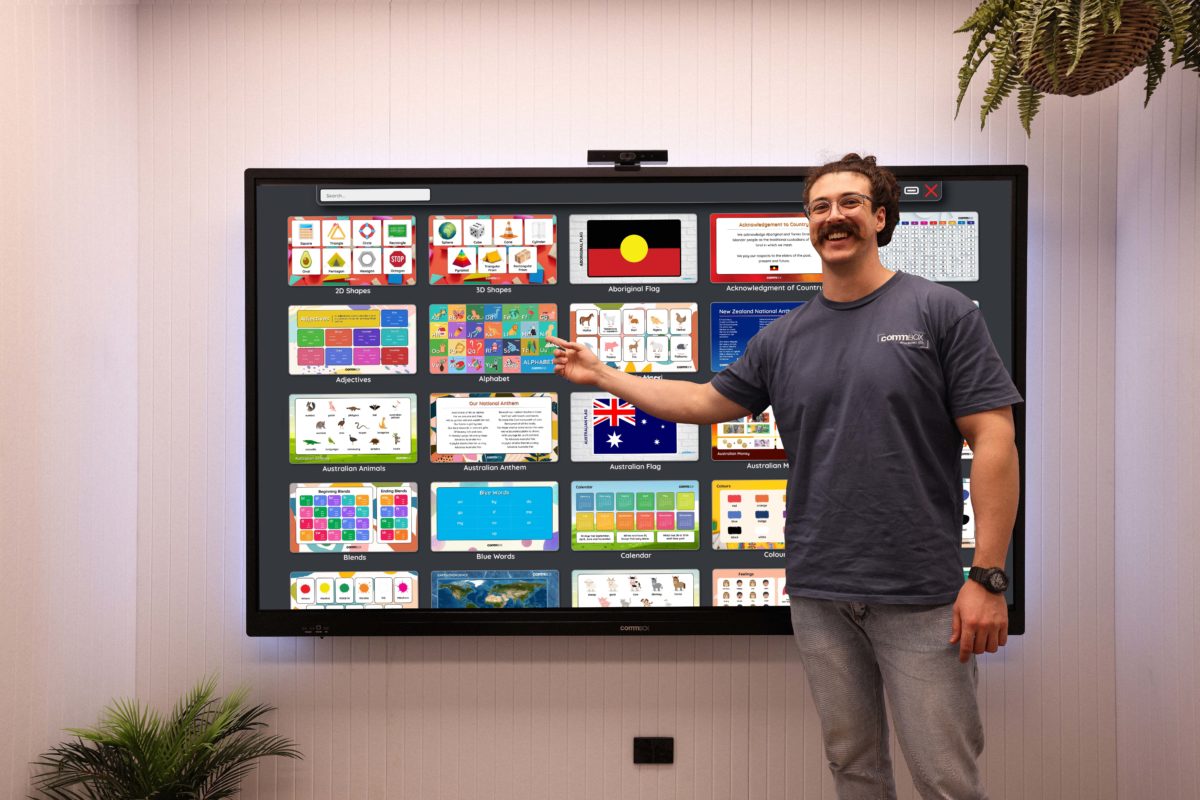
CommBox offers premium interactive touchscreens, commercial displays and digital signage tailored to suit the needs of education, corporate and retail markets. Designed and developed in Australia, CommBox pride themselves in creating products that are of a high standard using the latest technology to create an effortless user experience.

Join Pete from CommBox and Pat from Videopro in this recorded webinar as they cover the #1 interactive flat panel in Australia with a focus on its use in education environments. Learn more about how schools are using their panels, the addition of AirServer, remote support functionality via CommBox Manage, a variety of different apps on the panel and how to access further training and demonstrations. Pete also gives a sneak peek into some new CommBox hardware and software.

To learn more about CommBox solutions or to book a panel demonstration at Videopro HQ, please contact us today.

Lightware Taurus UCX

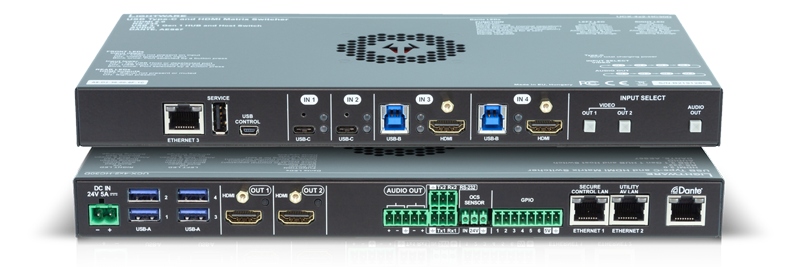
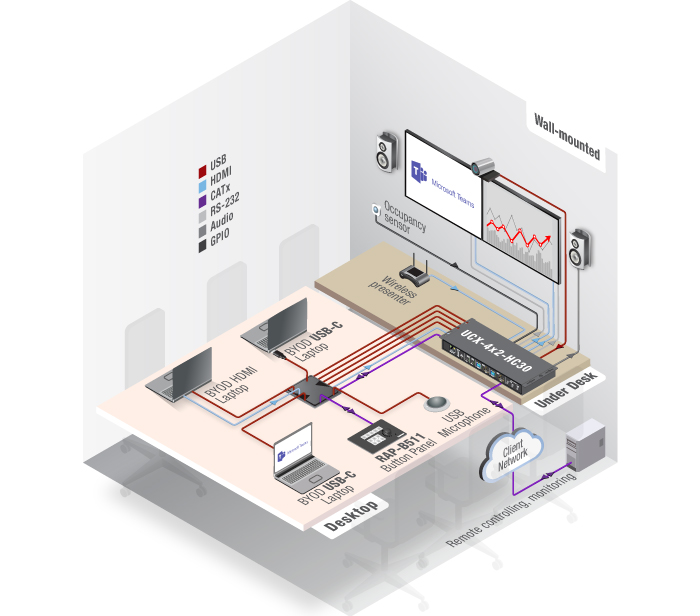
The Lightware Taurus UCX is a universal matrix switcher designed to tackle the common challenges of meeting rooms and collaboration environments. It is a Unified Communications platform that allows you to conveniently collaborate by simply connecting your own device to share your content and control the meeting room easier than ever before.

The device streamlines the BYOD meeting room process with a built-in superspeed USB hub and superspeed USB host switch, allowing users to connect USB peripherals (including webcams, microphones, mice and keyboards) and switch between different host devices (such as laptops) with ease.

Taurus UCX also allows users to access multiple video conference platforms including Microsoft Teams, Zoom and Cisco Webex, all in the one room. It makes it easy and intuitive to switch between platforms as needed.

USB-C connectivity keeps your device charged while also handling audio, video, ethernet and control signals via one single cable. Lightware’s USB-C cables are available in 1,2,3,4 and 5 meter versions. As different laptops come with different capabilities and features through USB-C, including DisplayPort Alternate mode and charging, Taurus UCX provides alternative solutions through HDMI 2.0.

Taurus UCX can also be integrated with room controls, including lights and shades, without the hassle of a separate control system. Simply use the control panel or touchpad that is already used for the room’s video conferencing system.

UCX-4×2-HC30 Application Example

Lightware Taurus UCX was awarded Best of Show (AV Technology) at Integrated Systems Europe 2022.