SOA QEDSOA-71789

2026 QLD Department of Education Supplier under Education Arrangement logo

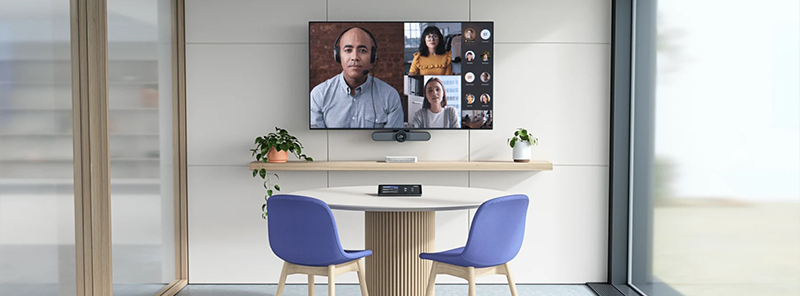
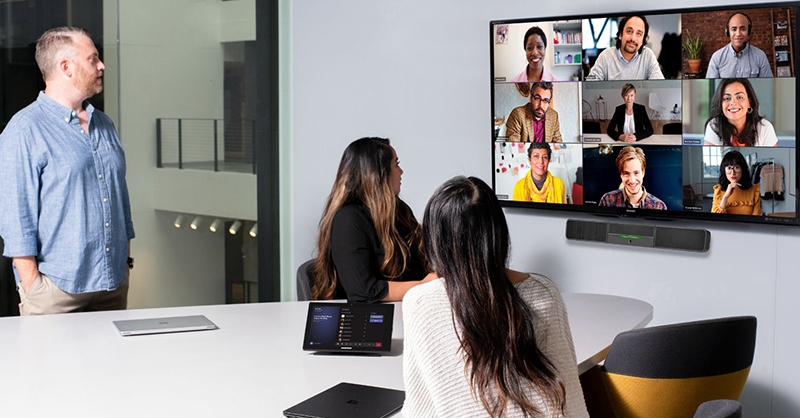
Videopro is proud to be an approved supplier under the Standing Offer Arrangement (SOA) QEDSOA-71789 for the provision of Interactive Solutions, inclusive of Category 4 – Video Enabled Meeting Rooms (Microsoft Teams Rooms). The Interactive Solutions SOA will provide Queensland schools, DoE corporate and other Eligible Customers with access to cost effective and high quality suppliers of Interactive Solutions and Innovative Technologies.

Eligible Customers

The following entities are eligible to use this SOA:

  • Queensland State schools;
  • Queensland non-State schools;
  • Queensland School Parent and Citizens Associations (both State and non-State sector);
  • All government departments, local governments, government owned corporations and statutory bodies.
Product & Services

The products and services Videopro can supply under the Interactive SOA include:

  • Interactive panels and screens including those with cameras, touch screens, email capability etc.
  • Projectors and Collaboration Devices
  • Wireless Keyboards and Mice
  • Installation Services
  • Video Enabled Meeting Room Solutions (Microsoft Teams Rooms)

Speak to an Education AV Specialist

To learn more about the QEDSOA-71789, request a quote or to discuss an education solution for your space, please contact our team of AV specialists.

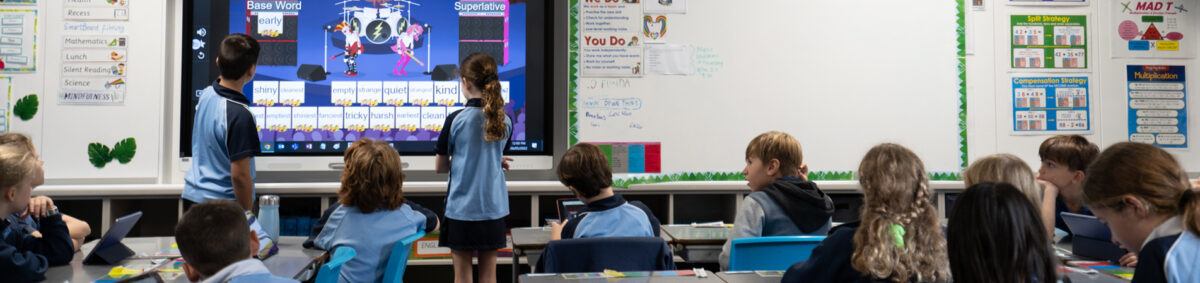
Vivi

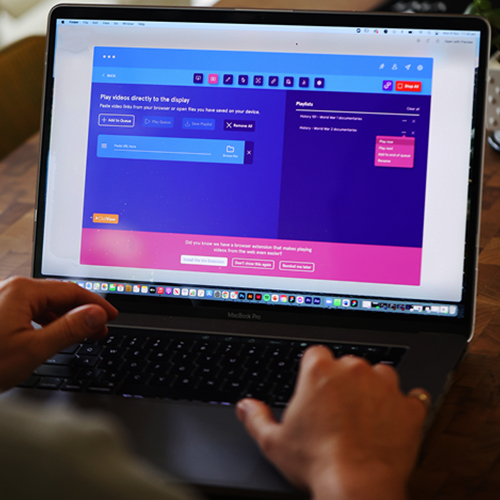
The only wireless screen mirroring and digital signage tool designed for education. Join over 950 schools, 38,000 classrooms, and 250,000 students and teachers.

Control

Watch your support tickets go down.

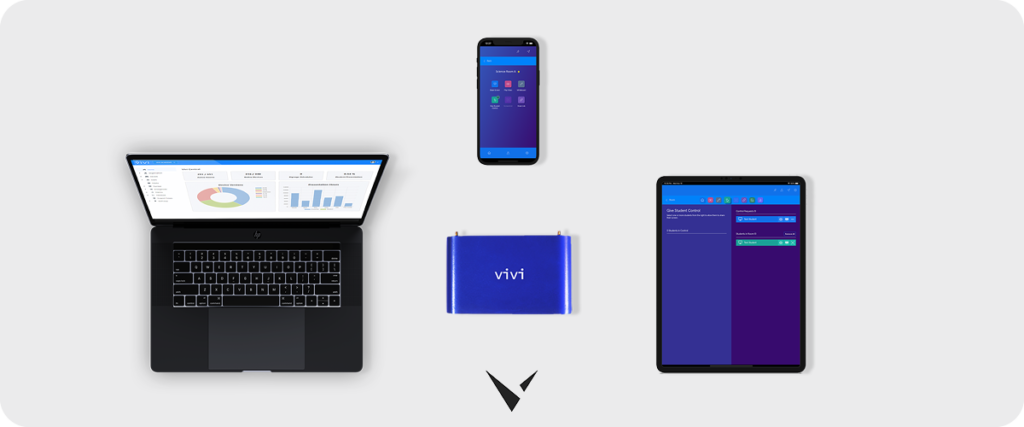
As an IT administrator, you’re the air traffic controller of your school with centralised management. Connect directly to your user database through LDAP and SAML, bulk configure and update, and control emergency broadcasts and digital signage. For one display in one room, or 10,000 displays across 10 campuses.

  • Bulk configure & updates
  • Guest access controls
  • Usage analytics.

Collaboration

Bring clarity to your classroom.

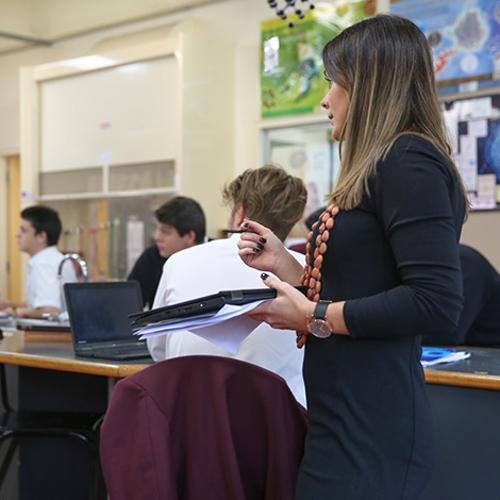
In a Vivi classroom, teachers can roam and engage with the display and the students from anywhere, enhancing student engagement. Create a more dynamic learning space, involve your students, and own your classroom. Vivi works with literally every device and display and it’s easy to use.

  • Digital signage.
  • Live broadcast.
  • Emergency alerts.

Creativity

The most used secret in education.

Students can share their work (with teacher permission), prompting immediate feedback where they benefit from student-centric lessons that are more interactive and empowering. Up to four students can share their work to a display at a time, to compare and contrast different approaches.

  • Direct video.
  • Polls & feedback.
  • Screenshot & annotation.

Contact our team of experts to discuss the right Vivi solution for your education space.

CommBox Webinar

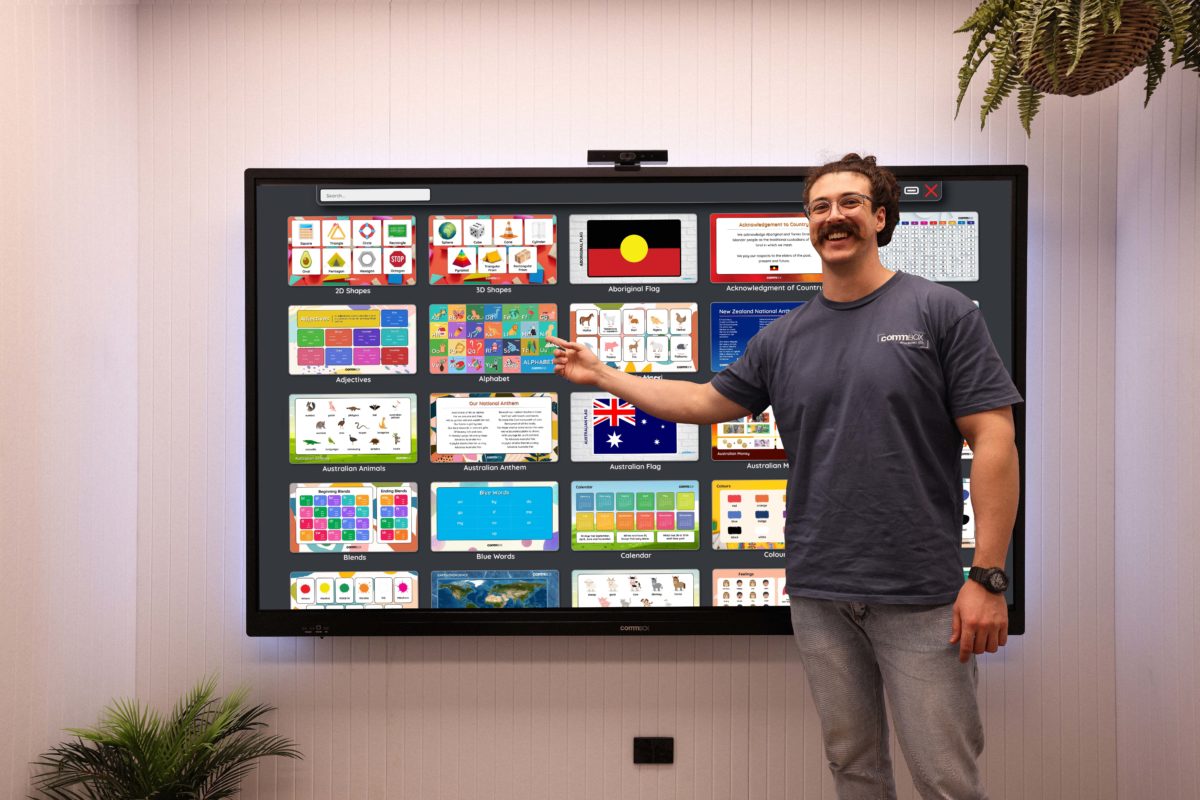
CommBox offers premium interactive touchscreens, commercial displays and digital signage tailored to suit the needs of education, corporate and retail markets. Designed and developed in Australia, CommBox pride themselves in creating products that are of a high standard using the latest technology to create an effortless user experience.

Join Pete from CommBox and Pat from Videopro in this recorded webinar as they cover the #1 interactive flat panel in Australia with a focus on its use in education environments. Learn more about how schools are using their panels, the addition of AirServer, remote support functionality via CommBox Manage, a variety of different apps on the panel and how to access further training and demonstrations. Pete also gives a sneak peek into some new CommBox hardware and software.

To learn more about CommBox solutions or to book a panel demonstration at Videopro HQ, please contact us today.

Lightware Taurus UCX

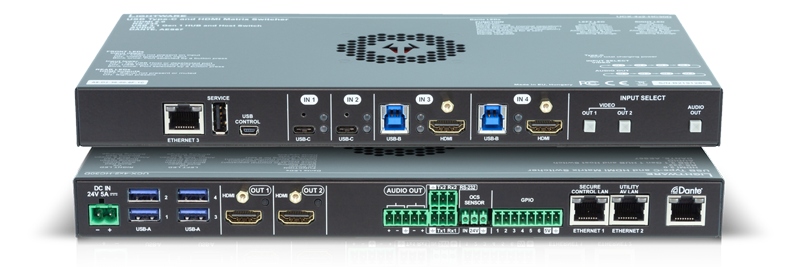
The Lightware Taurus UCX is a universal matrix switcher designed to tackle the common challenges of meeting rooms and collaboration environments. It is a Unified Communications platform that allows you to conveniently collaborate by simply connecting your own device to share your content and control the meeting room easier than ever before.

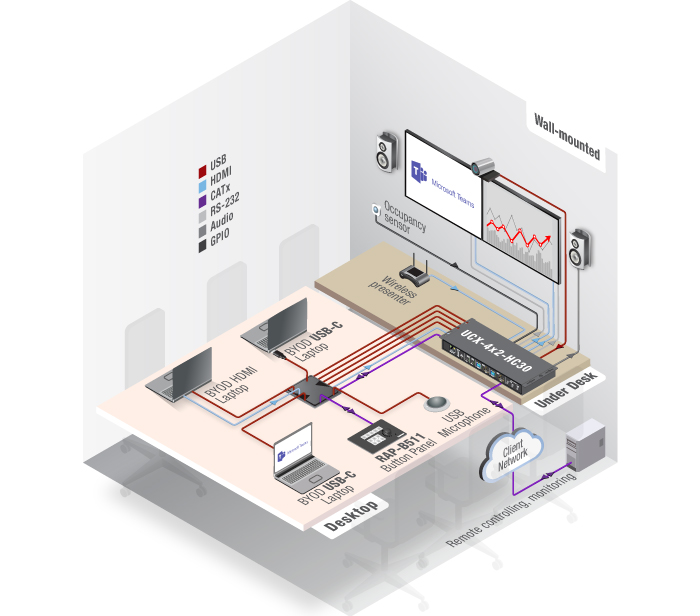
The device streamlines the BYOD meeting room process with a built-in superspeed USB hub and superspeed USB host switch, allowing users to connect USB peripherals (including webcams, microphones, mice and keyboards) and switch between different host devices (such as laptops) with ease.

Taurus UCX also allows users to access multiple video conference platforms including Microsoft Teams, Zoom and Cisco Webex, all in the one room. It makes it easy and intuitive to switch between platforms as needed.

USB-C connectivity keeps your device charged while also handling audio, video, ethernet and control signals via one single cable. Lightware’s USB-C cables are available in 1,2,3,4 and 5 meter versions. As different laptops come with different capabilities and features through USB-C, including DisplayPort Alternate mode and charging, Taurus UCX provides alternative solutions through HDMI 2.0.

Taurus UCX can also be integrated with room controls, including lights and shades, without the hassle of a separate control system. Simply use the control panel or touchpad that is already used for the room’s video conferencing system.

UCX-4×2-HC30 Application Example

Lightware Taurus UCX was awarded Best of Show (AV Technology) at Integrated Systems Europe 2022.

HP Presence

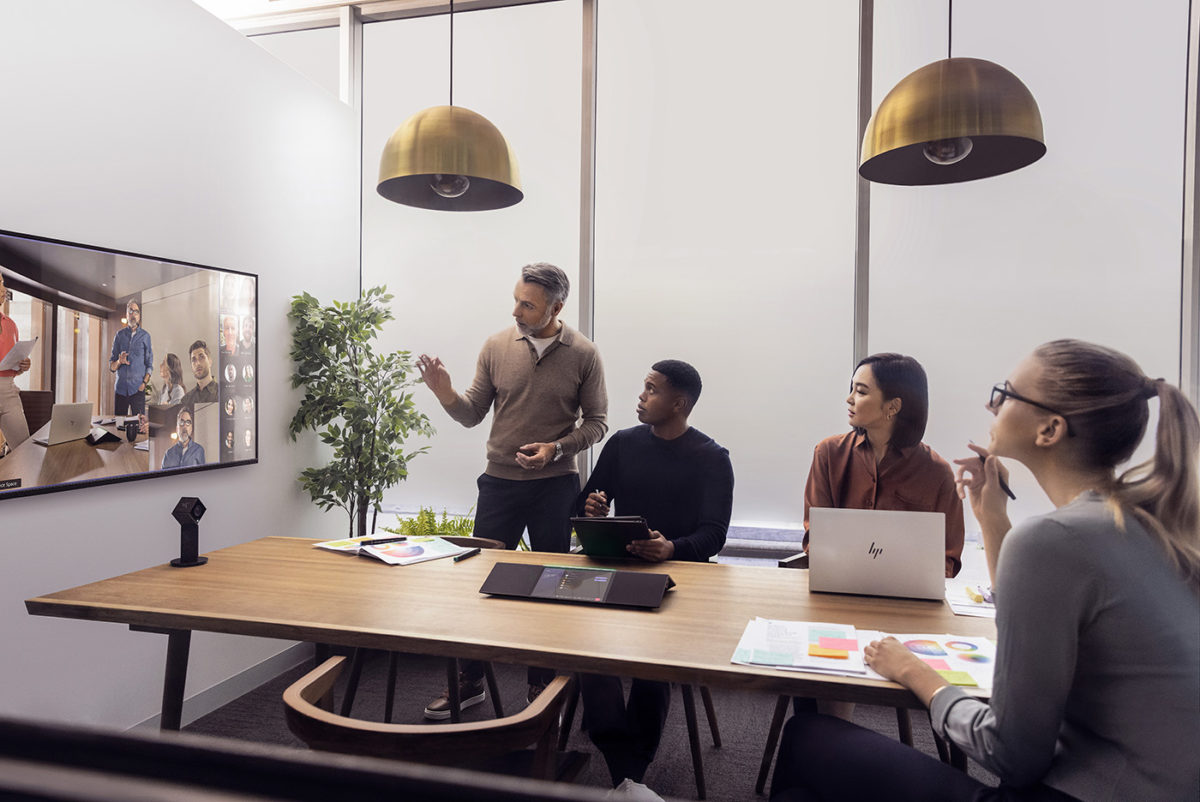
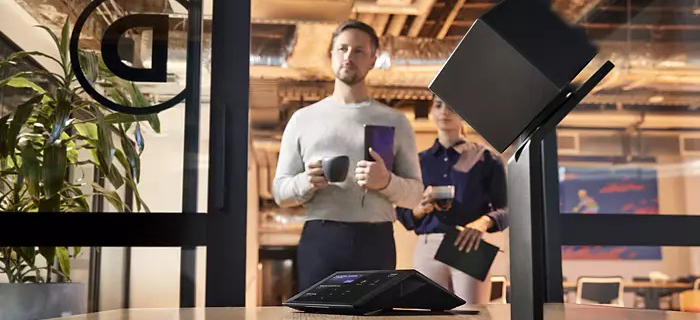
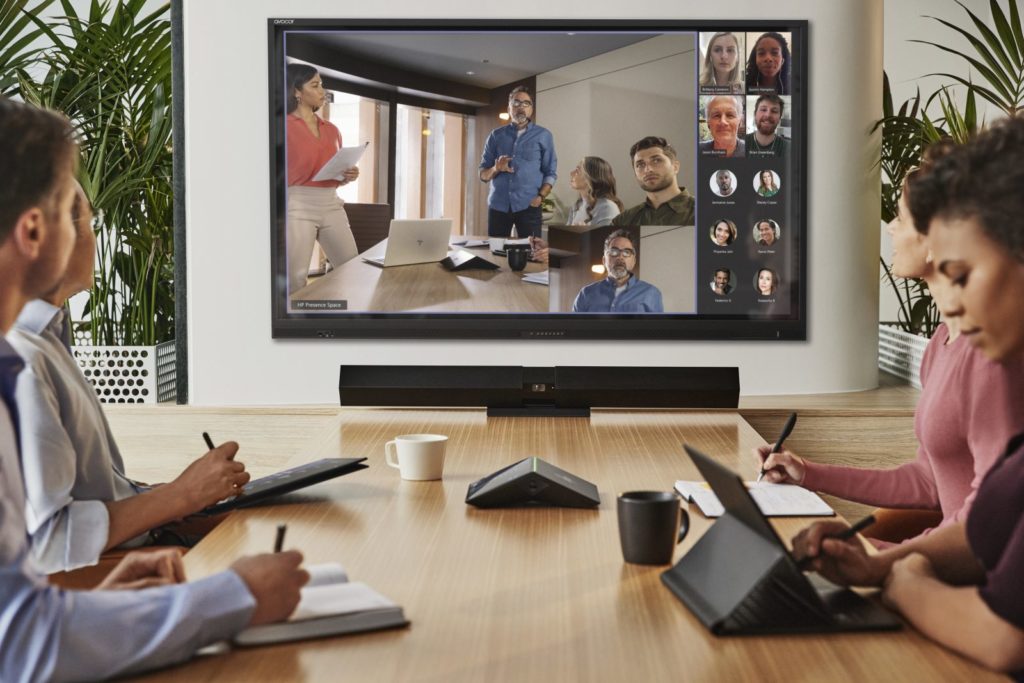
HP Presence enables friction-free collaboration with a portfolio of room solutions from pre-configured systems to upgradeable, custom solutions. As the hybrid working model continues to become more popular, HP Presence looks to bridge the divide between in-person and virtual meetings. With a strong focus on collaboration, the HP Presence Meeting Space Solutions are a suite of scalable, bundled options with hardware and services for meeting spaces of any size.

HP Presence offers solutions from small, one to two person focus spaces to large, twelve plus meeting rooms. Compatible with both Microsoft Teams and Zoom, meetings can get started in seconds with one-touch-join. HP Presence not only optimises meetings with the audio and video components, but can also provide IT with real-time insights for room utilisation.


HP Presence See 4K AI Camera

Offers studio-quality video with adjustable lighting, auto-framing, tracking and picture-in-picture. The camera wakes upon room entry making the conferencing experience seamless. Flexible mounting options make the camera suitable for a variety of room layouts and configurations.


HP Presence Audio Video Bar

With audio powered by Bang & Olufsen and paired with a smart camera featuring picture-in-picture, speaker tracking and auto framing as well as a privacy shutter, this video bar can be mounted below a display panel to create a powerful and sleek video conferencing room.


HP Presence Control & Presence Control Plus

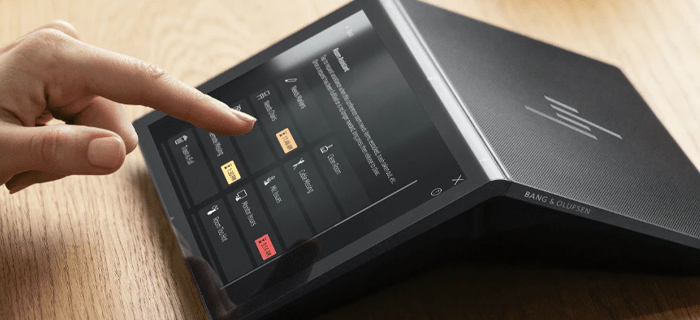
Featuring an easy-to-use 8-inch 3D interactive screen, the HP Presence Control makes conferencing a breeze. Premium sensors detect when someone enters the room to ensure the technology is ready when you are. Additionally, easily report a room issue e.g. missing chairs, dry markers, rubbish, temperature issues and more to IT or facilities management with HP Presence Room Assistant.

HP Presence small space solutions for Microsoft Teams are available to purchase through Videopro here, and can be incorporated into your business or education solution right now. Contact our team of experts to discuss design and installation today.

Blue Square Labs Lightboard

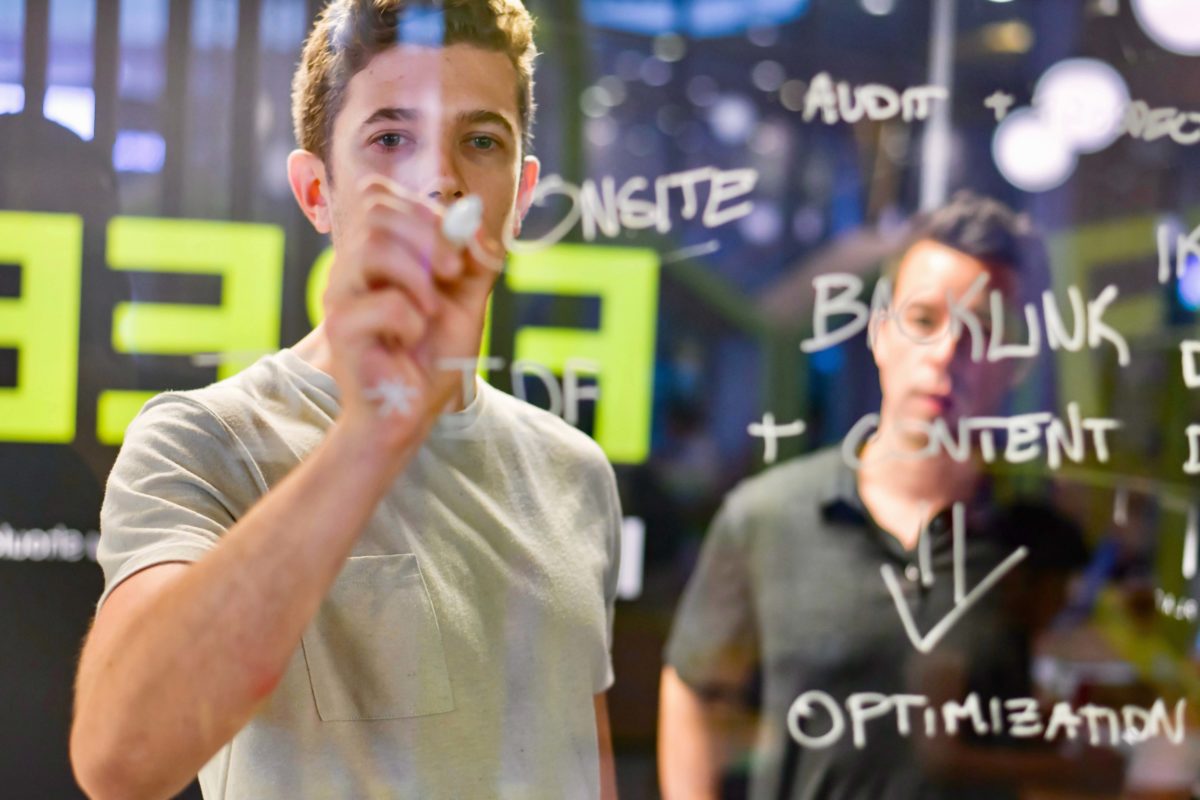
A lightboard is a transparent whiteboard made of glass with internal lighting used to make the writing glow. The writing is filmed through the glass and mirrored so that the orientation appears correct to the viewer. This innovative technology is a great way for a presenter to write and draw while maintaining eye contact; to deliver their message in a natural and engaging way. Unfortunately, lightboards can be an expensive investment so we have put together a simple way to convert a Blue Square Labs Interactive Panel into a lightboard.

There are several advantages to using this solution over a traditional lightboard. The digital whiteboard allows users to easily add or delete pages instead of erasing ink; eliminating the chance of smudges across the screen. It also allows users to add images and use the pen tool to write over the top of the image to create a more engaging learning experience. It is also a portable solution that can be wheeled from room to room, therefore not requiring a dedicated space to operate and store and it’s also a really cost-effective option when compared to a standard lightboard.

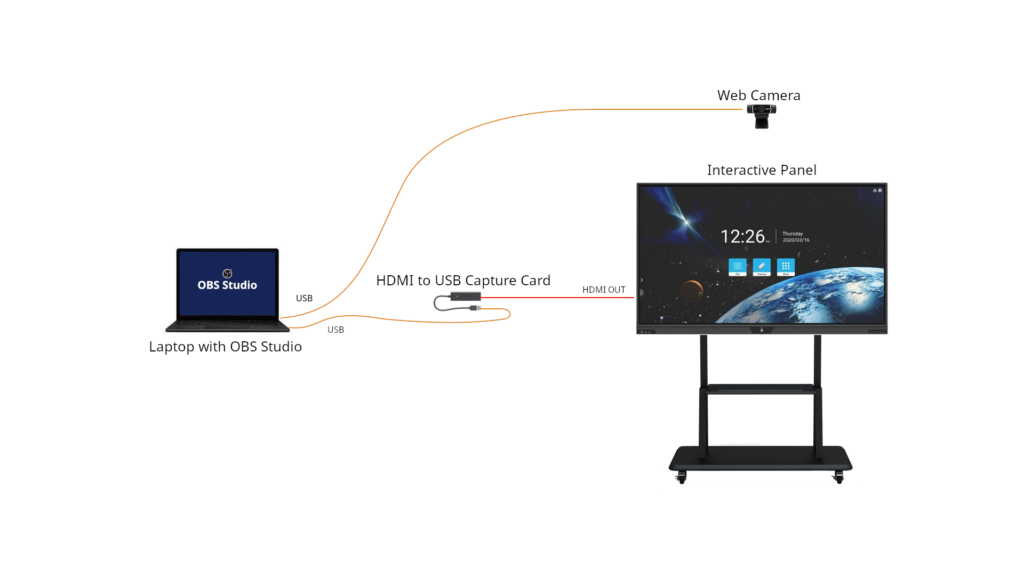
You will need the following equipment: a HDMI capture card to take the image from the panel’s HDMI out to your laptop, a web camera mounted to the top of the panel and OBS Studio on a laptop to act as a vision mixer for both sources.

Watch the video below to see how Pat, our Head of Relations – Education, converts a Blue Square Labs Interactive Panel into a lightboard.

To learn more or to speak to one of our technology experts please contact us.

Gaming Range

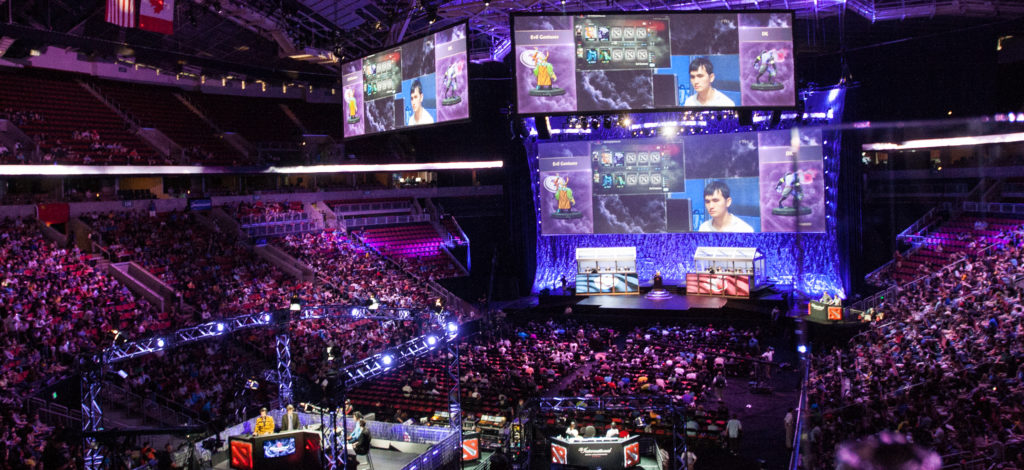
The rise of eSports has been on the horizon since the dawn of video games. Beginning in the 1970s as humble arcade tournaments, these local competitions grew in popularity and size until the boom of internet gaming in the 1990s created eSports as we know it now. Competitive gaming has been a logical next step in video game culture due to their inherent score keeping, leader boards, team games and achievements. While physical sports limit players (and often fans) by their geographical location, eSports competitions can be played remotely online and viewed by fans across the globe in real time. Now, as eSports has grown, we are seeing tournaments played live in huge stadium events with coverage from major sports outlets like ESPN. The mainstream success of eSports has even encouraged many Australian schools to host their own tournaments with students and is an exciting opportunity for young people across the country.

Image courtesy of Jakob Wells.

In addition to eSports, the popularity of gameplay streaming on Twitch and YouTube has encouraged many people to start making their own gaming content. As streaming equipment has become easier to use and acquire, the barrier for entry has been lowered and allows more people to give it a try, show off their skills and have a tonne of fun with a community of likeminded people.

Having the right gaming equipment is important when playing competitively, as you don’t want to be limited by your technology. Even if you’re not a pro gamer, having a great gaming set up can help improve your skills, enhance your experience or just look really cool. Aside from a gaming PC or console, you will also want to consider a mouse and keyboard, a gaming headset and a suitable monitor to play on.

Mice

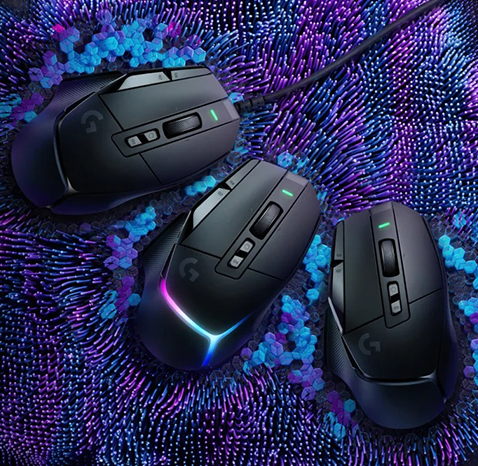
Gaming mice typically allow for better accuracy, faster movements and a more comfortable grip. The mouse you buy will depend on the type of games you play most regularly.

RTS (Real Time Strategy) and MOBA (Multiplayer Online Battle Arena) players would be encouraged to consider a mouse with additional buttons that can be assigned to various in-game functions. FPS (First Person Shooter) players on the other hand will be more interested in DPI (Dots Per Inch) and CPI (Counts Per Inch). The sensitivity of your mouse, and the ability to adjust it, is especially beneficial for the accuracy of aiming and shooting with a mouse.

Some other things to consider are the size and weight of the mouse, the sensor type and even the RGB lighting options.

Keyboards

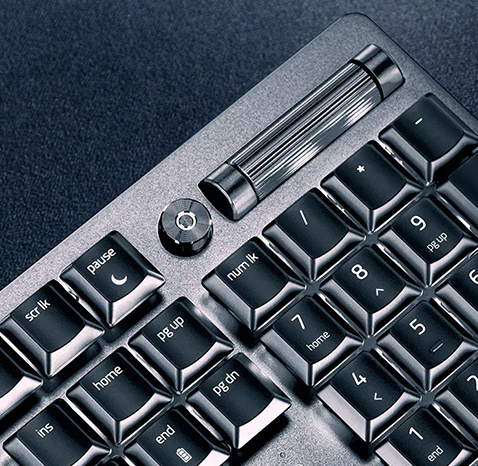
A gaming keyboard can make a noticeable difference in performance when compared to a typical computer or laptop keyboard. A keyboard’s precision and low latency are imperative to the competitive gaming experience.

A lot of people enjoy mechanical keyboards as they are typically faster and more durable while also providing a tactile response to each button push. Where the button press actuates is also important, especially in competitive gaming, as it is all about accuracy and speed.

Many gamers will also consider a TKL (tenkeyless) keyboard which removes the numpad from the right-hand-side therefore making the keyboard smaller. This is ideal if you want your hands closer together, frees up space on your desk and reduces the distance your hand has to travel between the keyboard and mouse.

Headsets

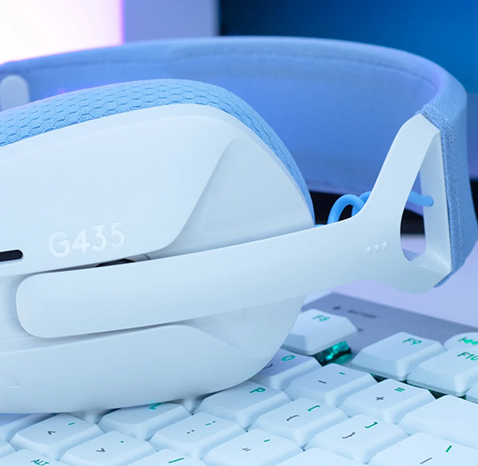
Some gaming headsets are designed to be console specific, allowing for greater integration with your Xbox, PlayStation, Switch or PC.

Gaming headsets also include a microphone to communicate with teammates, an essential part of online strategy games. Directional audio and surround sound are important aspects of competitive gaming, allowing for more accuracy when locating enemies. Some headset are also noise cancelling, ensuring you have no distractions from the outside world.

As with any over-ear or on-ear headphone, you will also want to consider the fit of the band and earcups to ensure the headset is the most comfortable option for you.

Monitors

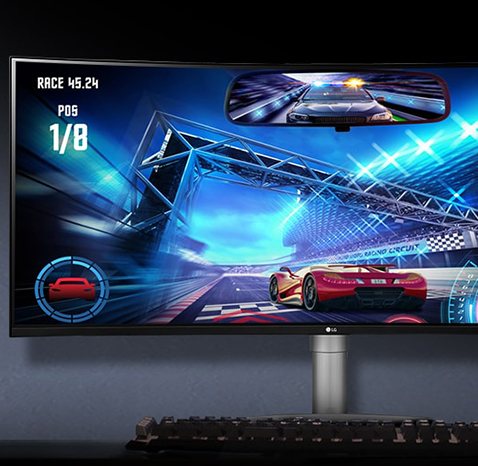
There are a number of factors to consider when purchasing a gaming monitor. The size of the monitor is a great starting point though it ultimately comes down to personal preference and the physical space you are working with. Most eSports athletes use either 24” or 27” monitors however, the LG 42” C2 OLED TV is also very popular amongst casual gamers as was the 48” C1 predecessor. Resolution is also an important factor with 1080p Full HD being the entry point for any burgeoning competitive player. 1440p, 4K and even 8K are all great options if you are willing to make the investment and have a PC or console that can support it.

Refresh rate is the next important aspect to consider with any gaming monitor. This is how many times the image on screen is refreshed in one second. For gaming, this will help you identify enemies quickly and improve accuracy in aiming/firing by reducing input lag. Ideally look for a monitor that offers a 144Hz refresh rate, though for reference eSports athletes may be playing with 240-360Hz. Response time is also important for speed and accuracy, the lower the better.

You may also want to consider the type of panel, the backlighting, bezel size, inputs/outputs, colour accuracy, FreeSync and GSync, motion blur, etc.


Click here to view our full gaming range from Razer, Logitech G, Bloody and more.

Thinking about creating your own gaming content? Take a look at our extensive range of production and streaming equipment.

Microsoft Teams Rooms: Windows vs Android

Due to the events of the last two and a half years, by now we are all fully aware of Microsoft Teams and Zoom. With the easing of COVID restrictions around the globe, we are now seeing a number of clients seeking advice on what is the best equipment to install in their meeting spaces as the hybrid working model evolves.

BYOD, Webex, MTR-A, Zoom Rooms, Microsoft Teams Rooms, VMR, Google Hangouts Meet – what do all these mean and which is best for your company? Well that really depends on what your underlying platform is, how you collaborate and who you wish to meet with virtually. This article focuses on Microsoft Teams Rooms, but if you are unsure of which platform or device will work best for your organisation, feel free to reach out to one of our VC tech experts who will help guide you on this journey.

Microsoft Teams is a team collaboration software piece that comes with all Office 365 accounts.

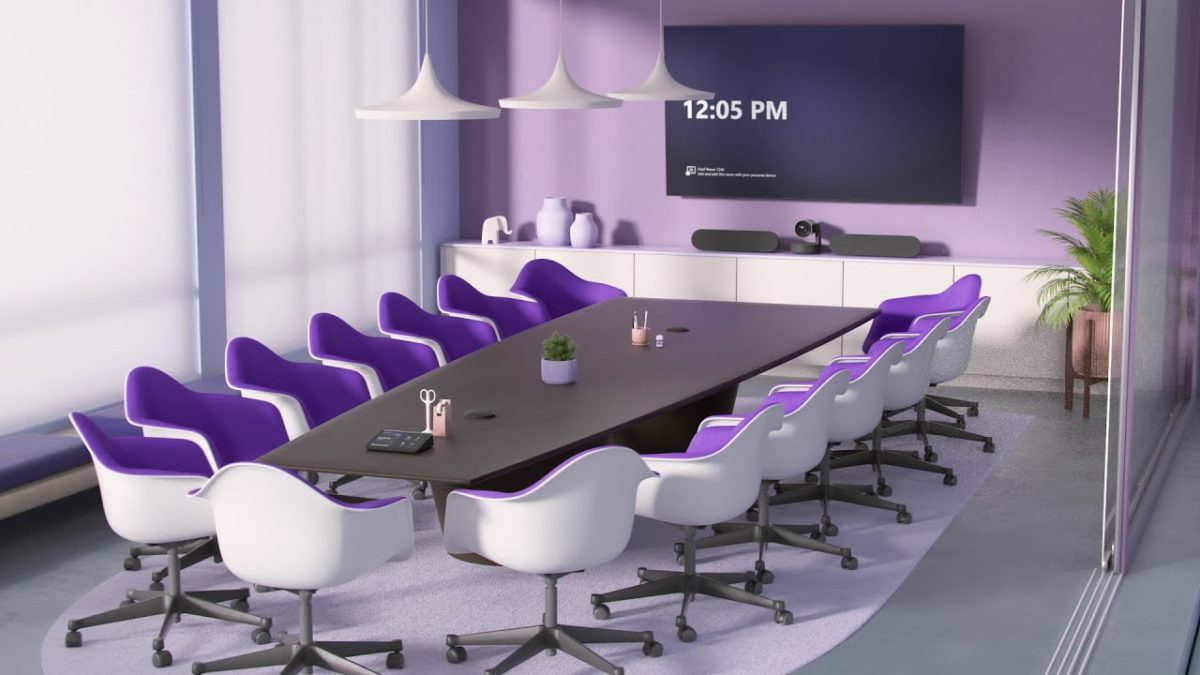
A Microsoft Teams Room is the physical space that houses this software and the associated Audio Visual hardware required for an enhanced team collaboration setup.

Microsoft and its partners have developed integrated hardware and software solutions that are certified to address the performance needs in meeting rooms of different sizes and configurations.

For successful deployments that incorporate the right equipment for your meeting space, you must carefully evaluate the differences between the two options in question:

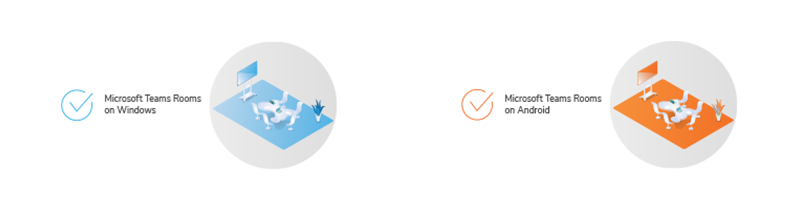
  1. Microsoft Teams Rooms on Windows (MTR-W)
  2. Microsoft Teams Rooms on Android (MTR-A)
Microsoft Teams Rooms on Windows
(MTR-W)

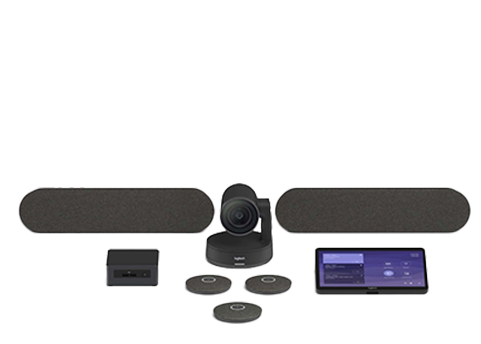
This option utilizes a dedicated Windows PC that remains in the meeting space at all times. The Teams Certified AV hardware that is installed in this room is paired with the PC – making the room a Certified Teams Room. Selecting the correct hardware and having it installed correctly ensures that the deployment meets Microsoft’s strict performance thresholds and the room functions as it should.

At the core of an MTR-W is a powerful mini-PC that forms the central hub of the system, handling and hosting the call. The user then chooses a camera and microphone to suit the size of the room. The principal difference from the MTR-A is that here you are running Microsoft Teams on a Windows PC rather than via an Android App.

Crestron and Poly have historically been the main players in this space, but due to the global chip shortage, we are seeing several other brands creep into the market in Australia. We have been busily testing these brands in our R&D facility over the past six months and are now happy to offer these to our customers and have stock available.

Microsoft Teams Rooms on Android
(MTR-A)

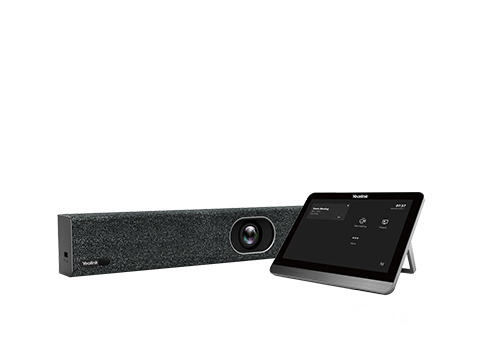
This option has a number of different names in the marketplace such as MTR-A, Video Bar, All-In-One, Smart Soundbar, etc. The main difference between MTR-W and MTR-A is that a MTR-A does not have a Windows PC, it uses an Android operating system that is housed in a sleek collaboration bar. This also houses the camera, speakers and microphones.

Historically MTR-W rooms have been rich in key features that the MTR-A rooms have lacked- such as dual screen mode, control interface, wireless sharing, etc. but we have seen this change dramatically in the past 12 months with the MTR-A devices now offering these features and many more.

There are a plethora of different choices in this space; Jabra, Logitech, Crestron, Poly, Neat, AVer, Yealink and Bose to name a few. Also, it is important to note that some devices are Teams Certified and others are not. We have tested a number of devices in our R&D facility and are able to demonstrate the key differences and make recommendations based on your particular needs. Due to the shortages we are seeing around the globe, we are also carrying stock of key devices to ensure the lead time issues some customers are experiencing are minimized.

Key Features

To help guide you as to what key features are available on each platform, you can refer to the linked chart which is updated periodically.

Final Thoughts

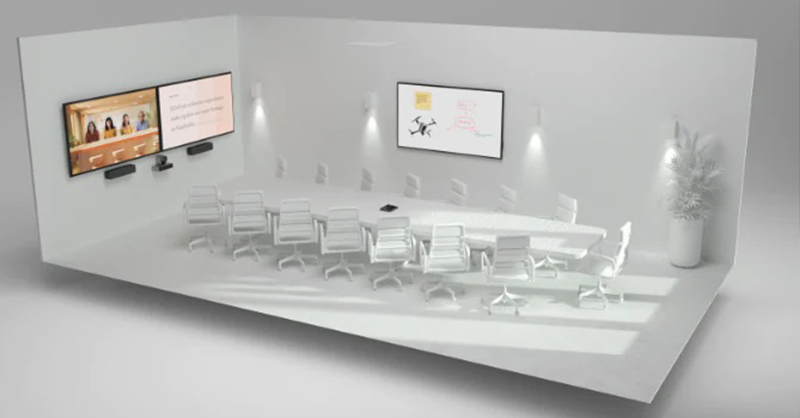
A Microsoft Teams Room on Android is generally less expensive to deploy than a Windows-based system and requires less initial and ongoing support from an IT team’s perspective. On the other hand, Windows-based Teams Rooms continue to have slightly more features available and are typically more suitable for larger, complex rooms than their Android counterpart.

We have seen in the past that updates and new features, such as dual screen support, are rolled out sooner on the Windows platform than on the Android version. However, the technology and the user experience are very similar in both room types.

There are a number of other factors that need to be considered when deploying effective video conferencing solutions for your staff, such as lighting, screen sizes, acoustics, room layouts, work-from-home solutions, etc. If you would like some help designing your next space, please feel free to reach out to one of our tech experts.

RØDE Microphone Bundles

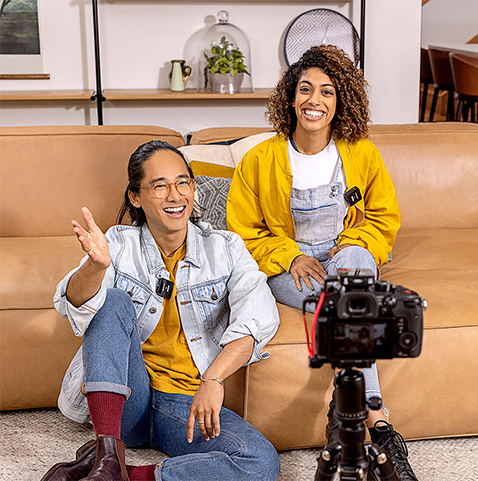
Whether you need a solution for podcasting, streaming, voice over, vlogging, music recording or any other content creation application, RØDE has a microphone kit for you.

RØDE and Videopro have taken out the hard work of figuring out what products go together by offering an assortment of different bundles suitable for a wide range of uses.

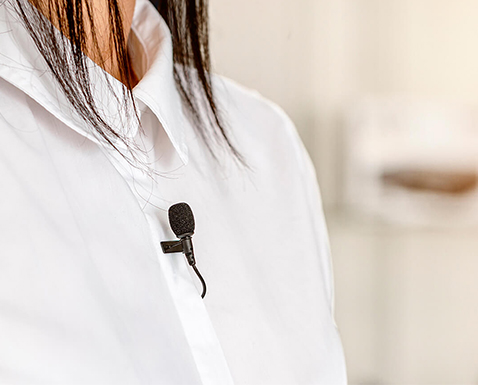
Wireless GO II & Lavalier GO Bundle

In the kit:

  • 1 x RØDE Wireless GO II
  • 2 x RØDE Lavalier GO

For simple and straight forward audio recording on the go, look no further than the Wireless GO II and Lavalier GO bundle. The WIGOII supports two-person shoots, onboard recording and flexible output options allowing you to quickly incorporate wireless audio into your setup regardless of experience level or what device you’re recording to. Featuring a receiver and two transmitters the WIGOII is paired nicely with two omnidirectional lavalier microphones. The Lavalier GOs offer the convenience and clarity of a broadcast-quality, clip-on lapel microphone with a robust and discrete design. This bundle is a simple and reliable solution for videographers, journalists and vloggers especially when recording interviews.

Wireless GO II Bundle

In the kit:

  • 1 x RØDE Wireless GO II
  • 2 x RØDE Lavalier GO
  • 2 x RØDE Interview GO
  • 2 x RØDE VXLR
  • 1 x RØDE SC11
  • 1 x RØDE MagClip GO

This bundle takes the WIGOII and Lavalier GO combination to the next level with the addition of two Interview GO handheld adapters. Simply attach the WIGOII transmitters to the handle and cover with the included windshield to create a compact handheld microphone for reporting to-camera or interviewing in the field. The bundle also includes two minijack to XLR adapters and a splitter cable, along with a magnetic clip compatible with the WIGOII allowing for more flexibility and variety in the positioning of the transmitters on talent.

RØDECaster Pro Basic Bundle

In the kit:

  • 1 x RØDECaster Pro
  • 4 x RØDE DS1
  • 4 x Maximum ME6003

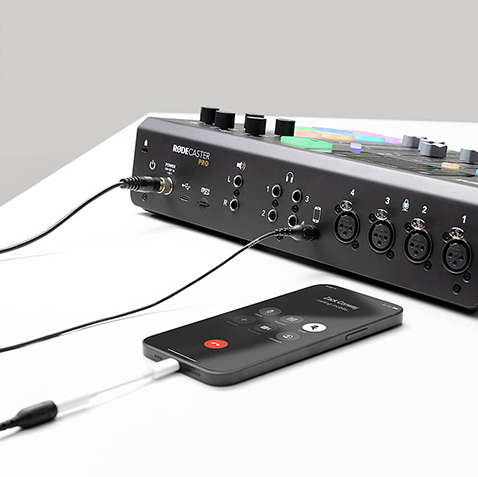
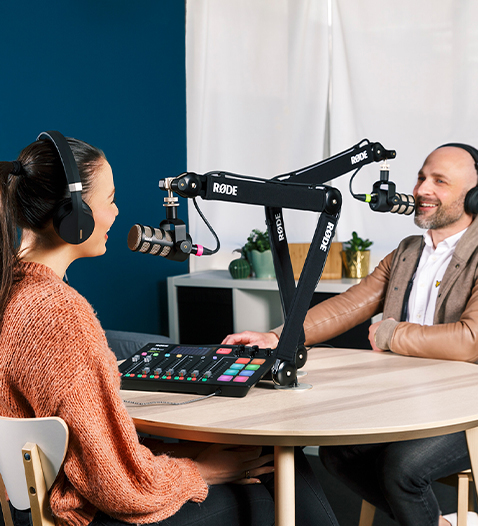
If you’re looking to upgrade an existing podcast setup or want a jumping off point to build out your own, the RØDECaster Pro basic bundle is a great solution. The RØDECaster Pro is equipped with four high-quality XLR mic inputs, four discrete headphone outputs, eight faders to control audio levels, and Bluetooth, USB, and TRRS connectivity. It is perfectly suited for professionals who are looking to enhance their podcasts with advanced components packaged together in one unit for studio use or podcasts on the move, as well as for those who are just starting out and in need of a simple, straightforward solution. Included in the bundle are four microphone desk stands and four 3m XLR cables giving you the freedom to connect your own microphones and headphones as desired.

RØDECaster Pro Bundle

In the kit:

  • 1 x RØDECaster Pro
  • 2 x RØDE PodMic
  • 2 x RØDE PSA1
  • 2 x Sony MDR7506
  • 2 x Maximum ME6003
  • 1 x SanDisk Micro SD

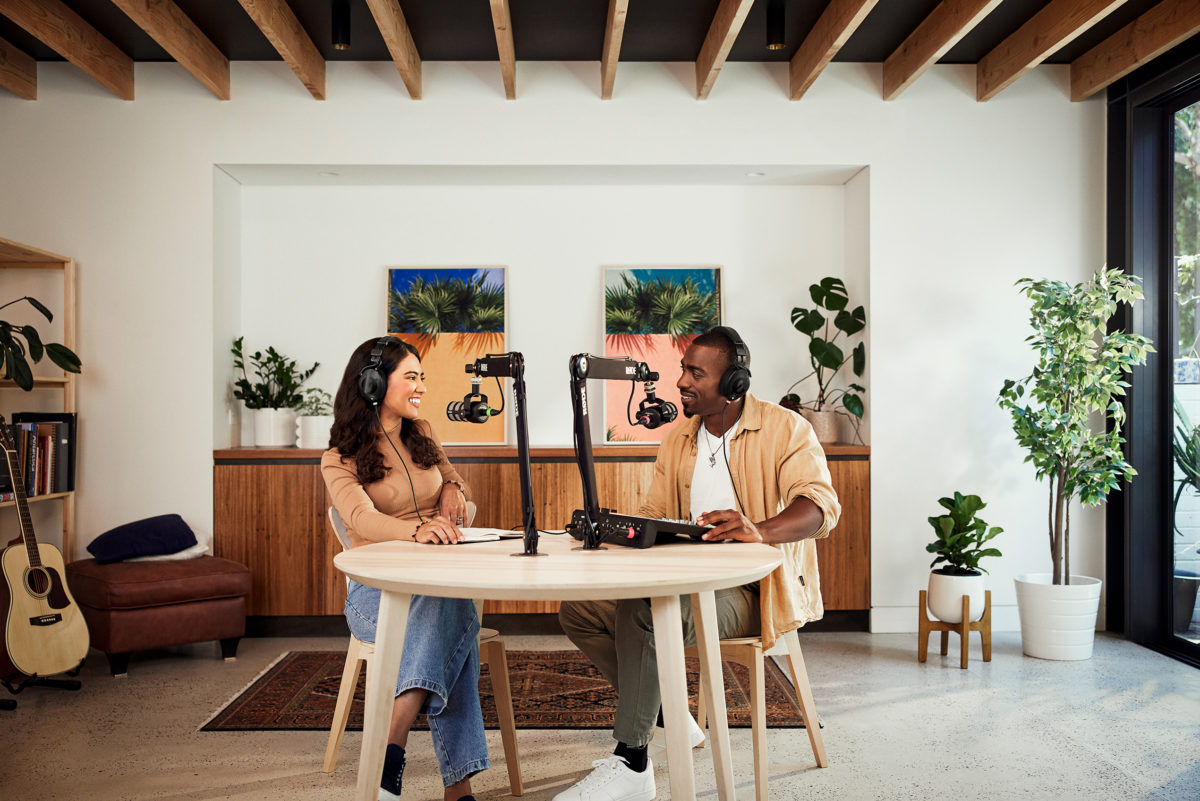
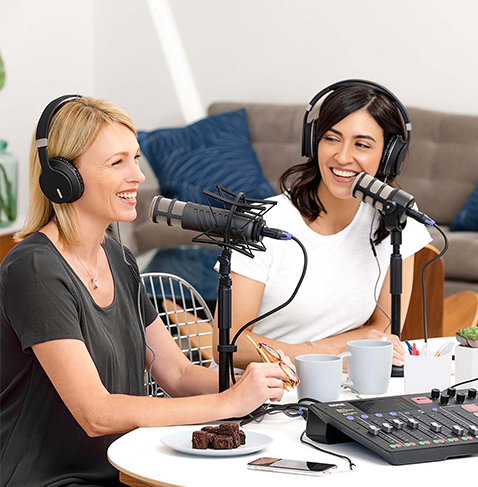
If you are in the market for a ready-to-go, two-person podcast setup, look no further than this bundle. While also featuring the RØDECaster Pro, this bundle includes two PodMics, cost-effective, stylish, end-address dynamic XLR microphones specifically tuned for speech and broadcast. Paired with two studio-quality PSA1 boom arms offering full 360 degree rotation and a horizontal reach of 820mm, suitable for desk mounting. Two Sony MDR7506 professional studio over-ear headphones can plug directly into the RØDECaster Pro, allowing for real-time audio monitoring. The bundle is rounded out with two Maximum 3m XLR cables and a SanDisk 64GB Micro SD card, ensuring all the gear can be used together with ease.

RØDE NTUSB & PSA1+ Bundle

In the kit:

  • 1 x RØDE NT-USB
  • 1 x RØDE PSA1+

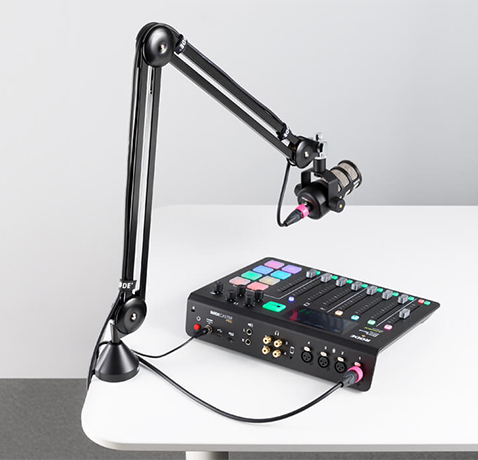
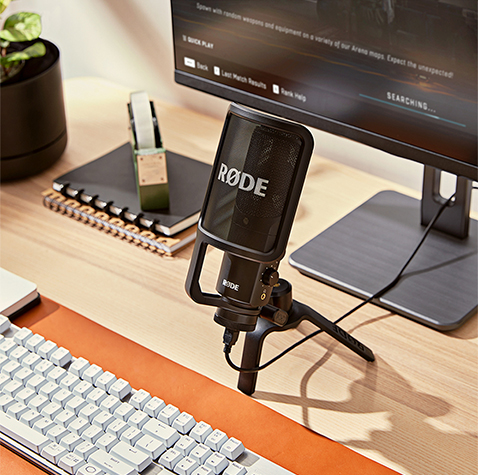
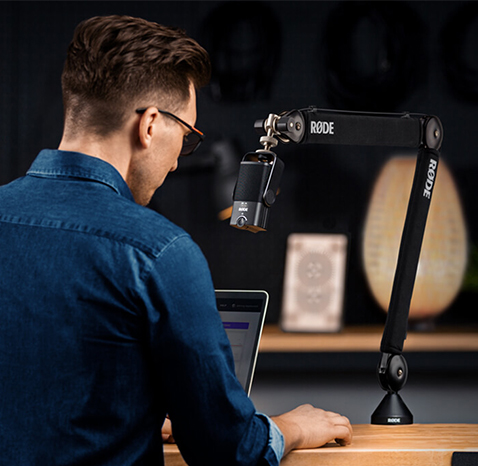
This bundle provides a simple and reliable solution for recording vocals and instruments, gaming and livestreaming, podcasting, voice-overs and more. The NT-USB is a studio-quality USB condenser microphone that delivers impeccable audio, elegant looks and premium features, all in an easy-to-use form factor. Simply mount the microphone to a desk or table using the PSA1+ professional studio arm. Its innovative parallelogram spring design ensures ultra-smooth movement and precise microphone placement in any position, while its fully damped internal springs and neoprene arm cover eliminate mechanical noise for completely silent operation. Integrated cable management ensures your setup is tidy and its extended reach and full 360-degree rotation make it easy to position your microphone exactly where it needs to be.

RØDE NT1AIKIT and K&M 199 Bundle

In the kit:

  • 1 x RØDE NT1AIKIT
  • 1 x K&M 199

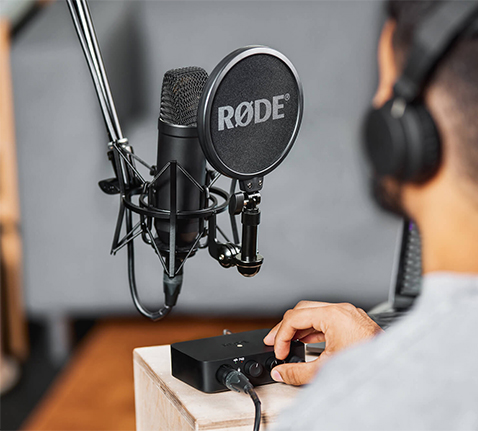
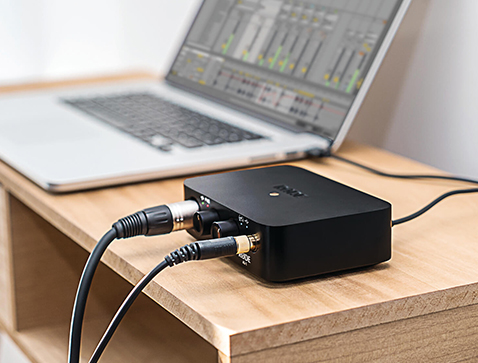
The RØDE NT1AIKIT contains everything you need to make professional, studio-quality recordings at home. Featuring RØDE’s AI-1 audio interface, peerless NT1 large-diaphragm condenser microphone, plus an SM6 shock mount, pop filter, dust cover and XLR cable, it’s the perfect first step into professional recording. The NT1 is a world-class large-diaphragm condenser microphone excels on vocals as well as a wide range of instruments. The kit has been paired nicely with the K&M 199 Microphone Stand, a lightweight, folding tripod that is easy to transport. The stand is designed for general microphone applications and features a variable height of 625mm to 1480mm.
If you want to explore other audio recording solutions view our full range of RØDE bundles and products, or speak to one of expert team members.
Best of CES 2022

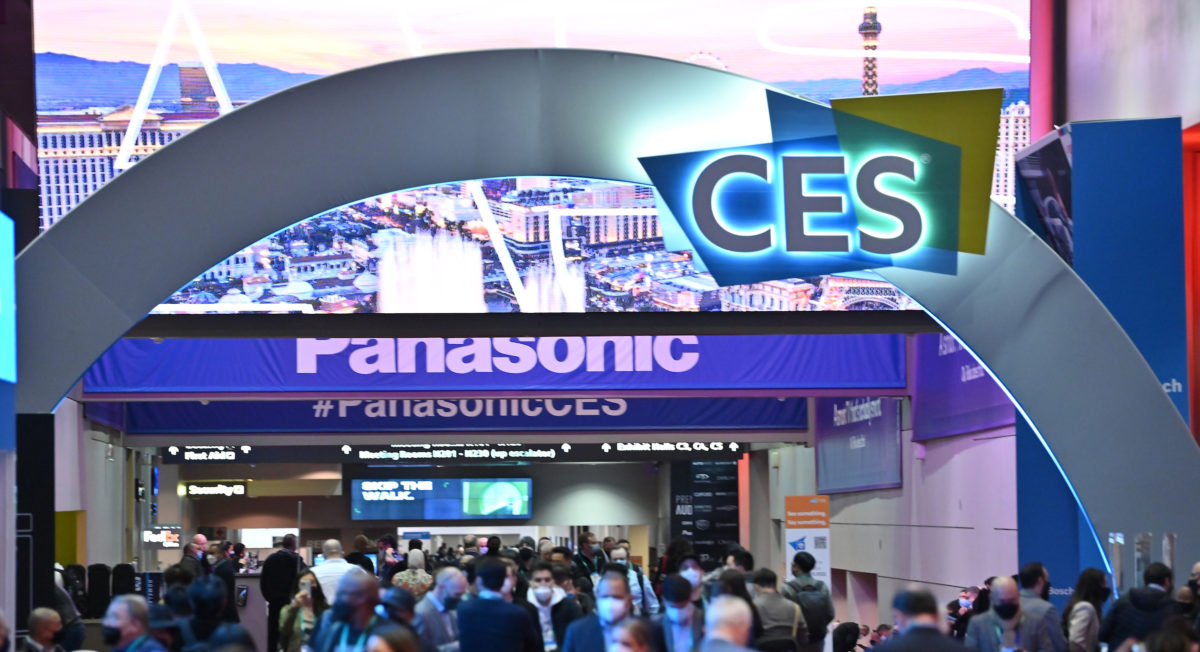
CES 2022 was held in Las Vegas and remotely at the start of January by the Consumer Technology Association. The annual conference saw over 2300 companies from across the globe coming together to announce upcoming product releases, new technology and exciting industry innovations. CES is a great way to keep the finger on the pulse of AV and electronics news so, here are a few items we’ve taken note of.



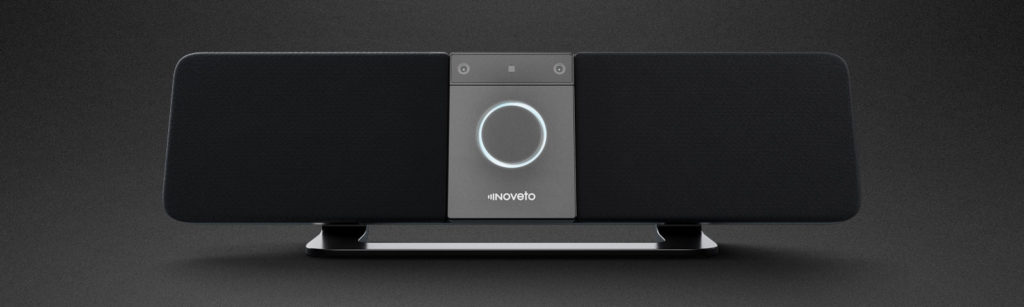
Noveto | N1

Taking a video call while in a shared space such as working from home or in an open plan office usually requires wearing headphones. This can create a barrier between you and the world around you and can even cause discomfort after a long period of time. Noveto has developed a product that will allow users to play their audio “aloud”, without disrupting those around them.

The Noveto N1 showcases a new way of experiencing audio all through a small desktop device. Using Noveto’s Smart Beaming technology, sound waves are beamed to just outside your ears creating an immersive and personal binaural audio experience or the illusion of “invisible headphones”.

Offering up to 9